


An Introduction To Moho Pro/Anime Studio 2D Illustration-Animation
Overview Many beginners struggle to create smooth 2D animations because character rigging, bone structure, and motion design often feel complicated …
4.6
4.6 Rating ( 7 Reviews )  296 Students
 296 Students
Bestseller
Great Service
Highly Rated
Trending


Course Curriculum
| Introduction | |||
| An Overview of Moho | 00:07:00 | ||
| Revised Course Objectives | 00:05:00 | ||
| Rigging Your Character Body Bone Structure | |||
| Requirements of a Solid Character Body Bone Structure | 00:11:00 | ||
| Pose, Proportion, Perspective and Joints | 00:12:00 | ||
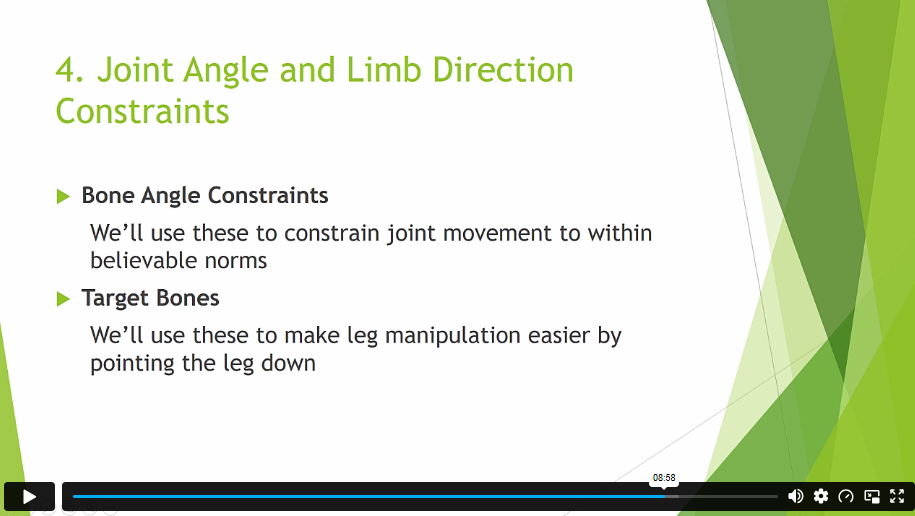
| Bone Correction, Angle Constraints and Target Bones | 00:12:00 | ||
| Illustration | |||
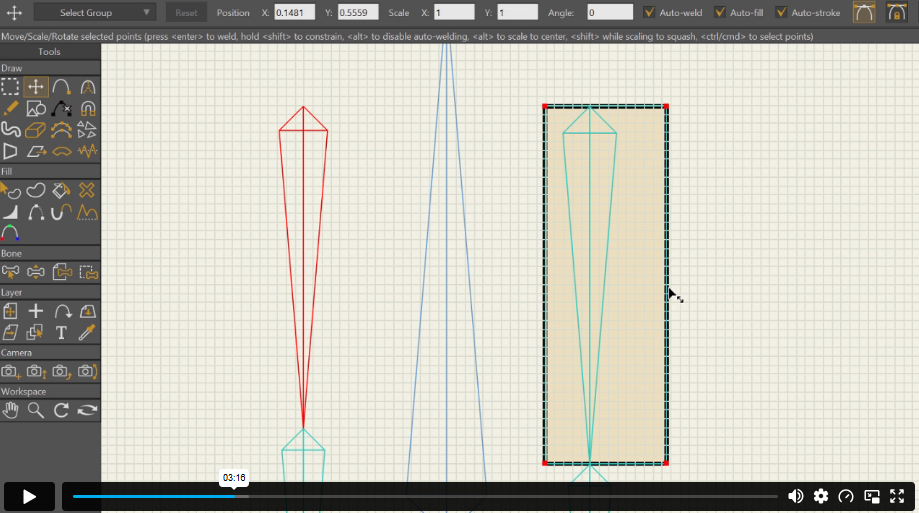
| Constructing Perfect Knee and Elbow Joints (Part 1) | 00:14:00 | ||
| Constructing Perfect Knee and Elbow Joints (Part 2) | 00:09:00 | ||
| Drawing Your Character Torso | 00:15:00 | ||
| Tracing Your Character Head and Face | 00:17:00 | ||
| Cartoon Eyes Option Using Layer Masks | 00:08:00 | ||
| Rigging Your Character | |||
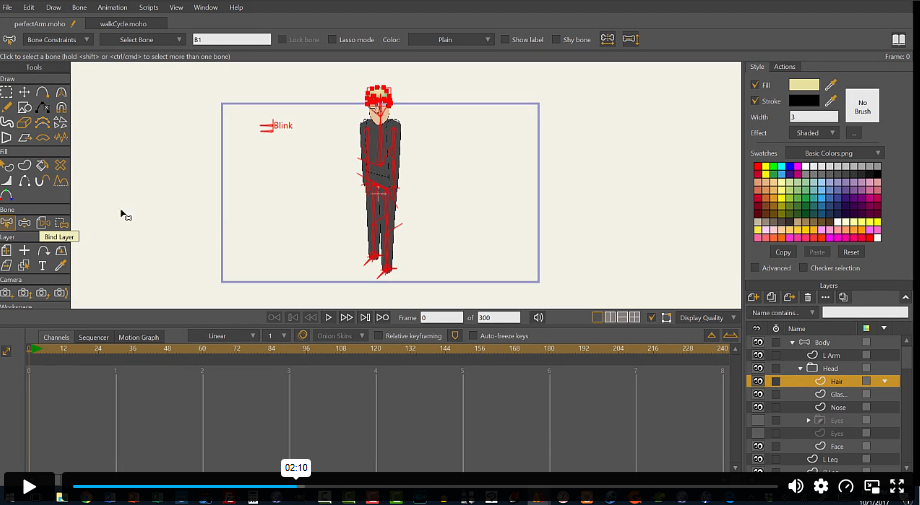
| Binding Bones to Your Character | 00:07:00 | ||
| Rigging Switch Layer Hands, Feet and Mouth | 00:11:00 | ||
| Rigging Facial Smart Bone Dials | 00:15:00 | ||
| Animation | |||
| Animating a Walk Cycle (Part 1) | 00:13:00 | ||
| Animating a Walk Cycle (Part 2) | 00:07:00 | ||
| Lip Syncing with Papagayo | 00:13:00 | ||
| Camera and Background Animation | 00:12:00 | ||
| Conclusion | |||
| What Now? | 00:02:00 | ||

1. What is Moho Pro used for? +
It is used for creating 2D character animation and motion graphics.
2. Do I need drawing skills for this course? +
Basic drawing skills help, but the course guides you step by step.
3. Is this course suitable for beginners? +
Yes, it is designed for complete beginners in animation.
4. What will I be able to create after this course? +
You will be able to create fully rigged and animated 2D characters.
5. Is Moho Pro difficult to learn? +
No, the course breaks it into simple, manageable lessons.
£24.99
Exclusive Deal! 95% Off, Today Only!
Offer Ends Soon
 Take All courses for £49

This course includes:
 Access
 Level
Level
 Number of Units
 Duration
 Course Type
- £24.99
- 1 year
- Beginner
- Number of Units18
- Number of Quizzes0
- 3 hours, 10 minutes Gift this course
 14-Day Money-Back Guarantee
£24.99
/Unit Price
Exclusive Deal! 95% Off, Today Only!
Discounted Total:£120.00
Quantity:
Buying more than one of the same courses?
- 50% discount for orders of 10+ courses
- 60% discount for orders of 50+ courses
- 70% discount for orders of 100+ courses
Looking for a more personalised package?
Contact Us Now