


Build a Self Hosted Online Course With LifterLMS & WordPress
Overview Build your own learning platform with the LifterLMS WordPress Course from Thames College. The UK online education market reached …
 215 Students
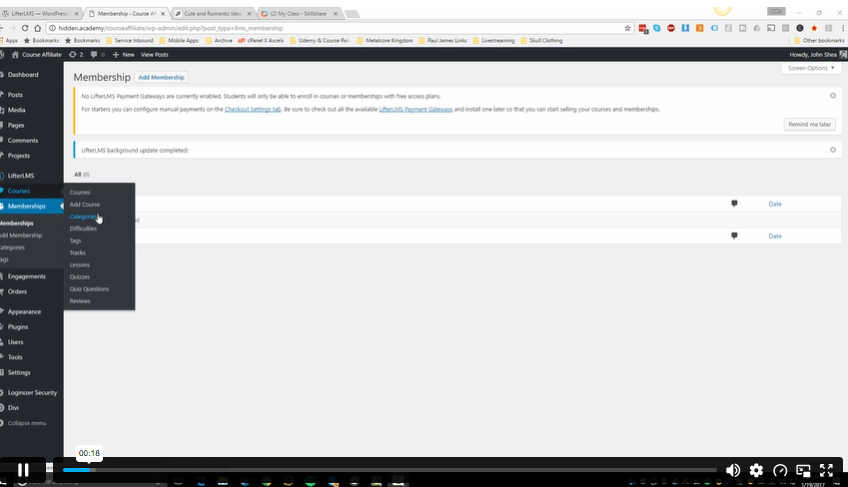
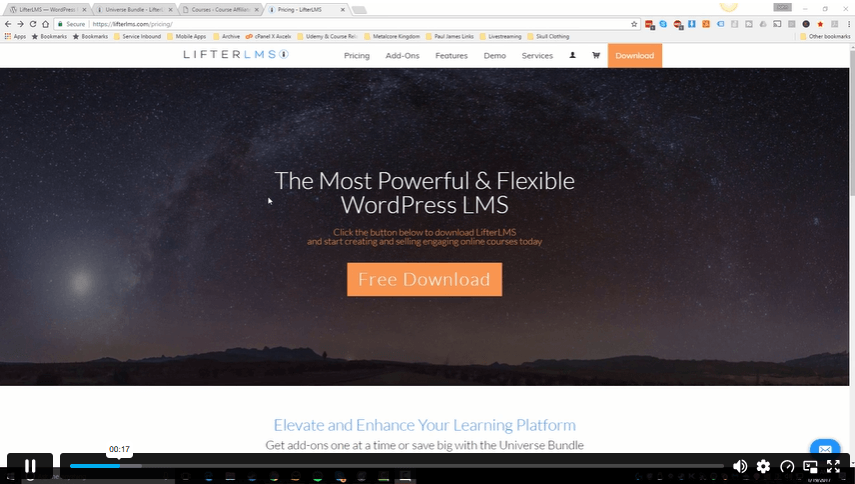
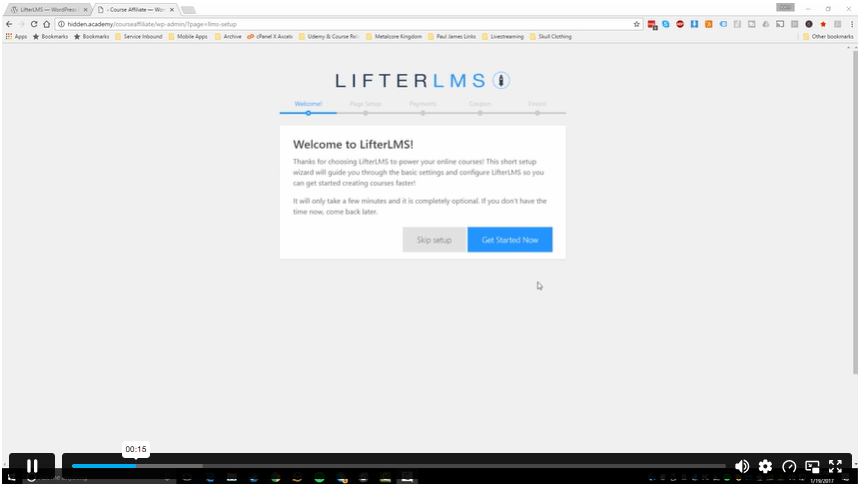
Course Curriculum
| Introduction To The Course | |||
| Introduction To LifterLMS | 00:06:00 | ||
| LaunchPad Theme Demo | 00:04:00 | ||
| Setting Up LifterLMS | |||
| Quick Start Setup | 00:03:00 | ||
| Working with LifterLMS | |||
| Adding Courses and Settings For Your Course | 00:09:00 | ||
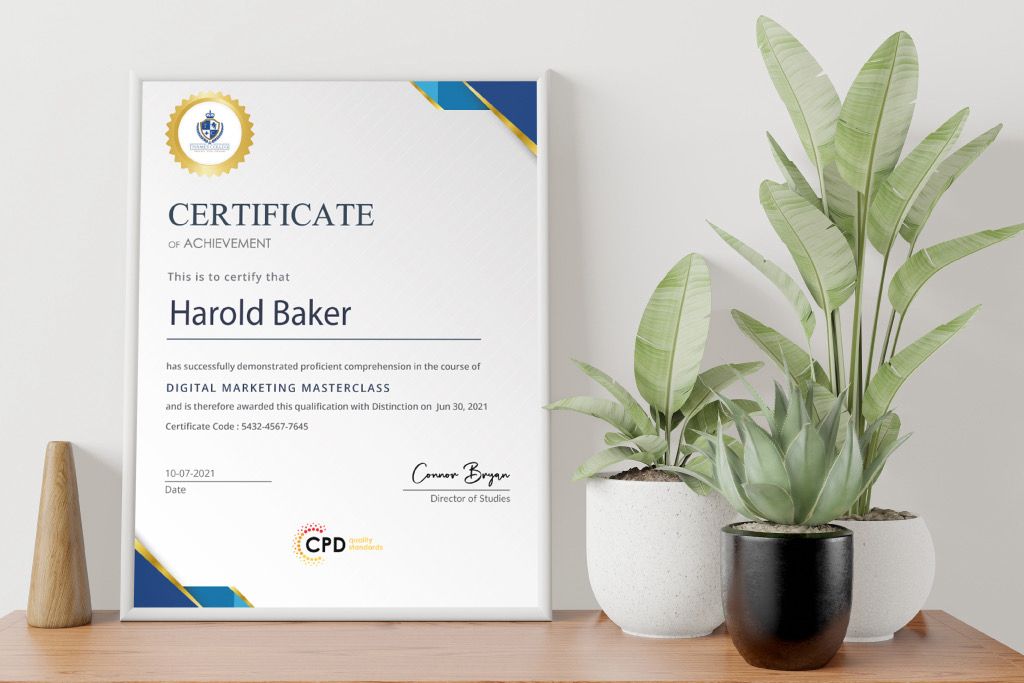
| Membership Levels – Achievements – Certificates | 00:08:00 | ||
| Orders – Coupons – Vouchers | 00:03:00 | ||
| Extra Extensions With The Universe Bundle | |||
| Universe Bundle Extensions and Conclusion | 00:06:00 | ||
| Assignment | |||
| Assignment -Build a Self Hosted Online Course With LifterLMS & WordPress | 00:00:00 | ||

Course Reviews
No Reviews found for this course.
A LifterLMS WordPress course teaches learners how to create an online course website using WordPress and the LifterLMS plugin. It covers course setup, learner access, memberships, certificates, orders, coupons and other LMS website features.
LifterLMS can be suitable for beginners who already know basic WordPress. The course helps learners follow the main setup steps, manage course settings and understand how an LMS website works without needing advanced coding knowledge.
Yes, WordPress can be used to build an online course website with an LMS plugin such as LifterLMS. You can create courses, organise lessons, manage learners, offer certificates and control access from your own website.
WordPress is the website platform, while LifterLMS adds online course features to it. WordPress manages the site structure and content, while LifterLMS helps manage courses, lessons, memberships, certificates, learner access and course sales tools.
Yes, LifterLMS can support online course sales through access settings, orders, memberships, coupons and vouchers. These tools help course creators manage enrolments, offer discounts and control how learners access paid or free learning content.
Exclusive Deal! 95% Off, Today Only!
Offer Ends Soon
 Take All courses for £49

 Access
 Level
Level
 Number of Units
 Duration
- £24.99
- 1 year
- Intermediate
- Number of Units8
- Number of Quizzes0
- 39 minutes Gift this course
 14-Day Money-Back Guarantee
Exclusive Deal! 95% Off, Today Only!
Discounted Total:- 50% discount for orders of 10+ courses
- 60% discount for orders of 50+ courses
- 70% discount for orders of 100+ courses