


AutoCAD to Excel – VBA Programming Hands-On!
Overview Many engineers and designers struggle with repetitive drafting tasks in AutoCAD, which slows down productivity and increases the chance …
 88 Students

Course Curriculum
| Unit 01: Introduction | |||
| Module 01: Introduction | 00:01:00 | ||
| Module 02: Course Content | 00:04:00 | ||
| Module 03: Who is this Course for? | 00:01:00 | ||
| Module 04: What Will I Learn from this Course? | 00:02:00 | ||
| Unit 02: Exporting AutoCAD Objects to Excel | |||
| Module 01: Exporting Line Object to Excel Introduction | 00:01:00 | ||
| Module 02: Exporting Line Objects to Excel – Hands-on Demo | 00:13:00 | ||
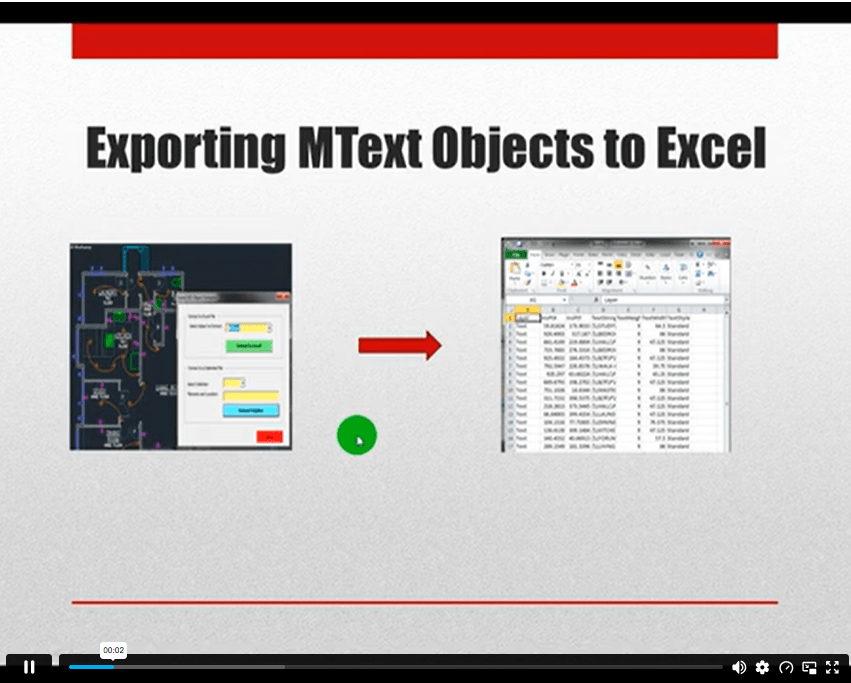
| Module 03: Exporting MText Objects to Excel Introduction | 00:01:00 | ||
| Module 04: Exporting MText Objects to Excel – Hands-on Demo | 00:08:00 | ||
| Module 05: Exporting Attribute Blocks to Excel Introduction | 00:01:00 | ||
| Module 06: Exporting Attribute Block Objects to Excel – Hands-on Demo | 00:15:00 | ||
| Unit 03: AutoCAD to Excel Extractor Project | |||
| Module 01: Developing the Extractor Program | 00:09:00 | ||
| Unit 04: Exporting AutoCAD Objects to Delimited Files | |||
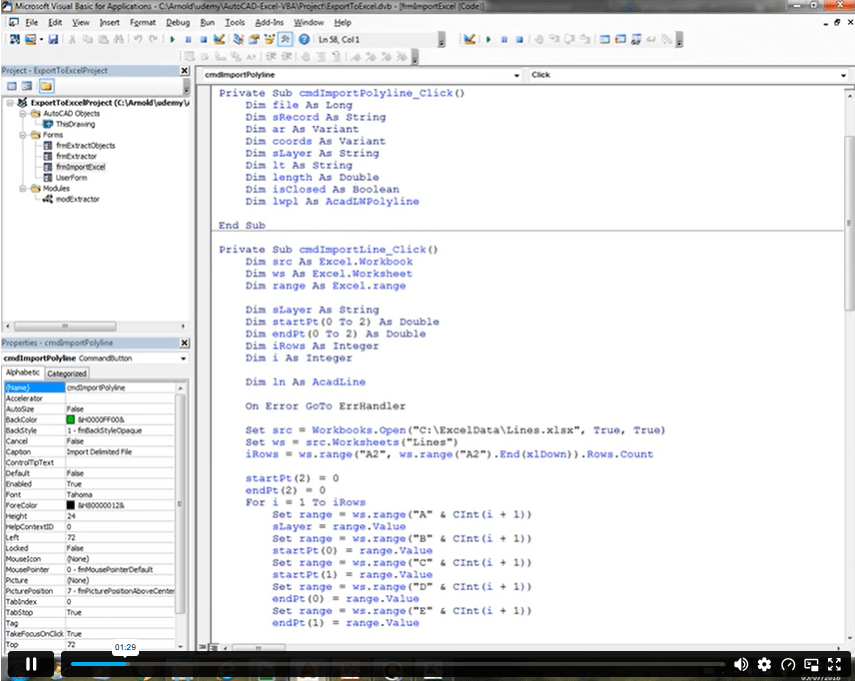
| Module 01: Exporting LWPolyline to CSV File Introduction | 00:02:00 | ||
| Module 02: Exporting LWPolyline Objects to a CSV File – Hands-on Demo (Part 1) | 00:04:00 | ||
| Module 03: Exporting LWPolyline Objects to a CSV File – Hands-on Demo (Part 2) | 00:19:00 | ||
| Module 04: Exporting LWPolyline to a Pipe Delimited File Introduction | 00:01:00 | ||
| Module 05: Exporting LWPolyline to a Pipe Delimited File – Hands-On Demo | 00:02:00 | ||
| Unit 05: Importing Excel File Into AutoCAD | |||
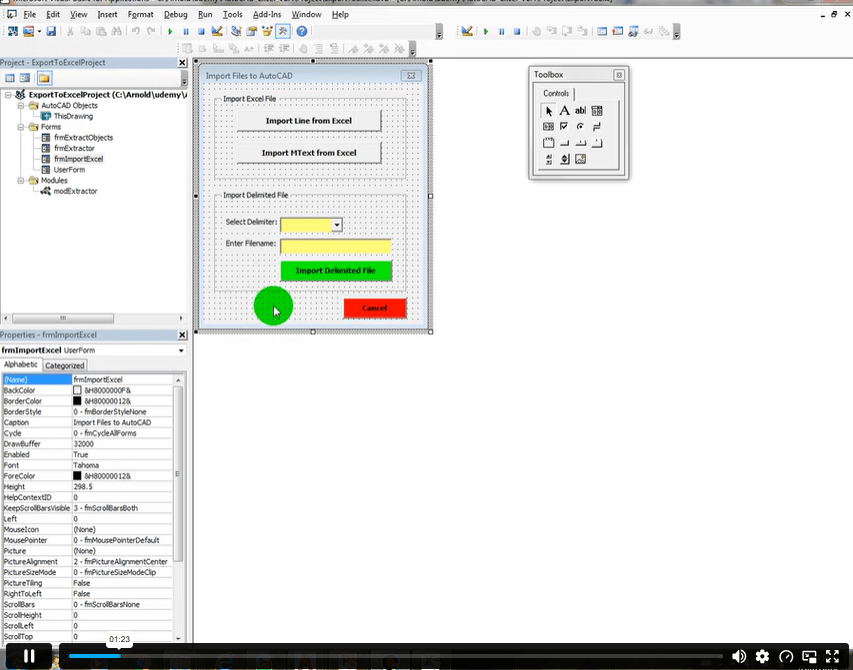
| Module 01: Importing Line Objects into AutoCAD Introduction | 00:01:00 | ||
| Module 02: Clear Line Objects for Importing Excel Spreadsheet – Hands-On Demo | 00:01:00 | ||
| Module 03: Importing Line Objects Spreadsheet File into AutoCAD – Hands-On Demo | 00:14:00 | ||
| Module 04: Importing MText Objects Excel Spreadsheet File into AutoCAD Introduction | 00:01:00 | ||
| Module 05: Importing MText Objects Excel Spreadsheet File into AutoCAD – Hands – On Demo | 00:09:00 | ||
| Unit 06: Importing CSV and Pipe Delimited Files into AutoCAD | |||
| Module 01: Importing CSV File into AutoCAD Introduction | 00:01:00 | ||
| Module 02: Importing CSV File into AutoCAD – Hands-On (Part 1) | 00:03:00 | ||
| Module 03: Importing CSV File into AutoCAD – Hands-On (Part 2) | 00:18:00 | ||
| Module 04: Importing Pipe Delimited File into AutoCAD – Hands-On | 00:04:00 | ||
| Unit 07: Conclusion | |||
| Module 01: Conclusion and Thank you | 00:01:00 | ||
| Assignment | |||
| Assignment – AutoCAD to Excel – VBA Programming Hands-On! | 00:00:00 | ||

Course Reviews
No Reviews found for this course.
It is the process of creating custom tools and automation features inside AutoCAD using VB.NET. It helps reduce manual drafting work and improves design efficiency. This course explains how to connect programming with AutoCAD workflows.
Basic computer skills are enough to start. The course introduces VB.NET concepts step by step. Even beginners can follow and learn how to build simple AutoCAD applications.
These skills are used in engineering, architecture, manufacturing, and CAD automation roles. Many companies use custom tools to speed up design processes. It is valuable for both technical and software-related careers.
You will need AutoCAD, VB.NET, and Windows Forms environment. The course explains how to set up and connect these tools. Everything is shown in a simple and structured way.
Yes, learning AutoCAD programming with VB.NET can open doors to automation and CAD development roles. It helps you stand out in technical and design-based job markets.
Exclusive Deal! 92% Off, Today Only!
Offer Ends Soon
 Take All courses for £49

 Access
 Level
Level
 Number of Units
 Duration
 Course Type
- £24.99
- 1 year
- Intermediate
- Number of Units27
- Number of Quizzes0
- 2 hours, 17 minutes Gift this course
 14-Day Money-Back Guarantee
Exclusive Deal! 95% Off, Today Only!
Discounted Total:- 50% discount for orders of 10+ courses
- 60% discount for orders of 50+ courses
- 70% discount for orders of 100+ courses