


Bash Shell Scripting
Overview The UK digital skills gap is estimated to cost the economy £63 billion each year, showing why automation skills …
 245 Students

Course Curriculum
| Bash Shell Scripting | |||
| Section 1: Introduction | |||
| Unit 1: Introduction | 00:02:00 | ||
| Unit 2: Course Overview1 | 00:04:00 | ||
| Section 2: Lab Setup | |||
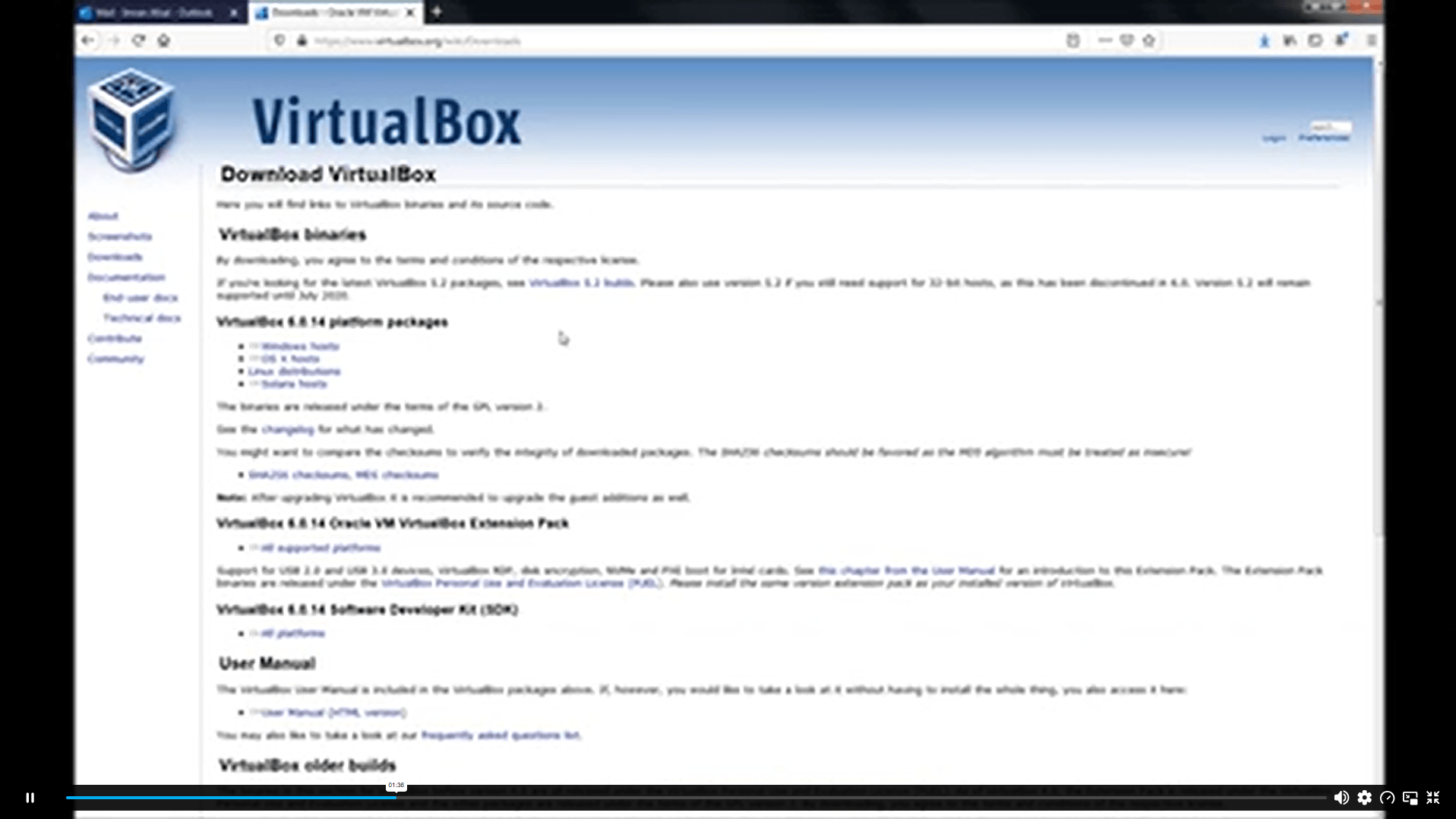
| Unit 1: Download and Install VirtualBox1 | 00:06:00 | ||
| Unit 2: Creating First Virtual machine1 | 00:06:00 | ||
| Unit 3: Linux Installation1 | 00:25:00 | ||
| Unit 4: Linux CentOS8 Installation1 | 00:25:00 | ||
| Section 3: Basic Shell Scripting | |||
| Unit 1: What is Shell | 00:03:00 | ||
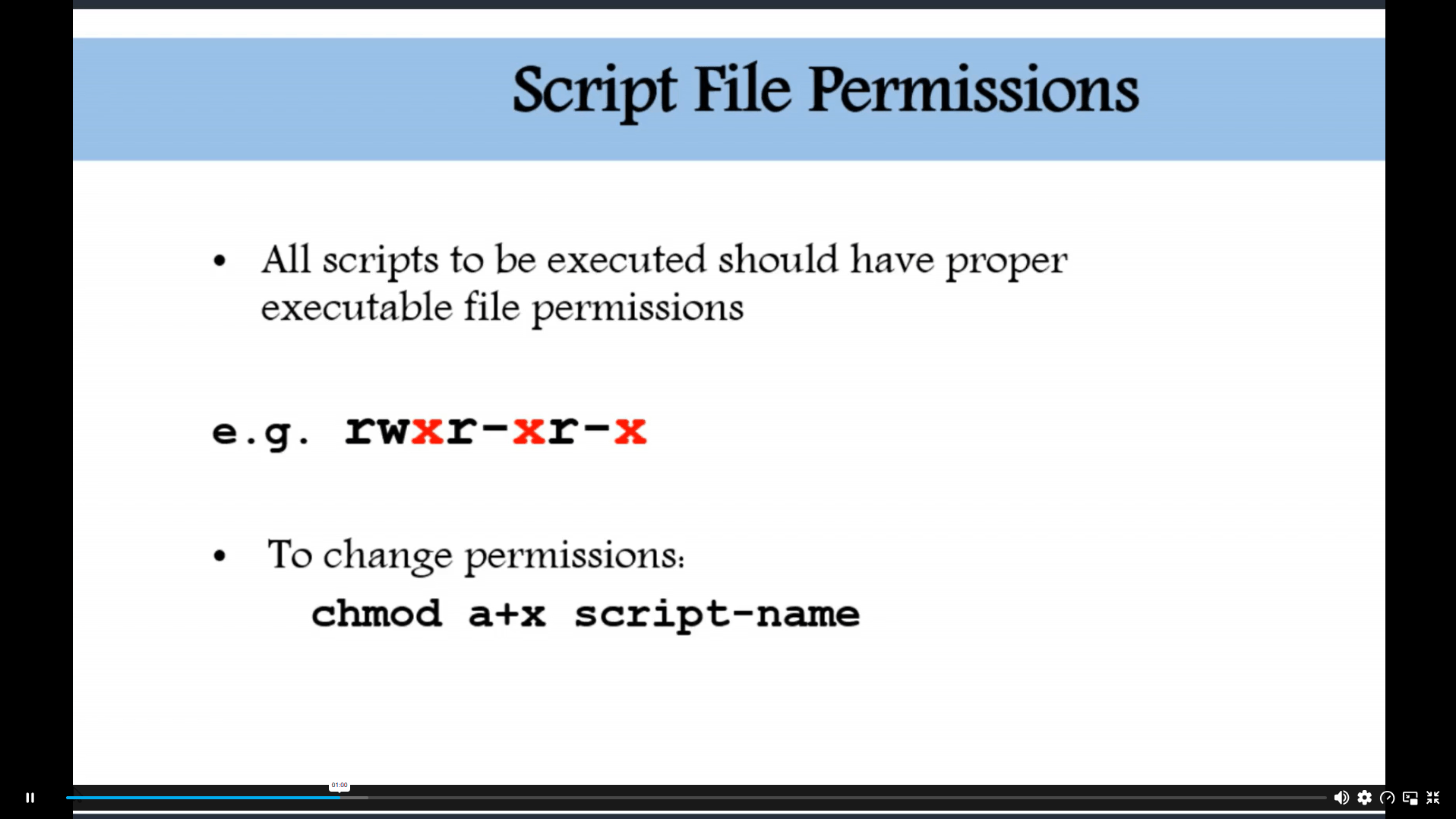
| Unit 2: Script File Permission | 00:05:00 | ||
| Unit 3: Shell Script Format | 00:10:00 | ||
| Unit 4: Shell Scripting | 00:03:00 | ||
| Unit 5: Basic Shell Scripts | 00:13:00 | ||
| Unit 6: Create Your First Script – Hello World | 00:10:00 | ||
| Unit 7: If Then Script | 00:09:00 | ||
| Unit 8: Do While Script | 00:06:00 | ||
| Unit 9: For Loop Script | 00:08:00 | ||
| Section 4: Advance Shell Scripting | |||
| Unit 1: Data Access from a File | 00:21:00 | ||
| Unit 2: Remote Servers Connectivity Status | 00:25:00 | ||
| Unit 3: Script Scheduling and Notification | 00:08:00 | ||
| Unit 4: Script to Delete Old Files | 00:11:00 | ||
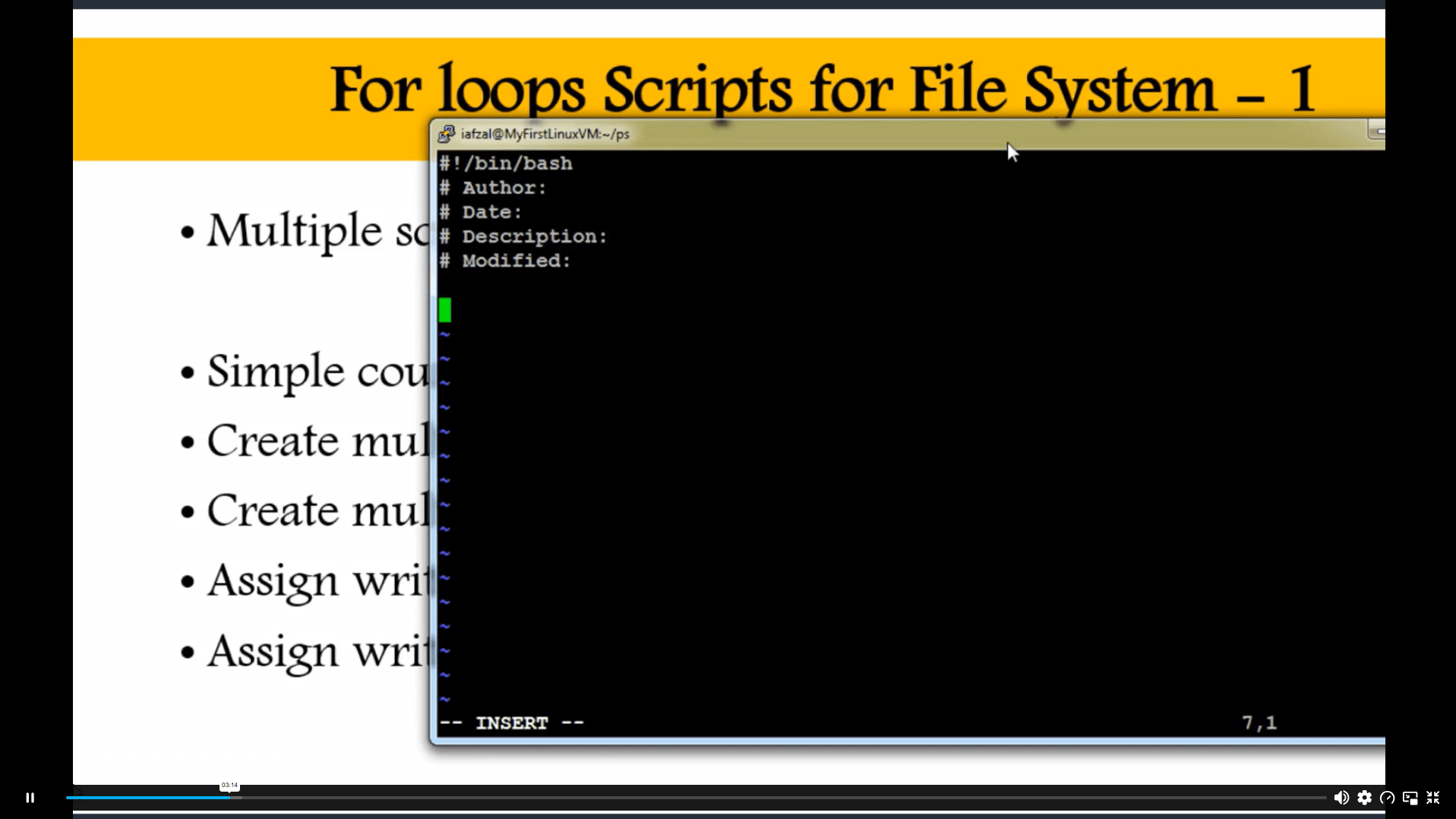
| Unit 5: For Loops Scripts for File System – 1 | 00:25:00 | ||
| Unit 6: For Loops Scripts for File System – 2 | 00:10:00 | ||
| Unit 7: Copy Files to Remote Hosts | 00:05:00 | ||
| Unit 8: User Directory Assignment | 00:09:00 | ||
| Unit 9: List of Users Logged in by Date | 00:16:00 | ||
| Unit 10: Case Statement | 00:07:00 | ||
| Assignment | |||
| Assignment – Bash Shell Scripting | 00:00:00 | ||

Course Reviews
The Bash Shell Scripting Course is an online technology course covering Linux lab setup, VirtualBox, script permissions, shell formatting, first scripts, if-then logic, loops, remote connectivity, scheduled scripts, file deletion and user directory tasks.
Yes, this course is suitable for beginners who want to learn shell scripting step by step. It begins with VirtualBox and Linux setup before moving into script permissions, simple scripts, loops, scheduling and automation tasks.
You will learn virtual machine setup, Linux installation, shell basics, script permissions, script format, Hello World scripts, if-then logic, do-while scripts, for loops, file access, remote server checks, scheduling and file system tasks.
Yes, the course covers VirtualBox, virtual machine creation, Linux installation and CentOS setup. These topics help learners build a basic Linux practice environment before starting shell scripting and automation activities.
This course can support learning routes linked to IT Support Technician, Junior Developer, Web Developer, Systems Analyst, Database Administrator, Linux Support Technician, DevOps Assistant and automation-focused technical support roles.
Exclusive Deal! 95% Off, Today Only!
Offer Ends Soon
 Take All courses for £49

 Access
 Level
Level
 Number of Units
 Duration
 Course Type
- £24.99
- 1 year
- Intermediate
- Number of Units26
- Number of Quizzes0
- 4 hours, 32 minutes Gift this course
 14-Day Money-Back Guarantee
Exclusive Deal! 95% Off, Today Only!
Discounted Total:- 50% discount for orders of 10+ courses
- 60% discount for orders of 50+ courses
- 70% discount for orders of 100+ courses