


Advanced Photoshop CC
Overview Many learners want to create polished visuals, but Photoshop can feel confusing when layers, file formats, actions and design …
 42 Students
Course Curriculum
| Advanced Photoshop CC | |||
| Module 01: Overview | 00:01:00 | ||
| Module 02: Having Graphic Designs Created | 00:02:00 | ||
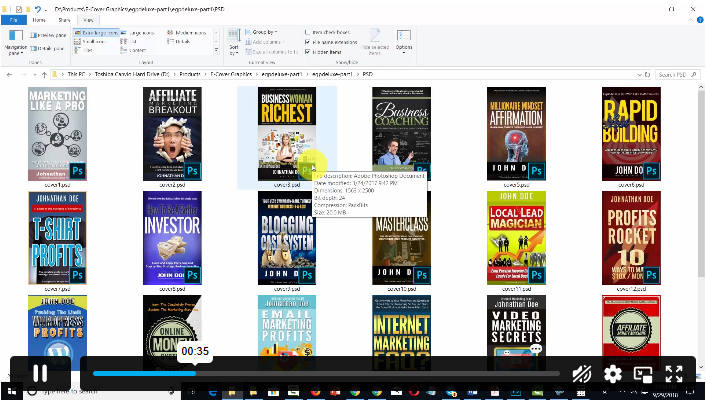
| Module 03: Making PSD Thumbnails Visible on Your PC | 00:03:00 | ||
| Module 04: Creating a Simple Design – Part 1 | 00:05:00 | ||
| Module 05: Creating a Simple Design – Part 2 | 00:04:00 | ||
| Module 06: Changing the Background Image | 00:03:00 | ||
| Module 07: Changing the Font or Text | 00:02:00 | ||
| Module 08: Working with Photoshop Actions | 00:02:00 | ||
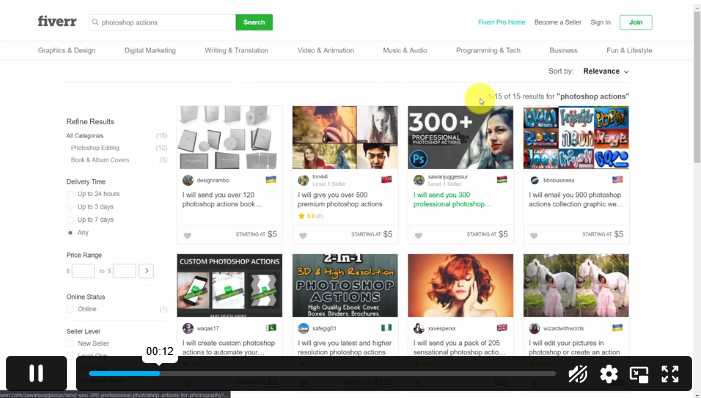
| Module 09: Sources for Photoshop Actions | 00:01:00 | ||
| Module 10: Selecting Photoshop Actions | 00:02:00 | ||
| Module 11: Producing Photoshop Actions – Part 1 | 00:05:00 | ||
| Module 12: Show Transform Controls | 00:02:00 | ||
| Module 13: Producing Photoshop Actions – Part 2 | 00:07:00 | ||
| Module 14: Creating a Multiple 3D Image Shot | 00:04:00 | ||
| Module 15: Sizing of File Formats | 00:01:00 | ||
| Module 16: Saving For Certain File Formats | 00:02:00 | ||
| Module 17: Live Application – Part 1 | 00:03:00 | ||
| Module 18: Live Application – Part 2 | 00:02:00 | ||
| Module 19: Multiple Short Live Application | 00:03:00 | ||
| Module 20: Conclusion | 00:01:00 | ||
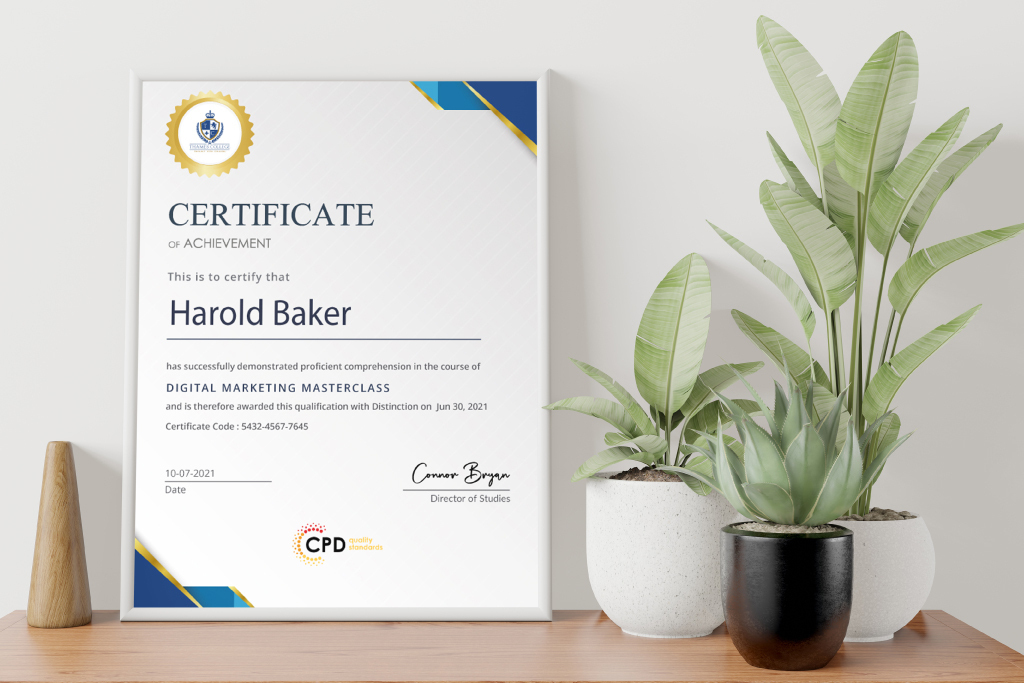
| Order your Certificates | |||
| Order Your Certificate QLS | 00:00:00 | ||

Advanced Photoshop CC is an online Photoshop course that helps learners build image editing and digital design knowledge. It covers simple design creation, background changes, text editing, Photoshop actions, transform controls, 3D image shots and file-saving formats.
Yes. Advanced Photoshop CC is suitable for beginners who want to learn Photoshop online. The course introduces key creative tasks step by step, including basic design work, background editing, text changes, actions and file preparation
You will learn how to create simple designs, change image backgrounds, edit fonts and text, use Photoshop actions, work with transform controls, create 3D-style image shots and save files in suitable formats for digital design use.
Yes. This course can support learners interested in graphic design, digital media, marketing visuals and creative content. It helps build Photoshop knowledge that can be useful for image editing, layout changes and basic design projects.
No formal Photoshop experience is required. Basic computer confidence will help, but the course is designed for learners who want a clearer introduction to Photoshop tools, image editing tasks and digital design workflows.
Exclusive Deal! 95% Off, Today Only!
Offer Ends Soon
 Take All courses for £49

 Access
 Level
Level
 Number of Units
 Duration
 Course Type
- £24.99
- 1 year
- Level 2
- Number of Units21
- Number of Quizzes0
- 55 minutes Gift this course
 14-Day Money-Back Guarantee
Exclusive Deal! 95% Off, Today Only!
Discounted Total:- 50% discount for orders of 10+ courses
- 60% discount for orders of 50+ courses
- 70% discount for orders of 100+ courses