trustpilot

Adobe Illustrator for Beginners: Create Stunning Designs

Overview The UK creative industries grew by 4.6% from 2023 to 2024, highlighting demand for digital design skills. The Adobe …

4.7 4.7 Rating ( 13 Reviews )
200 Students
Bestseller
Great Service
Highly Rated
i Last Updated: 17th August 2026
◎ English
Flexible Schedule
thumbnail

Unlock 3,000+ Courses & Unlimited Free Digital Certificates for £99 Only! Grab Now

Overview

The UK creative industries grew by 4.6% from 2023 to 2024, highlighting demand for digital design skills. The Adobe Illustrator for Beginners Course helps learners build vector design and layout confidence, covering documents, settings, artboards, image alignment, drawing bases, brush tools, eraser, text layout, fills, lines, gradients, paths, grouping, scaling, rotation, layers and final design tasks.

If design software feels complex, this online Illustrator course turns tools into practical creative steps. It suits beginners, marketing staff, content creators, small business owners and career changers building CV value for Graphic Designer, Illustrator, Web Designer, Marketing Executive, Art Editor or Social Media Manager roles.

Enrol today and learn Adobe Illustrator online at your own pace with flexible CPD certificate options for creative career growth across the UK.

Key Benefits Included

► Accredited by CPD
► Instant Access
► 24/7 Learning Assistance
► Self-paced learning and laptop, tablet, smartphone-friendly
► Fully online, interactive course with audio voiceover
► Developed by qualified professionals in the field

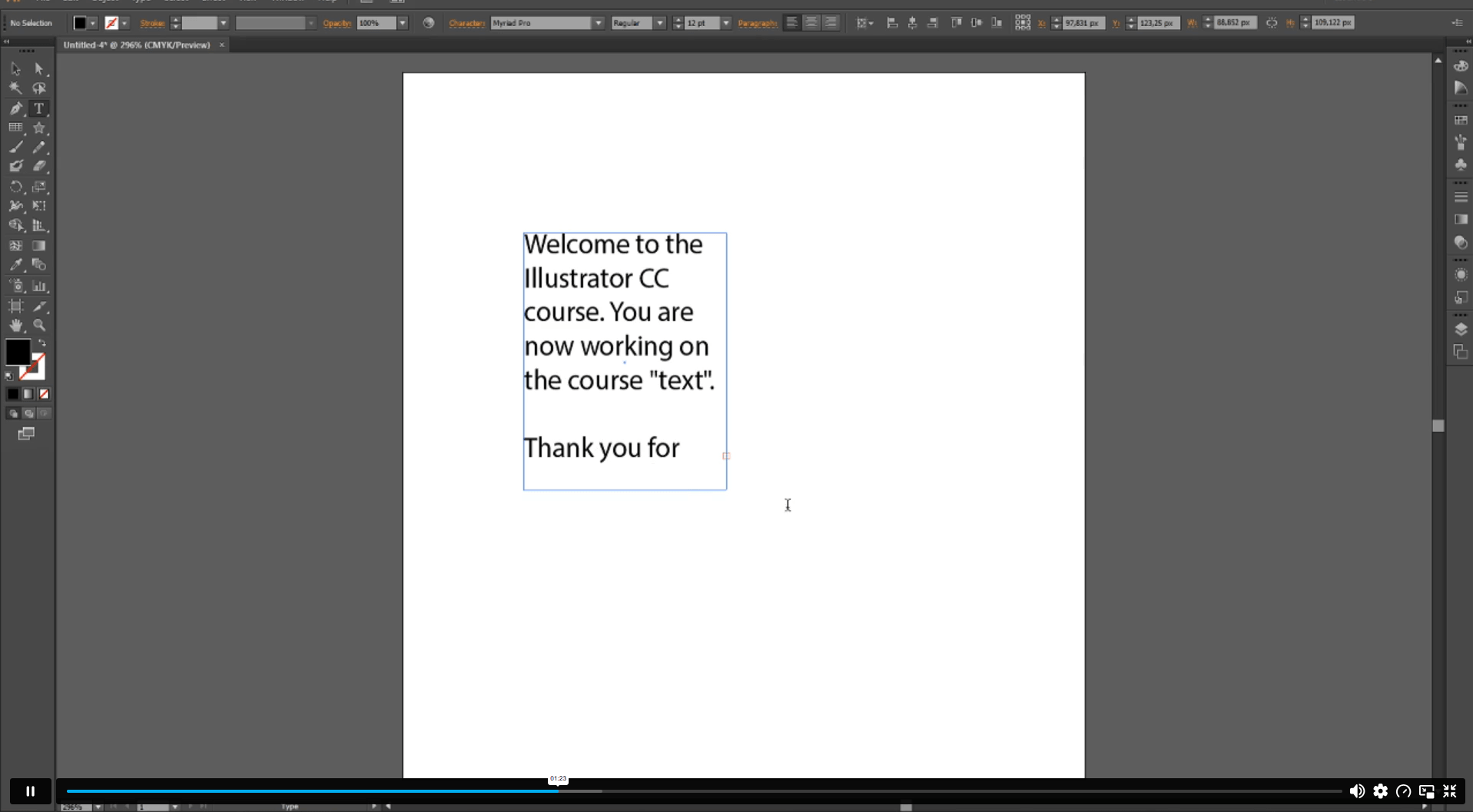
Sneak Peek

Learning Outcomes

This course builds Adobe Illustrator, vector design, artboard, typography, gradient and layer knowledge for learners entering creative design routes online.

By the end of this course, learners will be able to:

► Set up Illustrator documents, settings and artboards confidently online.
► Align images and manage design elements across artboards clearly.
► Use brush, blob brush and eraser tools correctly online.
► Apply text layouts, type paths, fills and gradients confidently.
► Organise layers, group objects and adjust paths with confidence.
► Scale, rotate and refine artwork for cleaner final designs.

Who is This Course For?

This course suits learners who want online Adobe Illustrator training for vector design, digital artwork, layouts or creative career routes.

► Beginners who want to learn Adobe Illustrator online today.
► Creative learners building vector design and layout knowledge online.
► Marketing staff creating simple branded graphics and campaign visuals.
► Small business owners designing logos, flyers and digital assets.
► Content creators improving social media graphics and visual posts.
► Career changers exploring graphic design or digital design routes.

Certification

CPD Certification

After successfully completing the assessment of this Adobe Illustrator for Beginners course, you can apply for the CPD accredited certificates.
PDF certificate: £9.99
Hardcopy certificate: £15.99

Career Opportunities

This course supports UK creative, design, marketing and digital content routes where Illustrator knowledge can support portfolio development, brand visuals and visual communication work today.

► Graphic Designer — Average UK salary: £25,000–£40,000 per year
► Web Designer / Digital Designer — Average UK salary: £28,000–£50,000 per year
► Marketing Executive — Average UK salary: £23,000–£50,000 per year
► Social Media Manager — Average UK salary: £25,000–£50,000 per year
► Art Editor — Average UK salary: £26,000–£40,000 per year
► Web Developer — Average UK salary: £27,000–£60,000 per year

Course Curriculum

The course covers a wide range of essential topics, including:

► Introduction to Adobe Illustrator
► Course Overview

► Document and Settings
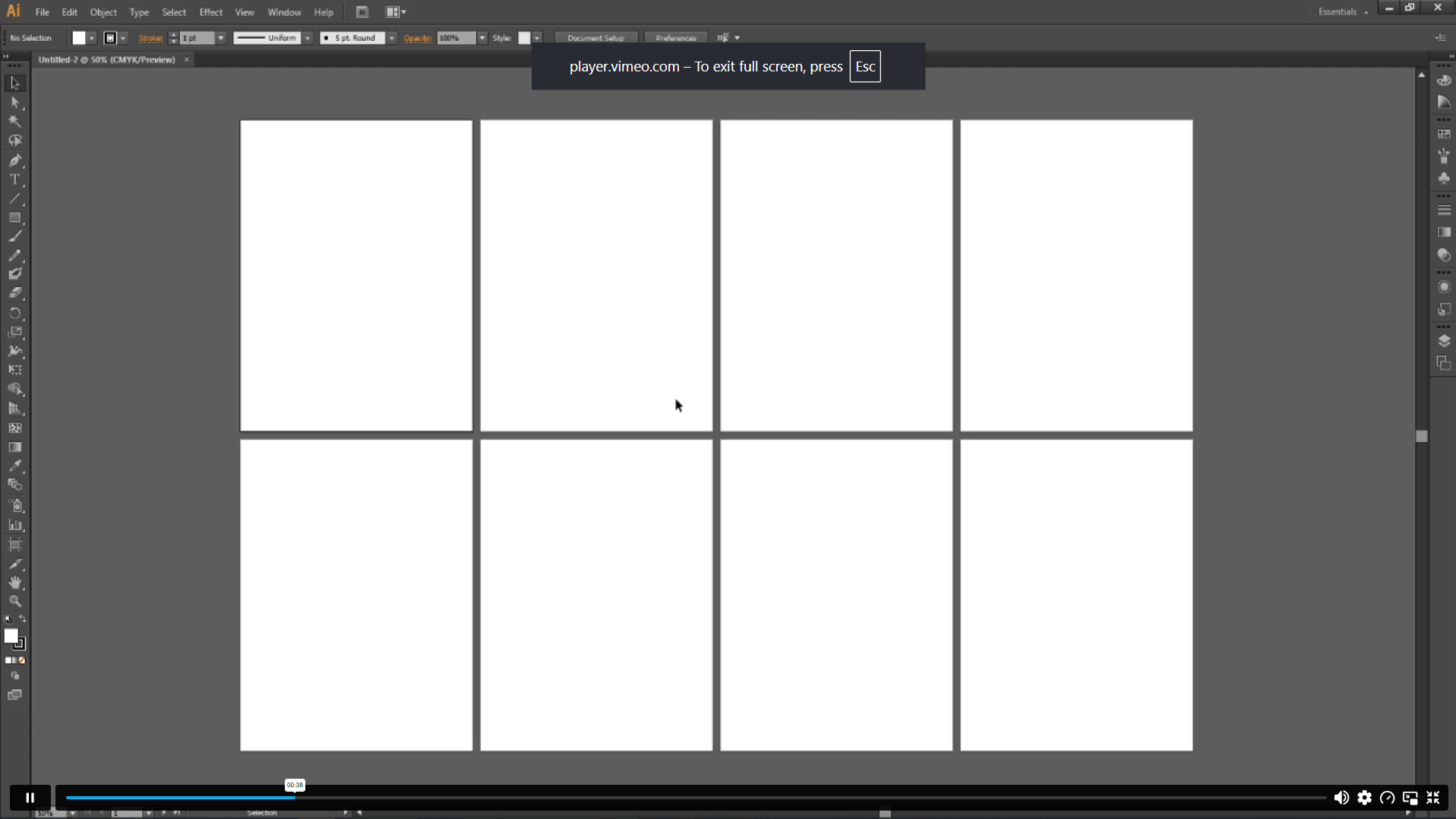
► Adding and Changing Artboards
► Aligning Images in Artboards
► Working with Images

► Making Standard Rules
► Drawing the Base
► Using the Brush Tool
► Blob Brush and Eraser

► Text and Layout
► Other Text Options
► Type on a Path

► Filling, Lines and Layout
► Applying Linear and Radial Gradients
► Stripes, Points, Arrows and Line Overflow
► Applying Variable Width to Stripes

► Adjusting and Organising
► Turning, Merging and Shifting Paths
► Selecting, Grouping and Isolating Objects
► Scaling and Rotating
► Organising Images and Layers

► Course Conclusion

Excellent

4.7 Average - 13 Reviews

★ Reviews
Pippa Rosendale
A beginner-friendly Illustrator course with clear lessons on artboards, drawing tools, brush work and text layout. It helped me understand vector design much more confidently.
Matthew Kingsford
Very easy to follow and practical. I especially liked the sections on gradients, paths, grouping, scaling, rotation and organising layers for cleaner design work.

Course Curriculum

Introduction
Introduction 00:01:00
Section 01:
Document & Settings 00:04:00
Add & Change Artboards 00:04:00
Align images in Artboards 00:03:00
What Can You Do with an Image? 00:03:00
Section 02:
Making Standard Rules 00:06:00
Drawing: The Base 00:03:00
Use the Brush Tool 00:04:00
Blob Brush & Eraser 00:02:00
Section 03:
Text & Layout 00:04:00
Other Options with Text 00:03:00
Type on a Path 00:02:00
Section 04:
Filling, Lines and Layout 00:04:00
Apply linear and Radial Gradients 00:04:00
Stripes, Points, Arrows and Overflow in Lines 00:05:00
Applying Variable Width to Stripes 00:03:00
Section 05:
Adjust & Organize 00:02:00
Turn around, Merge and Shift the Path 00:03:00
Select, Group and Isolate 00:02:00
Scale & Rotate 00:03:00
Organizing Images and Layers 00:06:00
Conclusion
Conclusion 00:01:00
Assignment
Assignment – Basic Adobe Illustrator 00:00:00

Certificate of Achievement

Upon completion, you will receive a CPD-accredited certificate recognised globally. Choose from:

Pdf Certificate & Transcript  £7.99
Hardcopy Certificate & Transcript  £17.99

This certification validates your knowledge and skills, boosting your employability in healthcare.

1. What is the Adobe Illustrator for Beginners Course? +

The Adobe Illustrator for Beginners Course is an online graphic design course that introduces artboards, drawing tools, text, gradients, paths, layers, object control and simple digital artwork skills for new creative learners.

2. Is this Adobe Illustrator course suitable for beginners? +

Yes, this course is suitable for beginners who want to learn Illustrator from the start. It explains basic document setup, artboards, image placement, drawing tools, text features and design organisation in a clear online format.

3. What will I learn in this Illustrator course online? +

You will learn how to create documents, manage artboards, align images, use brushes, add text, apply fills and gradients, adjust paths, group objects, organise layers, scale artwork and complete basic Illustrator design tasks.

4. Can I study Adobe Illustrator online? +

Yes, this Adobe Illustrator course can be studied online from home. Learners can access the course through a suitable internet-connected device and study around work, creative projects, college study or personal development plans.

5. What jobs can this Adobe Illustrator course support? +

This course can support learning routes linked to Graphic Designer, Illustrator, Web Designer, Marketing Executive, Art Editor, Creative Assistant, Social Media Manager and digital content roles with further practice and portfolio development.

top