


Bash Scripting and Shell Programming
Overview The UK digital skills gap is estimated to cost the economy £63 billion a year, making automation knowledge valuable. …
 240 Students

Course Curriculum
| Unit 01: Bash Programming Course Overview and Downloads | |||
| Course Overview | 00:02:00 | ||
| Course Downloads, including the scripts used in the course and a cheat sheet | 00:01:00 | ||
| Unit 02: Shell Scripting in a Nutshell | |||
| Section Introduction | 00:01:00 | ||
| Shell Scripting, Part I | 00:09:00 | ||
| Shell Scripting, Part II | 00:07:00 | ||
| Unit 03: Return Codes and Exit Statuses | |||
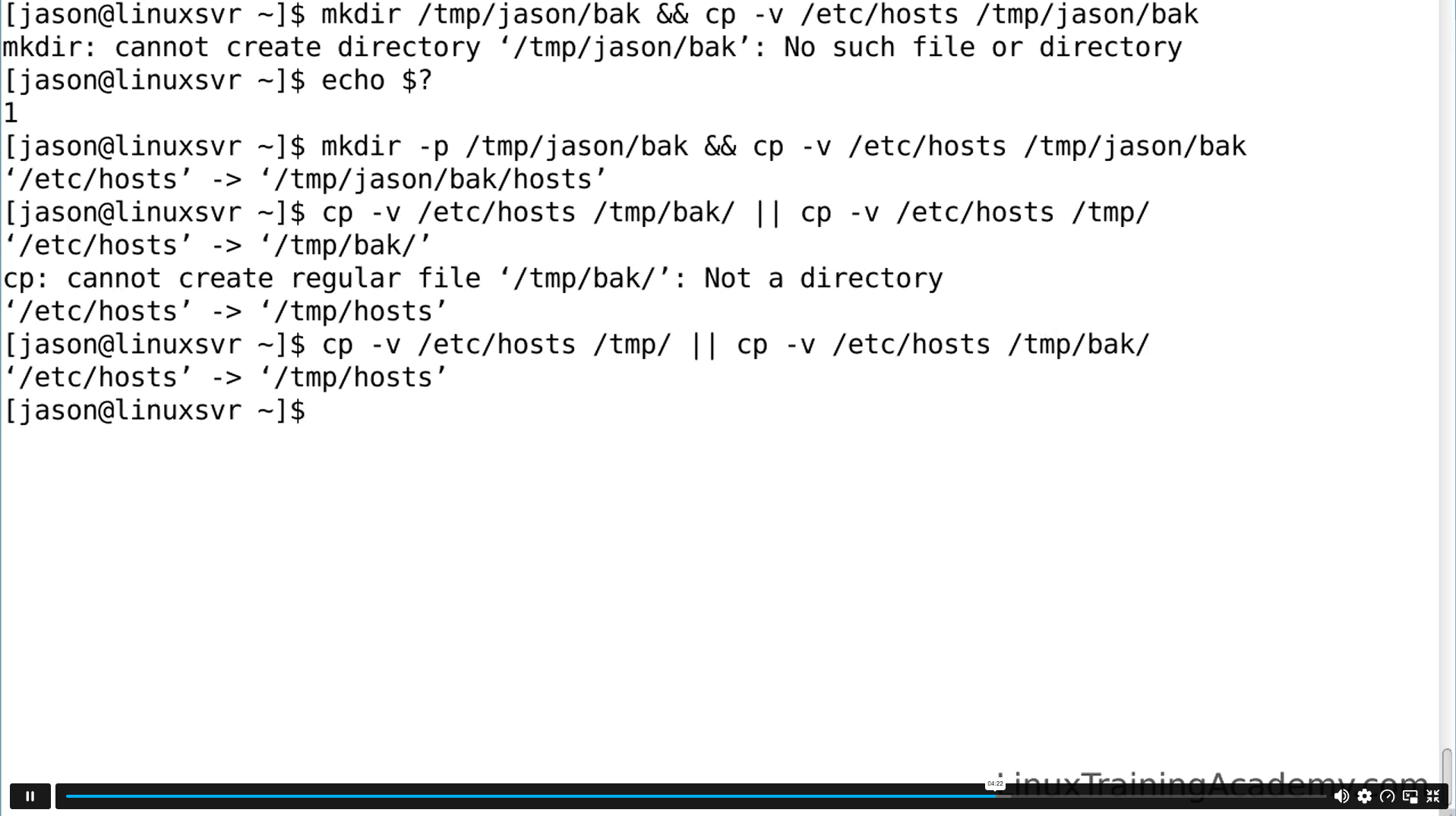
| Exit Statuses and Return Codes | 00:09:00 | ||
| Exit Status Demo | 00:06:00 | ||
| Unit 04: Shell Functions | |||
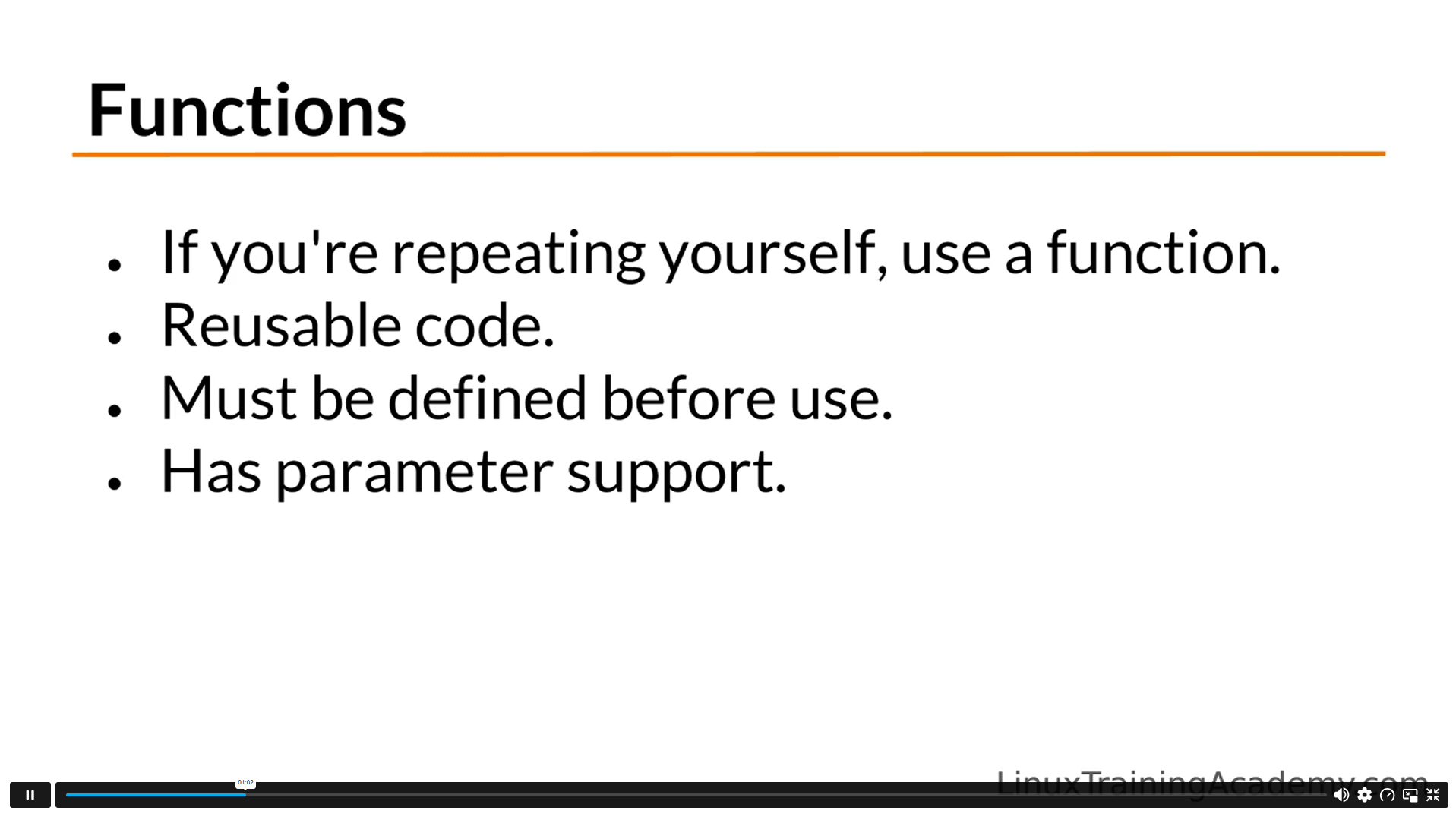
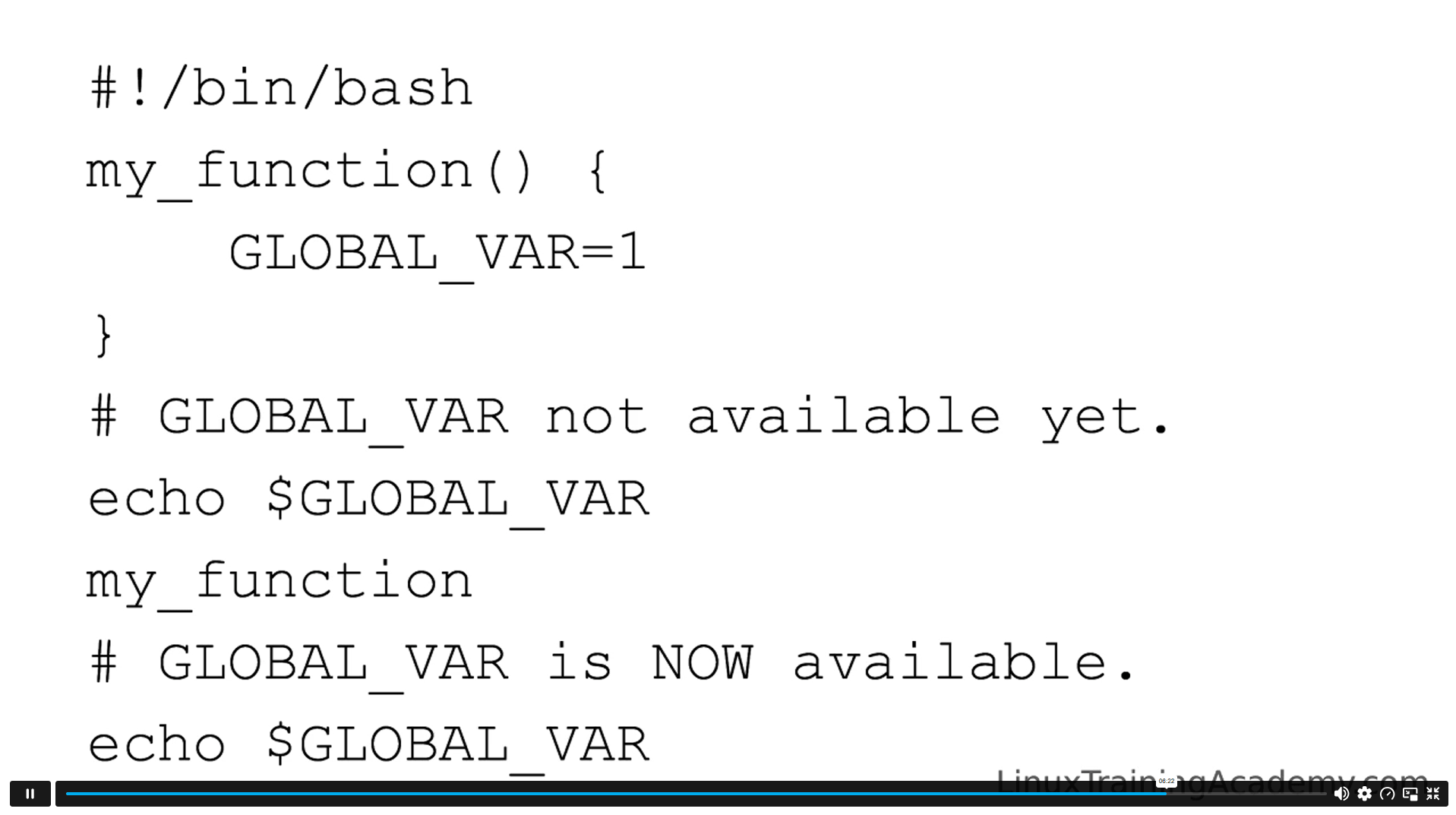
| Functions, Part I | 00:07:00 | ||
| Functions, Part II | 00:05:00 | ||
| Unit 05: Shell Script Checklist and Template | |||
| Shell Script Checklist and Template | 00:02:00 | ||
| Unit 06: Wildcards | |||
| Introduction to Wildcards | 00:01:00 | ||
| Wildcard Introduction, Part I | 00:05:00 | ||
| Wildcard Introduction, Part II | 00:07:00 | ||
| Wildcards in Shell Scripts | 00:04:00 | ||
| Wildcard Scripting Demo | 00:04:00 | ||
| Unit 07: Case Statements and Logic | |||
| Case Statements | 00:06:00 | ||
| Unit 08: Logging | |||
| Logging | 00:08:00 | ||
| Unit 09: While Loops | |||
| While Loops, Part I | 00:06:00 | ||
| While Loops, Part II | 00:06:00 | ||
| Unit 10: Debugging Your Bash Programs | |||
| Debugging | 00:08:00 | ||
| More Debugging Tips | 00:12:00 | ||
| Unit 11: Data Manipulation and Text Transformations with Sed | |||
| Data Manipulation and Text Transformations with Sed | 00:29:00 | ||
| Unit 12: Shell Scripts Used to Create This Course | |||
| Scripts Used to Create This Course | 00:04:00 | ||
| Unit 13: Resource | |||
| Real World Scripts | 00:00:00 | ||
| Shell Scripting Course | 00:00:00 | ||
| Assignment | |||
| Assignment -Bash Scripting and Shell Programming | 00:00:00 | ||

The Bash Scripting and Shell Programming Course is an online programming course covering shell scripts, return codes, functions, wildcards, case statements, logging, loops, debugging, sed commands and automation workflows for Linux, Unix and Mac command-line users.
Yes, this bash scripting course is suitable for beginners who want to learn command-line automation step by step. It starts with shell scripting basics before moving into functions, loops, debugging, logging and text processing.
You will learn shell scripting basics, exit statuses, return codes, functions, script templates, wildcards, case statements, logging, while loops, debugging methods, sed text transformations and real-world script examples for automation tasks.
Yes, the course covers shell scripting concepts used across Linux, Unix and Mac command-line environments. Learners can explore script structure, automation logic, file matching, loops, logging, functions and debugging for terminal-based workflows.
This course can support learning routes linked to IT Support Technician, Software Developer, Web Developer, Systems Analyst, Database Administrator, Linux Administrator, DevOps Assistant and automation-focused technical support roles.
Exclusive Deal! 95% Off, Today Only!
Offer Ends Soon
 Take All courses for £49

 Access
 Level
Level
 Number of Units
 Duration
 Course Type
- £24.99
- 1 year
- Intermediate
- Number of Units26
- Number of Quizzes0
- 2 hours, 29 minutes Gift this course
 14-Day Money-Back Guarantee
Exclusive Deal! 95% Off, Today Only!
Discounted Total:- 50% discount for orders of 10+ courses
- 60% discount for orders of 50+ courses
- 70% discount for orders of 100+ courses