trustpilot

Automating Office 365 Admin Tasks with Azure AD PowerShell

Overview UK employers rely on cloud tools every day; ONS reported that 69% of UK firms used cloud-based computing systems …

4.8 4.8 Rating ( 4 Reviews )
59 Students
Bestseller
Great Service
Highly Rated
i Last Updated: 14th August 2026
◎ English
Flexible Schedule
thumbnail

Unlock 3,000+ Courses & Unlimited Free Digital Certificates for £99 Only! Grab Now

Overview

UK employers rely on cloud tools every day; ONS reported that 69% of UK firms used cloud-based computing systems and applications in 2023. Automating Office 365 Admin Tasks with Azure AD PowerShell turns that demand into focused Microsoft 365 admin learning, covering PowerShell basics, Visual Studio Code setup, Azure AD connection, service modules, user account viewing, creation, changes, blocking, licence checks and licence assignment.

Manual admin work can slow support teams and increase errors. This online Office 365 admin automation course helps IT support learners, Microsoft 365 admins, helpdesk staff, systems learners and career changers build faster, cleaner workflows for UK roles such as Microsoft 365 administrator, IT support analyst, service desk analyst, cloud support technician and systems administrator.

Enrol today and learn flexibly online.

Key Benefits Included

► Accredited by CPD
► Instant Access
► 24/7 Learning Assistance
► Self-paced learning and laptop, tablet, smartphone-friendly
► Fully online, interactive course with audio voiceover
► Developed by qualified professionals in the field

Sneak Peek

Learning Outcomes

This course helps learners build Office 365 admin, Azure AD PowerShell, Microsoft 365 user management and licence administration knowledge for IT support roles.

By the end of this course, learners will be able to:

► Explain how PowerShell supports Microsoft 365 administration.
► Recognise the purpose of Azure AD PowerShell in admin tasks.
► Set up Visual Studio Code for PowerShell scripting.
► Identify useful PowerShell commands such as Get-Help and Get-Command.
► Connect to Azure AD PowerShell with a Microsoft 365 subscription.
► Recognise Microsoft 365 service module themes.

Who is This Course For?

This course suits learners who want online Office 365 admin automation training for Microsoft 365, IT support and identity administration growth.

► Learners searching for Azure AD PowerShell training online.
► IT support staff managing Microsoft 365 users.
► Service desk learners handling account requests.
► Microsoft 365 administrators improving automation knowledge.
► Systems administrators working with identity access tasks.
► Cloud support learners exploring Microsoft 365 admin tools.

Certification

CPD Certification

After successfully completing the assessment of this Automating Office 365 Admin Tasks with Azure AD PowerShell course, you can apply for the CPD accredited certificates.
PDF certificate: £9.99
Hardcopy certificate: £15.99

Career Opportunities

This course supports UK IT support, Microsoft 365 administration, cloud support and systems administration routes where PowerShell and Office 365 admin knowledge may add value.

► Microsoft 365 Administrator — Average UK salary: £30,000–£50,000 per year
► Office 365 Administrator — Average UK salary: £28,000–£48,000 per year
► IT Support Analyst — Average UK salary: £22,000–£35,000 per year
► Service Desk Analyst — Average UK salary: £22,000–£32,000 per year
► Systems Administrator — Average UK salary: £28,000–£45,000 per year
► Cloud Support Technician — Average UK salary: £25,000–£38,000 per year

Course Curriculum

The course covers a wide range of essential topics, including:

► Introduction

► PowerShell Introduction
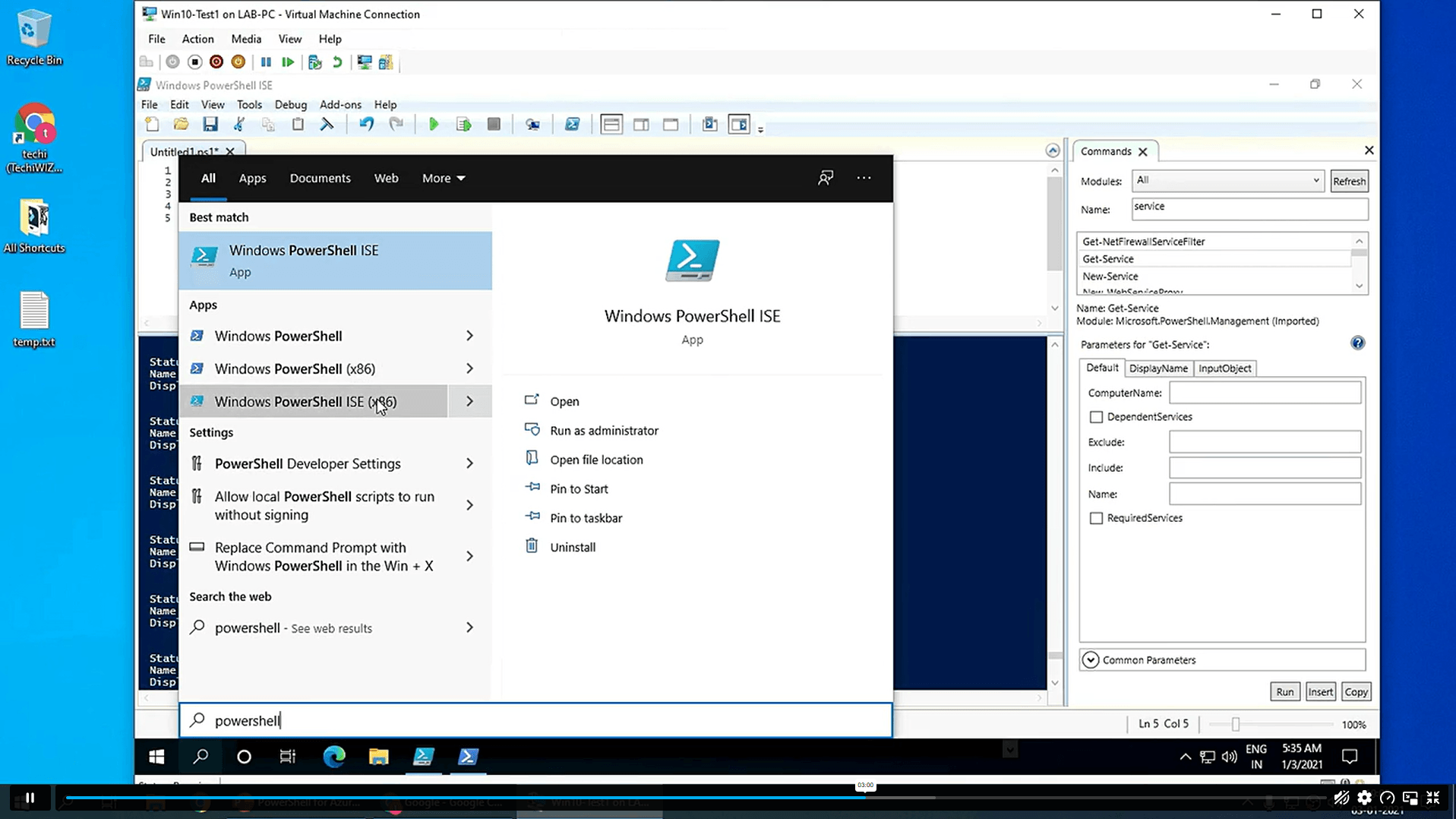
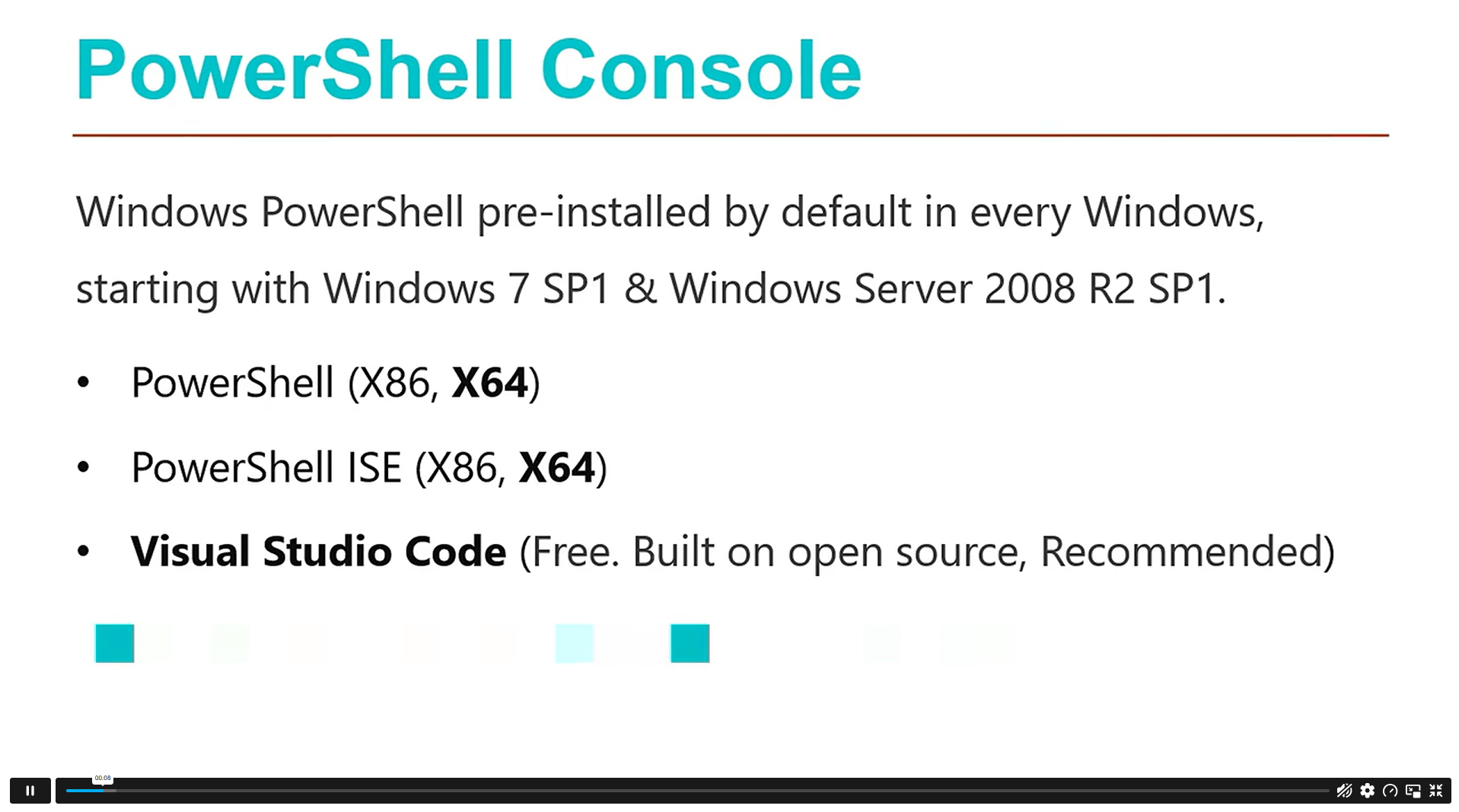
► PowerShell Console: PowerShell ISE and VS Code
► Useful PowerShell Commands: Get-Help
► Useful PowerShell Commands: Get-Command
► Useful PowerShell Commands: Get-Module

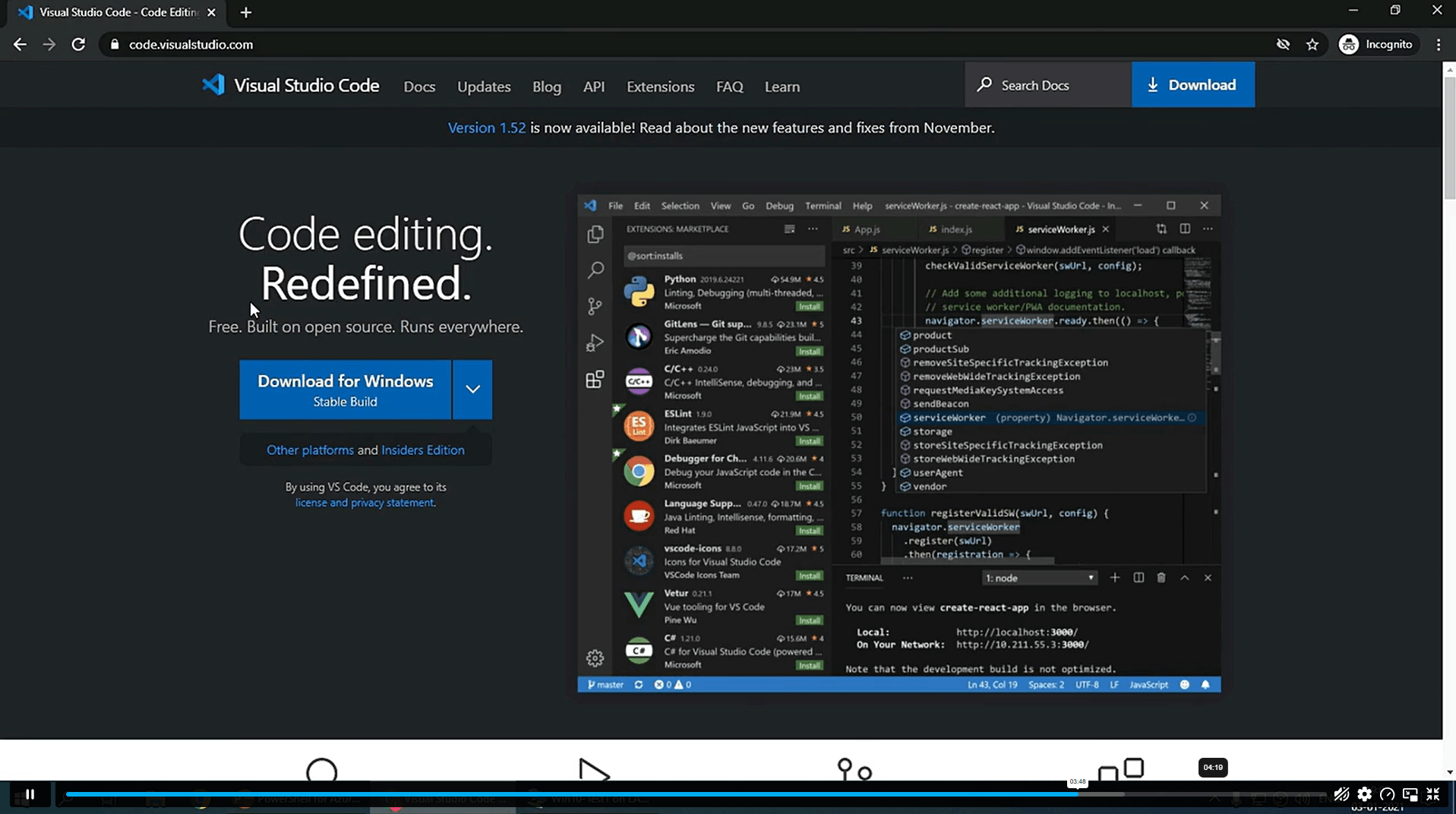
► Visual Studio Code Setup
► VS Code Interface and PowerShell Extension Installation
► Writing and Testing PowerShell Scripts

► Azure Active Directory Introduction
► Prerequisites and Azure AD PowerShell Module Installation
► Connecting Azure AD PowerShell with Microsoft Office 365 Subscription
► Installing Microsoft 365 Service Modules
► All-in-One PowerShell Script to Connect Microsoft 365 Services

► Viewing Microsoft Office 365 User Accounts
► Creating a Single Microsoft Office 365 User Account
► Creating Multiple Microsoft Office 365 User Accounts
► Modifying Microsoft Office 365 User Account Properties
► Deleting Microsoft Office 365 User Accounts
► Blocking Microsoft Office 365 User Accounts

► Viewing Microsoft 365 Licence Details
► Viewing Microsoft 365 Licence Service Details
► Viewing Licensed and Unlicensed User Details
► Assigning Licences to a Single User Account Using the Newer Azure AD Module
► Assigning Licences to a Single User Account Using the Older Azure AD Module
► Assigning Licences to Multiple User Accounts

Excellent

4.8 Average - 4 Reviews

★ Reviews
Rebecca Langford
A clear and useful course for learning Office 365 admin automation. The modules on PowerShell basics, VS Code setup and Azure AD connection helped me understand how admin tasks can be handled more efficiently.
Daniel Ashworth
Well-structured and easy to follow. I found the sections on managing Microsoft 365 user accounts, blocking accounts and assigning licences especially helpful for improving day-to-day IT support skills.

Course Curriculum

Section 01: Introduction
Introduction 00:02:00
Section 02: PowerShell Basic Introduction
PowerShell Introduction 00:05:00
PowerShell Console (PowerShell ISE, VS Code) 00:05:00
PowerShell Useful Commands (Get-Help) 00:04:00
PowerShell Useful Commands (Get-Command) 00:01:00
PowerShell Useful Commands (Get-Module) 00:03:00
Section 03: Visual Studio Code Editor Initial Setup
Visual Studio Code Setup 00:02:00
VS Code Interface & Install PowerShell Ext 00:03:00
Write & Test PowerShell Script 00:02:00
Section 04: Connect to Azure Active Directory through PowerShell
Azure Active Directory Introduction 00:04:00
Prerequisite & Install AZURE AD PS Module 00:03:00
Connect to Azure AD PowerShell with Microsoft Office 365 Subscription 00:04:00
Install All Office 365 Service's Module (To Prepare All-in-one Scripts) 00:03:00
All-in-one PowerShell Script to Connect all M365 Services 00:09:00
Section 05: Administration of Microsoft Office 365 User Accounts
View Microsoft Office 365 User Accounts 00:05:00
Create Single Microsoft Office 365 User Account 00:09:00
Create Multiple Microsoft Office 365 User Accounts 00:04:00
Modify Microsoft Office 365 User Account Properties 00:08:00
Delete Microsoft Office 365 User Accounts 00:03:00
Block Microsoft Office 365 User Accounts 00:02:00
Section 06: Administration of Microsoft Office 365 Licenses and Service
View M365 Licenses Details 00:04:00
View M365 License’s Services Details 00:03:00
View Licensed and Unlicensed User's Details 00:03:00
Assign Licenses to Single User Account (Newer AzureAD Module) 00:07:00
Assign Licenses to Single User Account (Older AzureAD Module) 00:02:00
Assign Licenses to Multiple User Account 00:02:00

Certificate of Achievement

Upon completion, you will receive a CPD-accredited certificate recognised globally. Choose from:

Pdf Certificate & Transcript  £7.99
Hardcopy Certificate & Transcript  £17.99

This certification validates your knowledge and skills, boosting your employability in healthcare.

1. What is Automating Office 365 Admin Tasks with Azure AD PowerShell? +

Automating Office 365 Admin Tasks with Azure AD PowerShell is an online course that teaches PowerShell basics, Azure AD connection, Microsoft 365 service modules, user account management, account blocking, licence checking and licence assignment for admin workflows.

2. Is Azure AD the same as Microsoft Entra ID? +

Yes, Azure Active Directory is now called Microsoft Entra ID. The older terms Azure AD and AAD are still commonly searched, but Microsoft now uses Microsoft Entra ID for identity and access management.

3. Is Azure AD PowerShell still used? +

Azure AD PowerShell is legacy knowledge, but it is still useful for understanding older admin scripts and existing Microsoft 365 workflows. Current learners should also be aware that Microsoft Graph PowerShell is the newer direction.

4. Does this course cover Microsoft 365 user management? +

Yes, the course covers key Microsoft 365 user administration tasks, including viewing user accounts, creating single and multiple accounts, editing user properties, deleting accounts and blocking accounts when access needs to be restricted.

5. What jobs can this course support? +

This course can support learning routes linked to Microsoft 365 administrator, Office 365 administrator, IT support analyst, service desk analyst, systems administrator, cloud support technician and identity access administration roles.

top