


WordPress for Beginners: Build Unlimited Websites
Overview Many people want to create websites for personal projects, businesses, or clients but feel overwhelmed by coding, web hosting, …
 235 Students
Course Curriculum
| Section 01: Welcome to the Course | |||
| Course Overview | 00:02:00 | ||
| Where to Get Articles | 00:04:00 | ||
| Section 02: Let’s Build our Website | |||
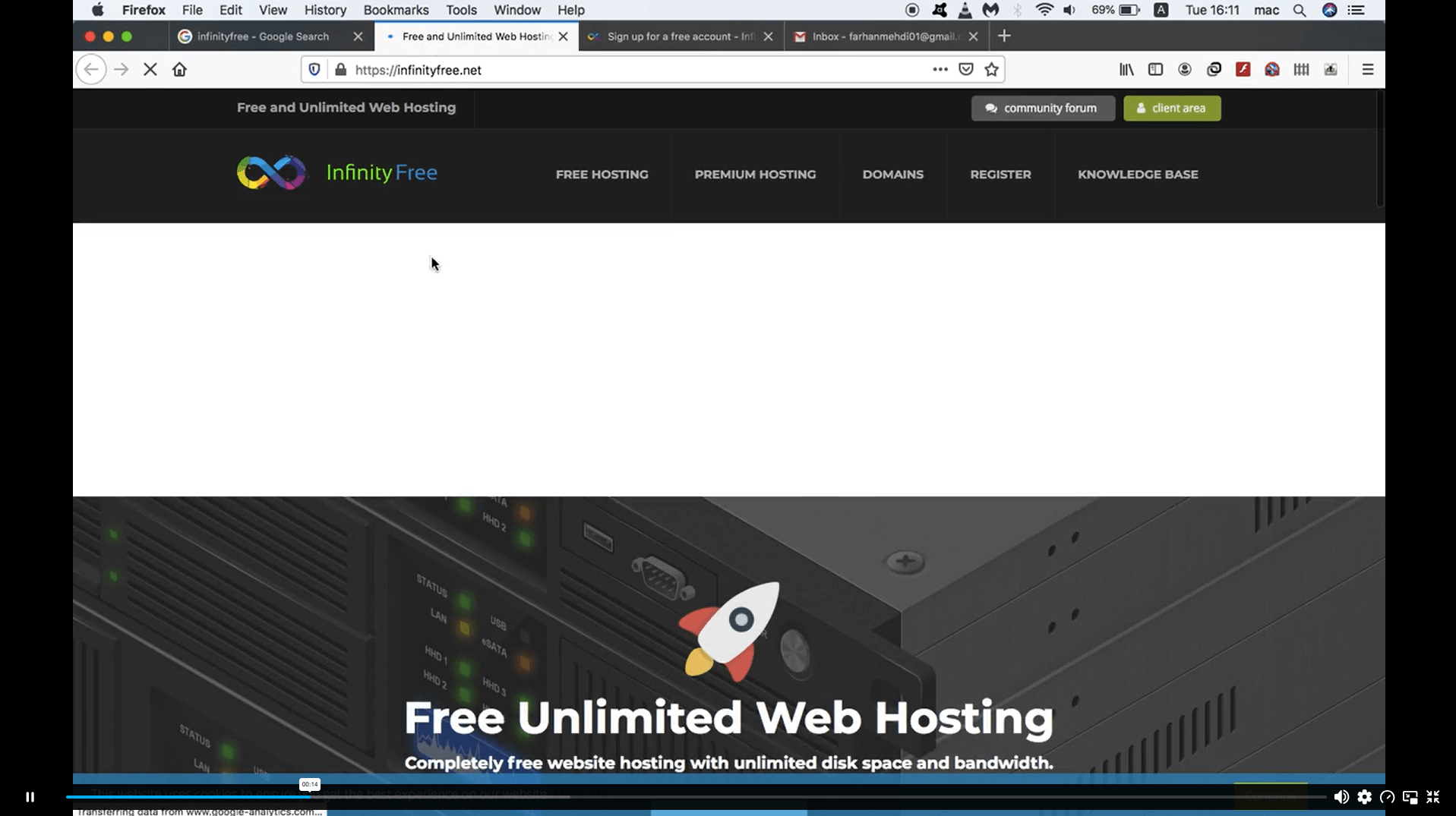
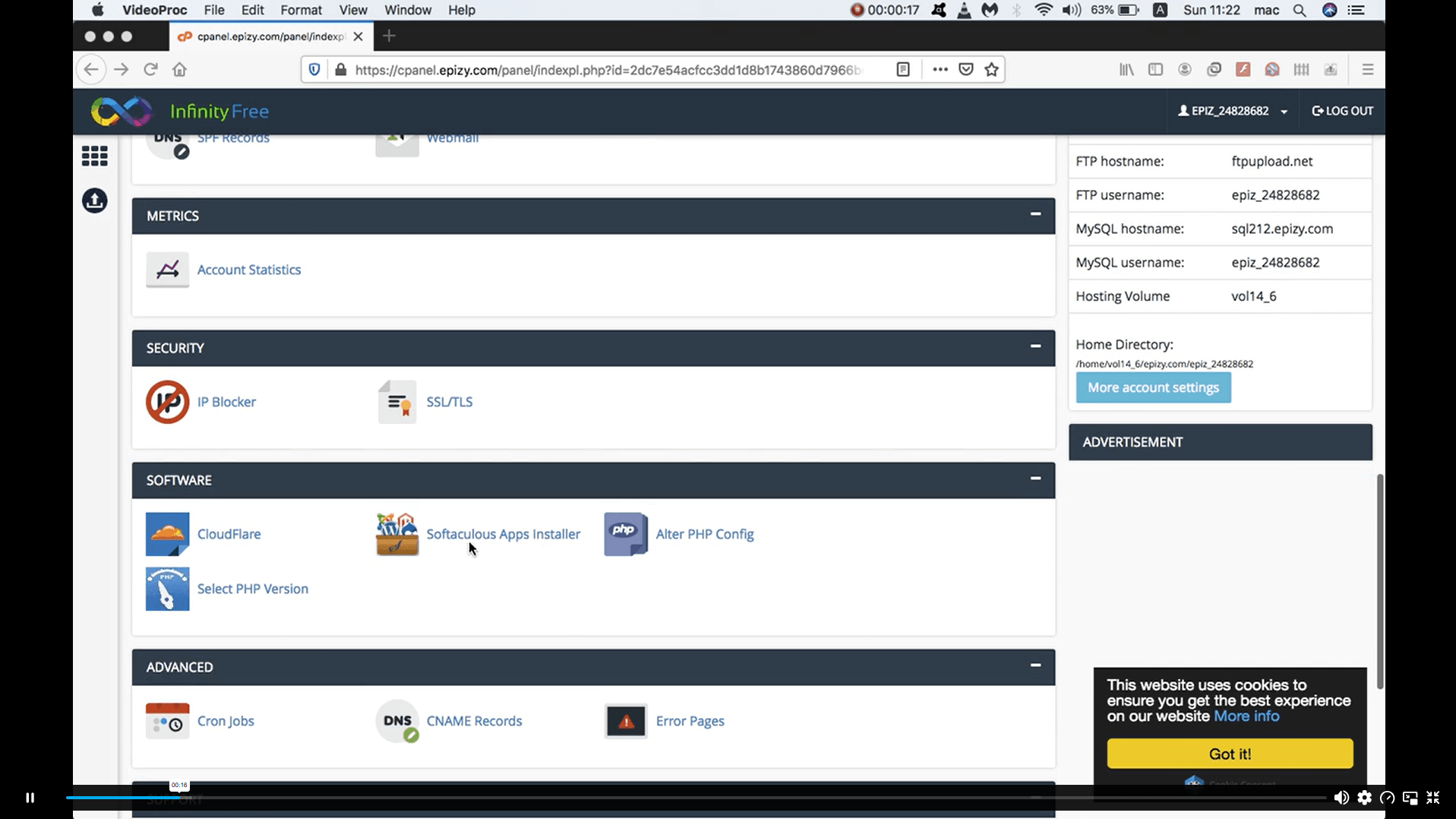
| Free Hosting Service | 00:01:00 | ||
| Free Domain Name | 00:07:00 | ||
| Install WordPress | 00:03:00 | ||
| Cleaning Out Website | 00:03:00 | ||
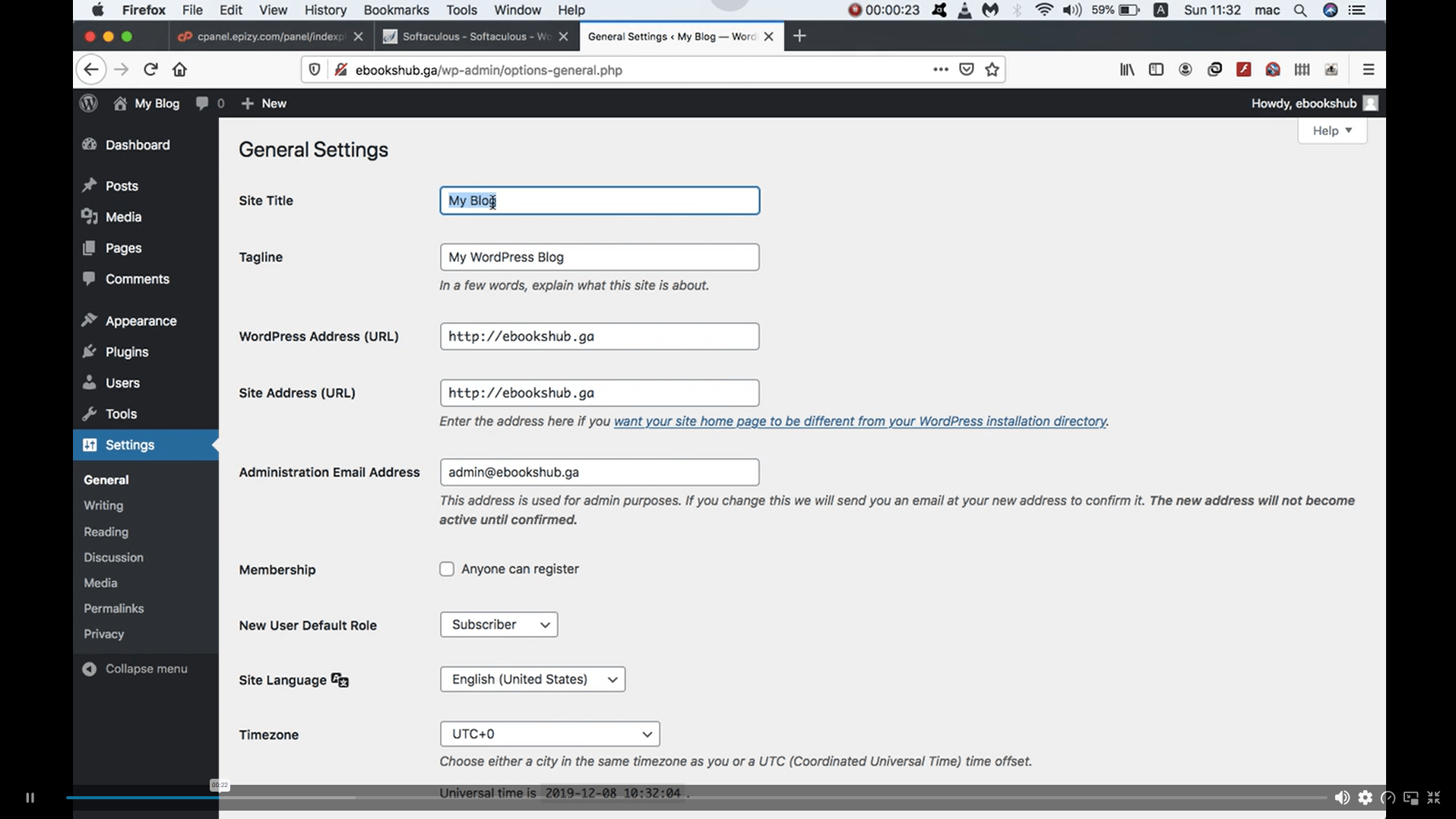
| Change WordPress Default Settings | 00:03:00 | ||
| Installing the Theme | 00:02:00 | ||
| Create Logo & Pages & Categorie | 00:07:00 | ||
| Add Posts and Widgets | 00:08:00 | ||
| Add Ads on Our Blog | 00:04:00 | ||
| Assignment | |||
| Assignment -Basics of WordPress: Create Unlimited Websites | 00:00:00 | ||

Yes, this course is designed specifically for beginners with little or no experience in website creation. The lessons explain the process step by step, making it easy to understand. You can start learning without any coding knowledge.
No, WordPress allows users to create websites using visual tools and built-in features. This course focuses on helping you build and manage websites without writing code. Many successful websites are created using WordPress alone.
You can create blogs, business websites, portfolios, personal websites, and many other types of online projects. The skills learned in the course can be applied to different website goals. WordPress is flexible enough to support a wide range of website designs.
Yes, many freelancers use WordPress to create websites for clients. Learning how to build and manage WordPress sites can help you offer website-related services. It can also provide a useful foundation for expanding your digital skills.
The course is self-paced, allowing you to learn whenever it suits your schedule. Some learners may complete it in a few days, while others may take longer to explore the lessons in more detail. You can revisit the content whenever needed.
Exclusive Deal! 95% Off, Today Only!
Offer Ends Soon
 Take All courses for £49

 Access
 Level
Level
 Number of Units
 Duration
 Course Type
- £24.99
- 1 year
- Intermediate
- Number of Units12
- Number of Quizzes0
- 44 minutes Gift this course
 14-Day Money-Back Guarantee
Exclusive Deal! 95% Off, Today Only!
Discounted Total:- 50% discount for orders of 10+ courses
- 60% discount for orders of 50+ courses
- 70% discount for orders of 100+ courses