trustpilot

Code Your Own Photo Editor App in Android Studio

Overview The Code Your Own Photo Editor App in Android Studio course is designed to help learners understand how to …

4.8 4.8 Rating ( 0 Reviews )
0 Students
Bestseller
Great Service
Highly Rated
i Last Updated: 28th August 2026
◎ English
Flexible Schedule
thumbnail

Unlock 3,000+ Courses & Unlimited Free Digital Certificates for £99 Only! Grab Now

Overview

The Code Your Own Photo Editor App in Android Studio course is designed to help learners understand how to build a functional photo editing application using Android development tools. This course introduces app development concepts, including image handling, user interface creation, permissions, and image modification features.

Throughout this course, learners will explore how to create image files, work with images from galleries and cameras, modify colours, and implement useful app features. It is suitable for aspiring Android developers, coding enthusiasts, and anyone interested in creating their own best photo editor app for Android.

By completing this course, learners can develop Android Studio skills and gain confidence in building creative mobile applications. Thames College provides this course to support learners looking to expand their software development knowledge through flexible online learning.

Key Benefits Included

► Accredited by CPD
► Endorsed by QLS (Quality Licence Scheme)
► Instant Access
► 24/7 Learning Assistance
► Self-paced learning and laptop, tablet, smartphone-friendly
► Fully online, interactive course with audio voiceover
► Developed by qualified professionals in the field

Sneak Peek

Learning Outcomes

This course helps learners build knowledge of Android Studio and photo editing app development. After completing the course, learners will be able to:


► Manage complex schedules and meetings with structured planning
► Apply professional communication in business and client interactions
► Organise office systems for record keeping and workflow efficiency
► Demonstrate strong customer service and interpersonal skills
► Use administrative tools for reporting, invoicing, and coordination

Who is This Course For?

This course is suitable for anyone interested in learning Android app development and creating image-based mobile applications.

► Beginners who want to learn Android Studio and app development basics
► Students looking to develop practical coding skills
► Aspiring Android developers building their first applications
► Software developers interested in mobile app projects
► Technology enthusiasts interested in creating a photo editor app

Certification

CPD Certification

After successfully completing the assessment of this course, you can apply for the CPD accredited certificates.
PDF certificate: £9.99
Hardcopy certificate: £15.99

Endorsed Certificate of Achievement from the Quality Licence Scheme

Upon successful completion of the course, you can order an original hardcopy certificate of achievement endorsed by the Quality Licence Scheme. The certificate will be home-delivered, with a pricing scheme of —
► 149 GBP within UK
► 159 GBP for International Delivery — Postal Fees Included

Please Note: Thames College is a One Education approved resale partner for Quality Licence Scheme Endorsed courses

Career Opportunities

This course can support learners developing skills for roles in mobile application development and software technology.

► Android Developer — Average UK Salary: £30,000–£60,000 per year
► Mobile App Developer — Average UK Salary: £35,000–£65,000 per year
► Software Developer — Average UK Salary: £35,000–£70,000 per year
► Junior Application Developer — Average UK Salary: £25,000–£45,000 per year
► UI/UX Developer — Average UK Salary: £30,000–£55,000 per year

Course Curriculum

The course covers a wide range of essential topics, including:

This module explains how to create an Android Studio project and build the essential user interface elements. Learners will understand the initial setup required for developing a photo editor application.

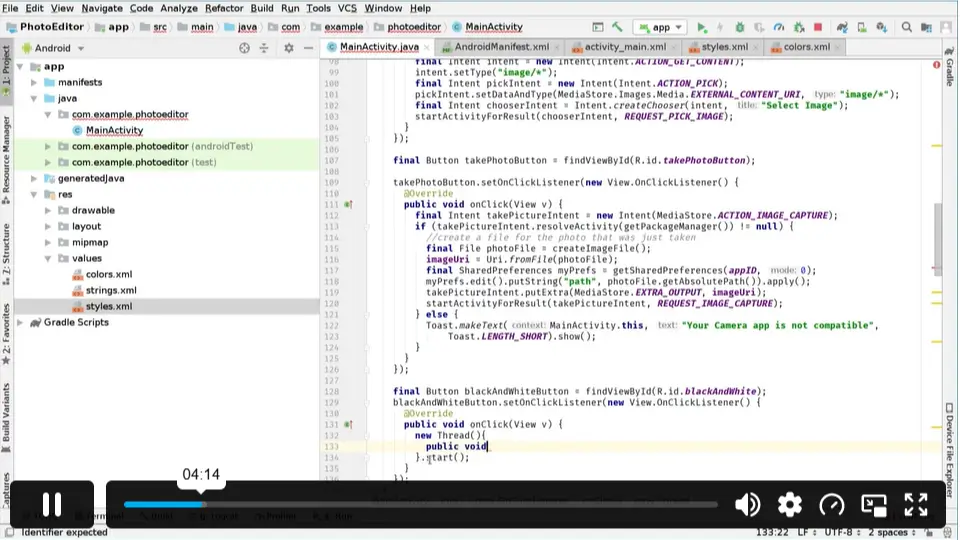
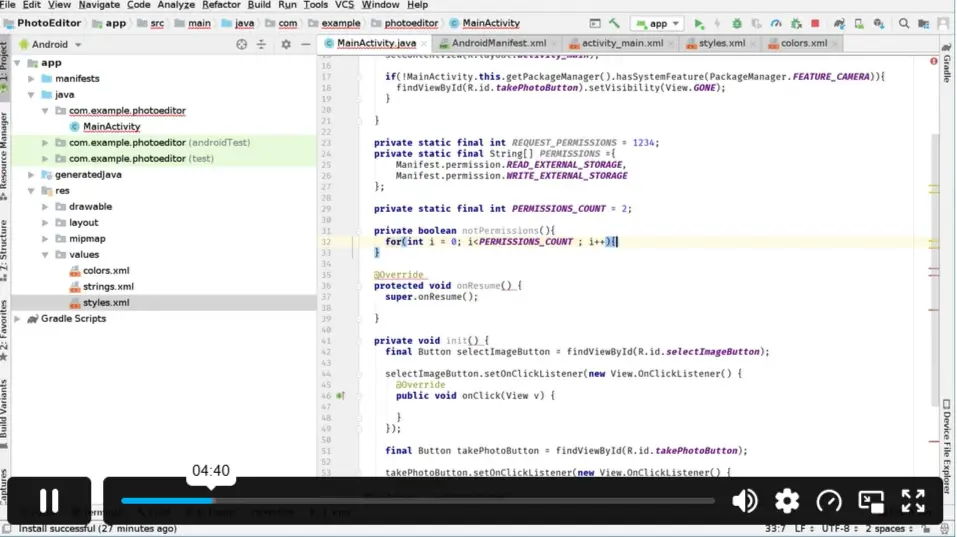
This module covers Android permissions and how to make app components interactive. Learners will explore click listeners and intents to improve app functionality.

Learners will learn how to create image files and manage communication between app components. This module also explains controlling visibility of different application views.

This module focuses on importing images from a device gallery or camera. Learners will understand how images are processed and converted into Bitmap format.

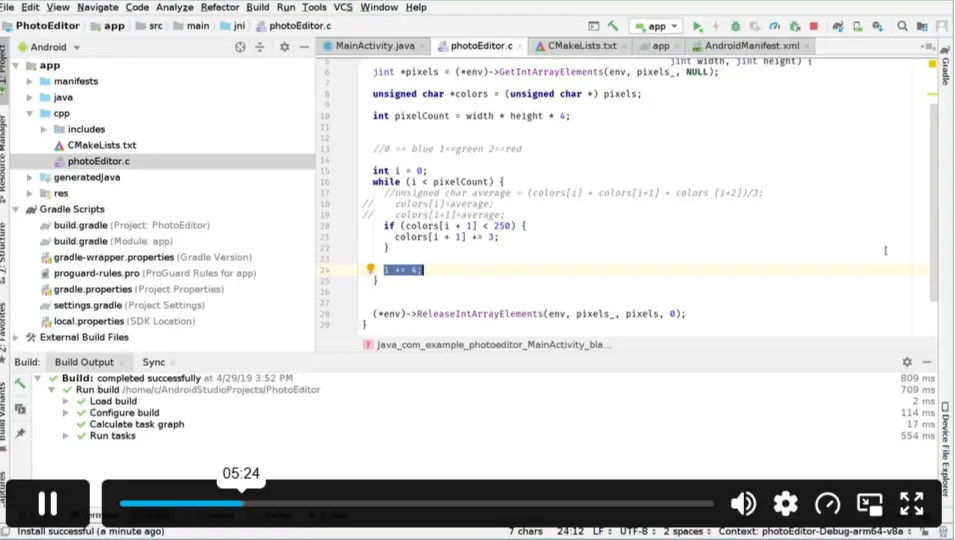
This module introduces image colour modification techniques and explains how native methods can be used within Android applications.

Learners will explore common improvements, troubleshooting methods, and how to add saving and navigation features to the photo editor app.

Excellent

4.8 Average - 9 Reviews

★ Reviews
Oliver Bennett
This course helped me understand how Android photo editing apps are created from the beginning. The practical lessons made learning app development much easier.
Sophie Williams
A useful course for improving Android Studio skills. I enjoyed learning how to handle images and create features for a real mobile application.

Course Curriculum

Code Your Own Photo Editor App in Android Studio
Module 01: Setup Project and UI Elements 00:30:00
Module 02: Requesting Permissions, Setting Up Click Listeners and Intents 00:31:00
Module 03: Creating Image Files, Receiving Intents, Showing and Hiding Views 00:30:00
Module 04: Receiving Image from Gallery or Camera, reading Image into a Bitmap 00:30:00
Module 05: Modifying Colours and Calling Native Methods 00:32:00
Module 06: General Fixes, Save Image Feature and Go Back Feature 00:26:00
Assignment
Assignment -Code Your Own Photo Editor App in Android Studio 00:00:00

Certificate of Achievement

Upon completion, you will receive a CPD-accredited certificate recognised globally. Choose from:

Pdf Certificate & Transcript  £7.99
Hardcopy Certificate & Transcript  £17.99

This certification validates your knowledge and skills, boosting your employability in healthcare.

1. What is the Code Your Own Photo Editor App in Android Studio course? +

This course teaches learners how to create a photo editor application using Android Studio. It covers project setup, image handling, permissions, UI elements, and app features. Learners gain practical knowledge of Android app development.

2. Can beginners learn to create a photo editor app for Android? +

Yes, this course is suitable for beginners interested in Android development. It introduces important concepts step by step, helping learners understand how mobile applications are created and customised using Android Studio.

3. How do I make a photo editor app in Android Studio? +

Creating a photo editor app involves setting up an Android project, designing the interface, managing images, adding editing features, and implementing saving options. This course guides learners through these development stages.

4. What skills will I learn from this Android Studio photo editor course? +

Learners will develop skills in Android Studio setup, image processing, UI creation, permissions management, and app functionality. The course helps build practical experience in developing an Android-based photo editing application.

5. Is this course useful for learning Android app development? +

Yes, the course provides practical knowledge of Android application development. It helps learners understand how different features work together when building a functional mobile app.

6. What is the best photo editor app development course for Android beginners? +

A beginner-friendly photo editor app development course should cover basic Android Studio tools, image handling, and application features. This course focuses on these essential areas to help learners create their own app.

7. Do I need previous programming experience for this Android Studio course? +

The course is designed for learners interested in Android development and app creation. Basic familiarity with coding concepts may be helpful, but the course focuses on building practical understanding.

8. Can I create my own Android photo editor app after completing this course? +

After completing the course, learners will understand the key steps involved in creating a photo editor application. They can apply these skills to continue developing and improving their own Android projects.

9. What features can I add to an Android photo editor app? +

This course covers important features such as receiving images from a gallery or camera, modifying colours, saving images, and managing app navigation. These are essential functions for photo editing applications.

10. Will I receive a certificate after completing this Android Studio course? +

Yes, learners receive a CPD-accredited Certificate of Achievement after completion. The certificate provides recognition of your learning and can help demonstrate your Android development skills.

top