


Advanced Audacity Editing: Elevating Your Audio Production Skills
Overview Many people struggle to create clear, professional-quality audio because they lack proper editing skills and structured guidance. Poor audio …
 62 Students
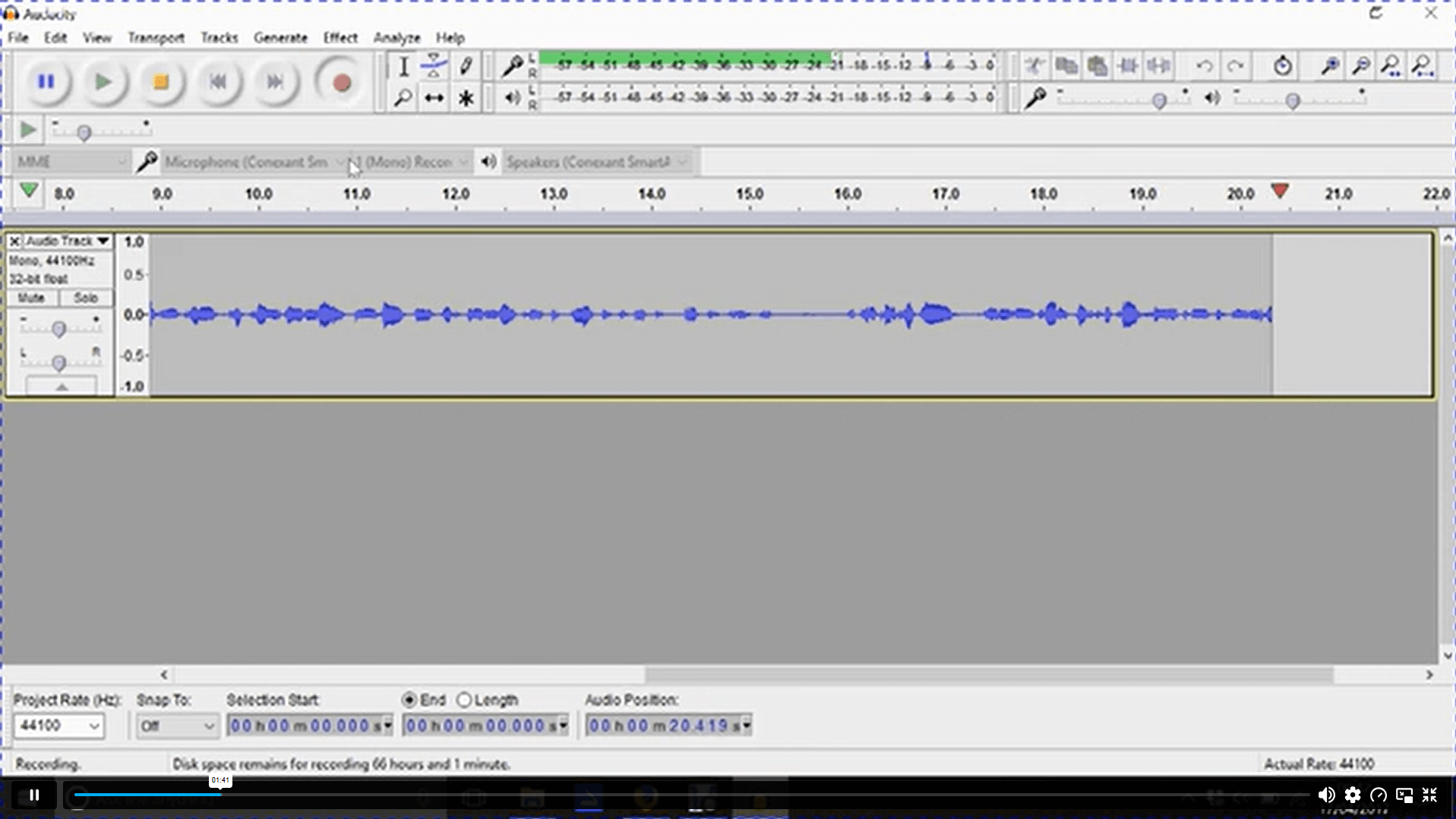
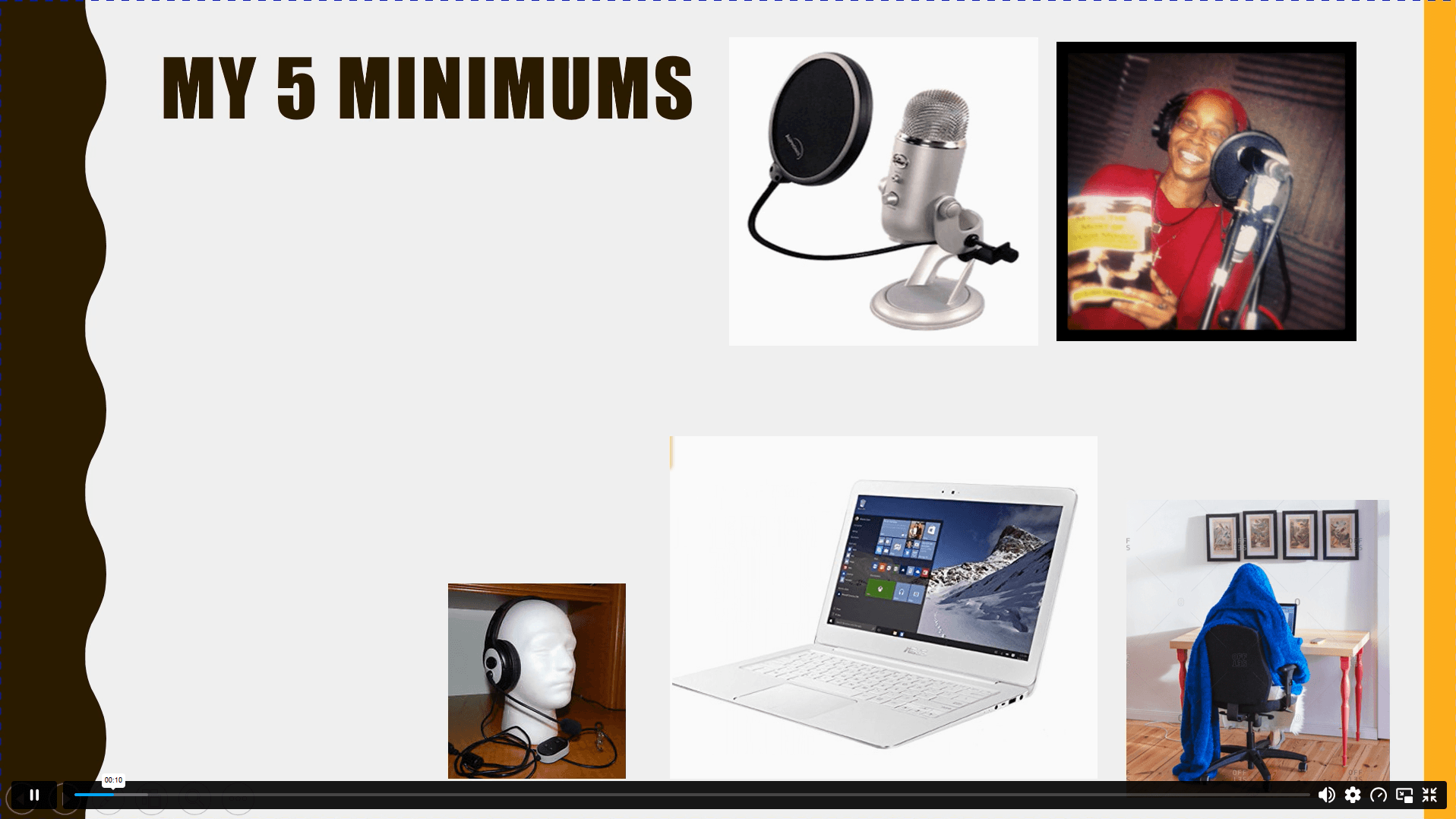
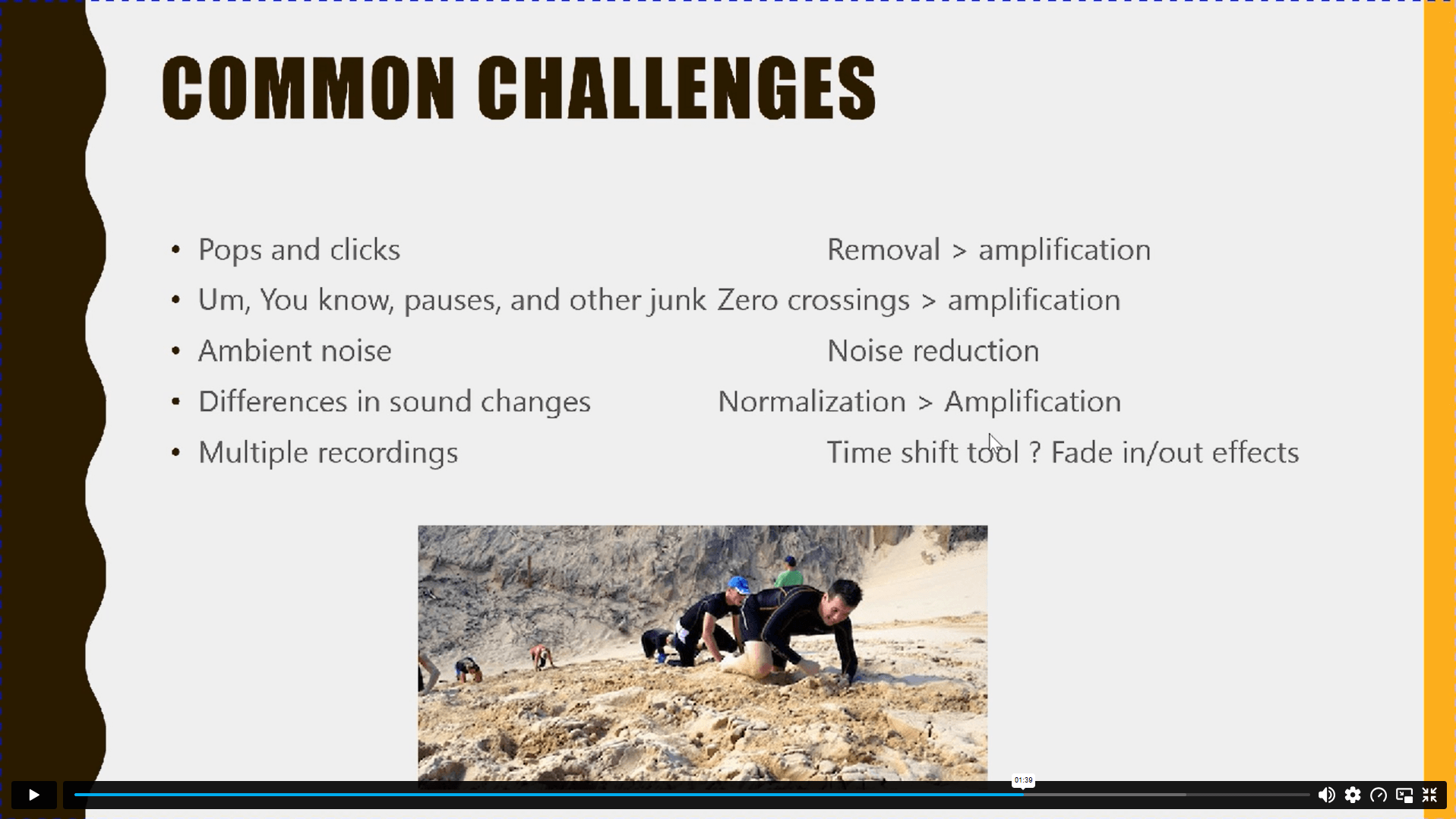
Course Curriculum
| Audacity Editing | |||
| Module 01: Introduction to the Course | 00:03:00 | ||
| Module 02: Why Learn To Edit | 00:11:00 | ||
| Module 03: Just a Note on Equipment | 00:05:00 | ||
| Module 04: How to Prepare | 00:11:00 | ||
| Module 05: Audacity Key Basics | 00:07:00 | ||
| Module 06: How to Create an Interlude with Music Added | 00:14:00 | ||
| Module 07: Editing a Podcast on Audacity Part 1 | 00:17:00 | ||
| Module 08: Editing a Podcast on Audacity Part 2 | 00:16:00 | ||
| Module 09: Inserting an Interlude | 00:10:00 | ||
| Module 10: More Editing to Finish Part 1 | 00:15:00 | ||
| Module 11: More Editing to Finish Part 2 | 00:17:00 | ||
| Module 12: Ending the Podcast Adding an Outro | 00:08:00 | ||
| Module 13: Editing | 00:02:00 | ||
| Module 14: Audacity-Full Manual | 02:36:00 | ||
| Module 15: Editing Masterclass Tips | 00:15:00 | ||
| Module 16: Replacing One Interlude with Another | 00:14:00 | ||
| Module 17: Conclusion | 00:03:00 | ||

You will learn how to edit, enhance, and structure audio using Audacity. The course covers podcast editing, adding music, and improving sound quality. It helps you create professional audio content step by step.
No, this course is suitable for beginners. It starts with basic concepts and gradually moves to advanced editing techniques.
Yes, the course is focused on podcast editing and audio production. You will learn how to create complete podcast episodes with music and transitions.
You will primarily use Audacity, a free and powerful audio editing software. All lessons are based on its tools and features.
5. Can I work as a freelancer after this course?
Exclusive Deal! 95% Off, Today Only!
Offer Ends Soon
 Take All courses for £49

 Access
 Level
Level
 Number of Units
 Duration
 Course Type
- £24.99
- 1 year
- Intermediate
- Number of Units17
- Number of Quizzes0
- 5 hours, 24 minutes Gift this course
 14-Day Money-Back Guarantee
Exclusive Deal! 95% Off, Today Only!
Discounted Total:- 50% discount for orders of 10+ courses
- 60% discount for orders of 50+ courses
- 70% discount for orders of 100+ courses