


A-Frame Web VR Programming
Overview Creating virtual reality for the web can feel challenging when 3D objects, textures, lighting, animation, video, and user interaction …
 31 Students

Course Curriculum
| Section 01: Introduction | |||
| Introduction | 00:02:00 | ||
| Section 02: Setup | |||
| Setting Up | 00:08:00 | ||
| Section 03: Basics | |||
| Drawing a Box | 00:05:00 | ||
| Transformations | 00:04:00 | ||
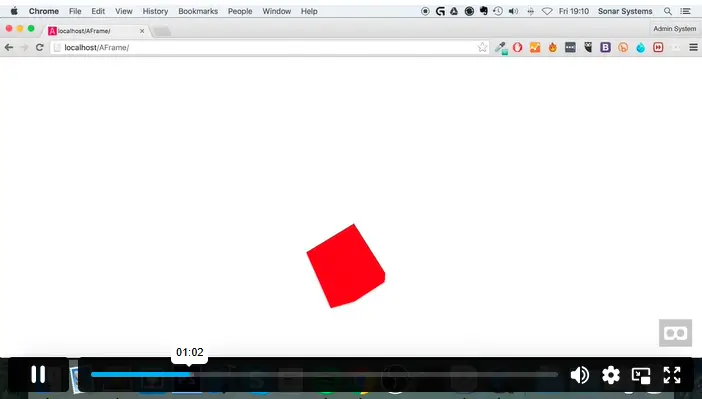
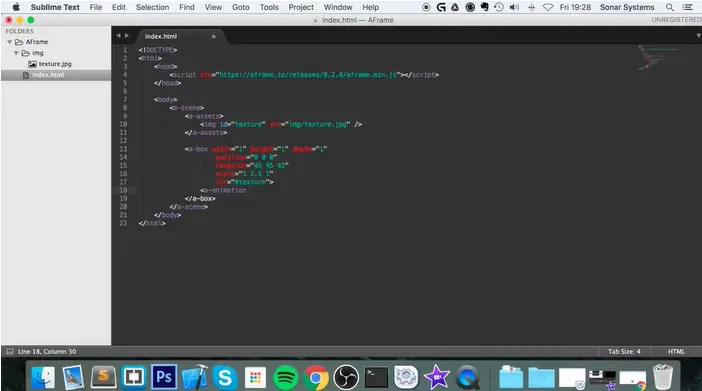
| Textures | 00:05:00 | ||
| Animations | 00:03:00 | ||
| Interacting With Objects | 00:09:00 | ||
| Section 04: Advanced | |||
| Lighting | 00:04:00 | ||
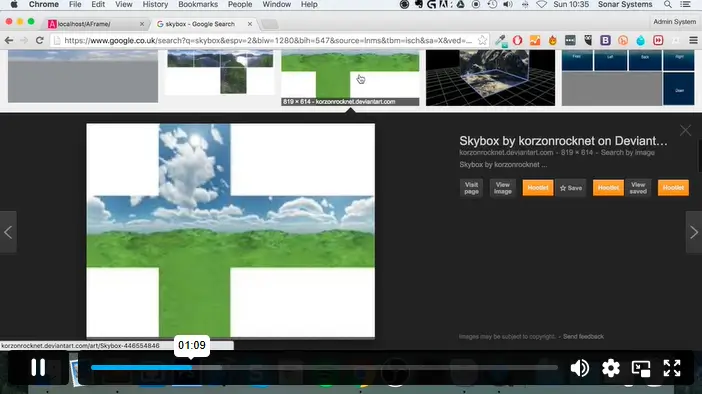
| Skybox | 00:05:00 | ||
| Model Loading | 00:09:00 | ||
| Image | 00:03:00 | ||
| Section 05: The Cool Stuff | |||
| Curved Image | 00:03:00 | ||
| Video | 00:05:00 | ||
| Video Sphere | 00:04:00 | ||
| Plane | 00:05:00 | ||
| Object Loading | 00:08:00 | ||
| Section 06: Resource | |||
| Resource | 00:00:00 | ||
| Assignment | |||
| Assignment – A-Frame Web VR Programming | 00:00:00 | ||

A-Frame Web VR Programming is an online course covering browser-based virtual reality development. Learners explore A-Frame setup, 3D objects, transformations, textures, animations, lighting, skyboxes, model loading, video elements, and object interaction.
Yes. This A-Frame course is suitable for beginners who want to explore Web VR programming. Basic computer confidence helps, while HTML, CSS, or JavaScript awareness can support further practice.
You will learn A-Frame setup, object drawing, transformations, textures, animations, object interaction, lighting, skyboxes, model loading, images, curved images, videos, video spheres, planes, and immersive scene building.
Yes. The course covers model loading and object loading, helping learners understand how to place richer 3D assets inside A-Frame scenes and create more complete immersive web experiences.
No formal coding experience is required, but basic HTML, CSS, or JavaScript knowledge can help learners understand A-Frame structure faster and experiment more confidently with interactive web scenes.
Exclusive Deal! 95% Off, Today Only!
Offer Ends Soon
 Take All courses for £49

 Access
 Level
Level
 Number of Units
 Duration
 Course Type
- Original price was: £424.00.£29.99Current price is: £29.99.
- 1 year
- Intermediate
- Number of Units18
- Number of Quizzes0
- 1 hour, 22 minutes Gift this course
 14-Day Money-Back Guarantee
Exclusive Deal! 95% Off, Today Only!
Discounted Total:- 50% discount for orders of 10+ courses
- 60% discount for orders of 50+ courses
- 70% discount for orders of 100+ courses