


Advanced MS Office Excel Course
Overview Spreadsheet errors, broken workbook links and weak forecasting can slow reports, finance tasks and business decisions. Lloyds Bank’s 2025 …
 78 Students

Course Curriculum
| Working with Multiple Worksheets and Workbooks | |||
| Use Links and External References | 00:12:00 | ||
| Use 3-D References | 00:06:00 | ||
| Consolidate Data | 00:05:00 | ||
| Using Lookup Functions and Formula Auditing | |||
| Use Lookup Functions | 00:12:00 | ||
| Trace Cells | 00:09:00 | ||
| Watch and Evaluate Formulas | 00:08:00 | ||
| Sharing and Protecting Workbooks | |||
| Collaborate on a Workbook | 00:19:00 | ||
| Protect Worksheets and Workbooks | 00:08:00 | ||
| Automating Workbook Functionality | |||
| Apply Data Validation | 00:13:00 | ||
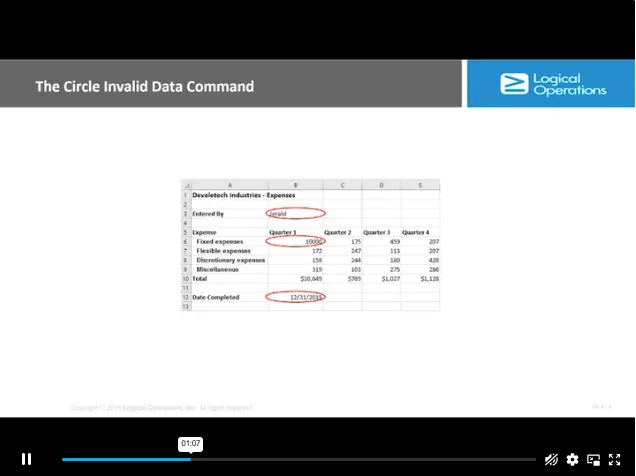
| Search for Invalid Data and Formulas with Errors | 00:04:00 | ||
| Work with Macros | 00:18:00 | ||
| Creating Sparklines and Mapping Data | |||
| Create Sparklines | 00:07:00 | ||
| MapData | 00:07:00 | ||
| Forecasting Data | |||
| Determine Potential Outcomes Using Data Tables | 00:08:00 | ||
| Determine Potential Outcomes Using Scenarios | 00:09:00 | ||
| Use the Goal Seek Feature | 00:04:00 | ||
| Forecasting Data Trends | 00:05:00 | ||
| Mock Exam | |||
| Mock Exam – Advanced MS Office Excel Course | 00:20:00 | ||
| Final Exam | |||

Course Reviews
No Reviews found for this course.
The Advanced MS Office Excel Course is an online Excel training programme covering workbook links, 3-D references, data consolidation, lookup functions, formula auditing, worksheet protection, data validation, macros, sparklines, mapping data, forecasting, and assessment preparation.
This course is best for learners who already understand basic Excel and want to progress into advanced workbook tasks. Familiarity with spreadsheets will help learners follow topics such as formulas, workbook links, data validation, macros, and forecasting
You will learn how to work with multiple worksheets, link workbooks, use lookup functions, audit formulas, protect worksheets, validate data, automate workbook tasks, create sparklines, map information, and use forecasting tools for better reporting
Yes, the course introduces workbook automation, including macro-related functionality. Learners can build awareness of how automation may reduce repetitive Excel tasks, support cleaner workflows, and improve efficiency when handling regular spreadsheet processes.
Yes, this course can support Excel knowledge for finance, admin, payroll, reporting, operations, and business support roles. Employers may also look for workplace experience, Microsoft Office confidence, communication skills, and role-specific knowledge.
Exclusive Deal! 95% Off, Today Only!
Offer Ends Soon
 Take All courses for £49

 Access
 Level
Level
 Number of Units
 Duration
 Course Type
- £24.99
- 1 year
- Advanced
- Number of Units17
- Number of Quizzes1
- 2 hours, 54 minutes Gift this course
 14-Day Money-Back Guarantee
Exclusive Deal! 95% Off, Today Only!
Discounted Total:- 50% discount for orders of 10+ courses
- 60% discount for orders of 50+ courses
- 70% discount for orders of 100+ courses