


Beginner’s Guide to Arduino: Fun Projects with Tinkercad
Overview Many beginners want to learn electronics and coding but often feel overwhelmed by circuits, wiring, and programming concepts. The …
 42 Students

Course Curriculum
| Introduction | |||
| Creating a Tinkercad Account | 00:03:00 | ||
| Tinkercad interface explained | 00:07:00 | ||
| What is an Arduino | 00:08:00 | ||
| Blink a LED | 00:08:00 | ||
| Electrical Engineering Basics | |||
| The first Circuit – Led and Battery | 00:10:00 | ||
| OHM’s Law | 00:11:00 | ||
| What is a Breadboard | 00:09:00 | ||
| Digital Outputs | |||
| Programming a single LED | 00:10:00 | ||
| Programming multiple LEDs | 00:10:00 | ||
| Project 1.0: Traffic light | 00:07:00 | ||
| How a buzzer works? | 00:10:00 | ||
| Project 1.1: Add a buzzer to traffic light | 00:10:00 | ||
| Digital Inputs: Pushbutton | |||
| How a push-button works? | 00:08:00 | ||
| Programming a push-button – Part 1 | 00:08:00 | ||
| Programming a push-button – Part 2 | 00:07:00 | ||
| Programming multiple push-buttons | 00:13:00 | ||
| Project 2: Walk button or Push-to-walk button | 00:12:00 | ||
| Digital Inputs: Sensors | |||
| What is a sensor? | 00:04:00 | ||
| How a tilt sensor works? | 00:06:00 | ||
| Programming a tilt sensor | 00:06:00 | ||
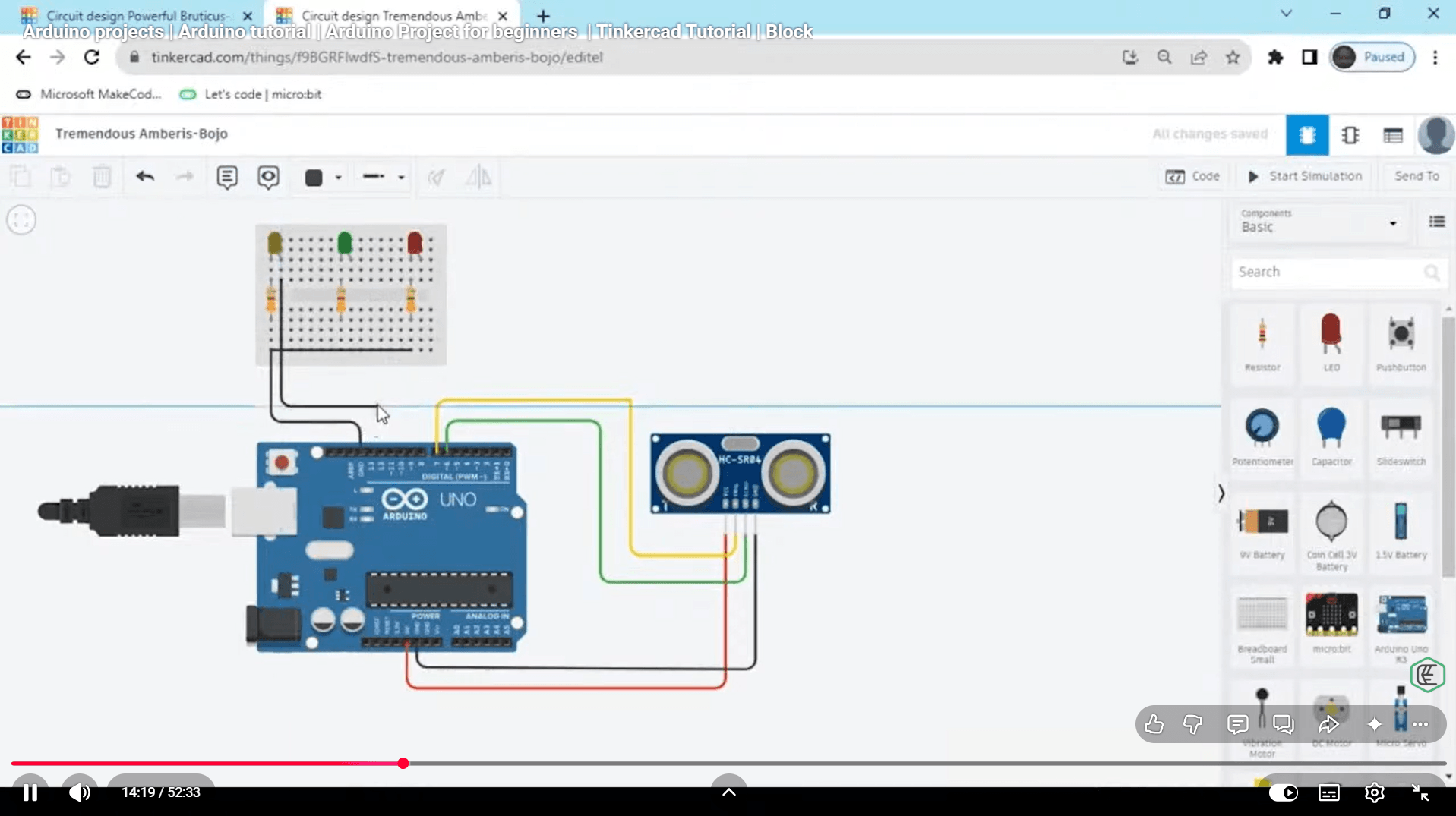
| How a motion sensor works? | 00:08:00 | ||
| Programming a motion sensor | 00:05:00 | ||
| Project 3.0 Catch the burglar | 00:05:00 | ||
| Project 3.1 Catch the burglar | 00:11:00 | ||
| Analog Output | |||
| How a RGB LED works? | 00:08:00 | ||
| Programming a RGB LED | 00:06:00 | ||
| Analog Input | |||
| How a potentiometer works? | 00:04:00 | ||
| Serial communication and Programming a potentiometer – Part 1 | 00:07:00 | ||
| Programming a potentiometer – Part 2 | 00:08:00 | ||
| How a photoresistor works? | 00:04:00 | ||
| Programming a photoresistor | 00:11:00 | ||
| Electric Monitor | |||
| How an electric motor works? | 00:07:00 | ||
| How a servo motor works? | 00:08:00 | ||
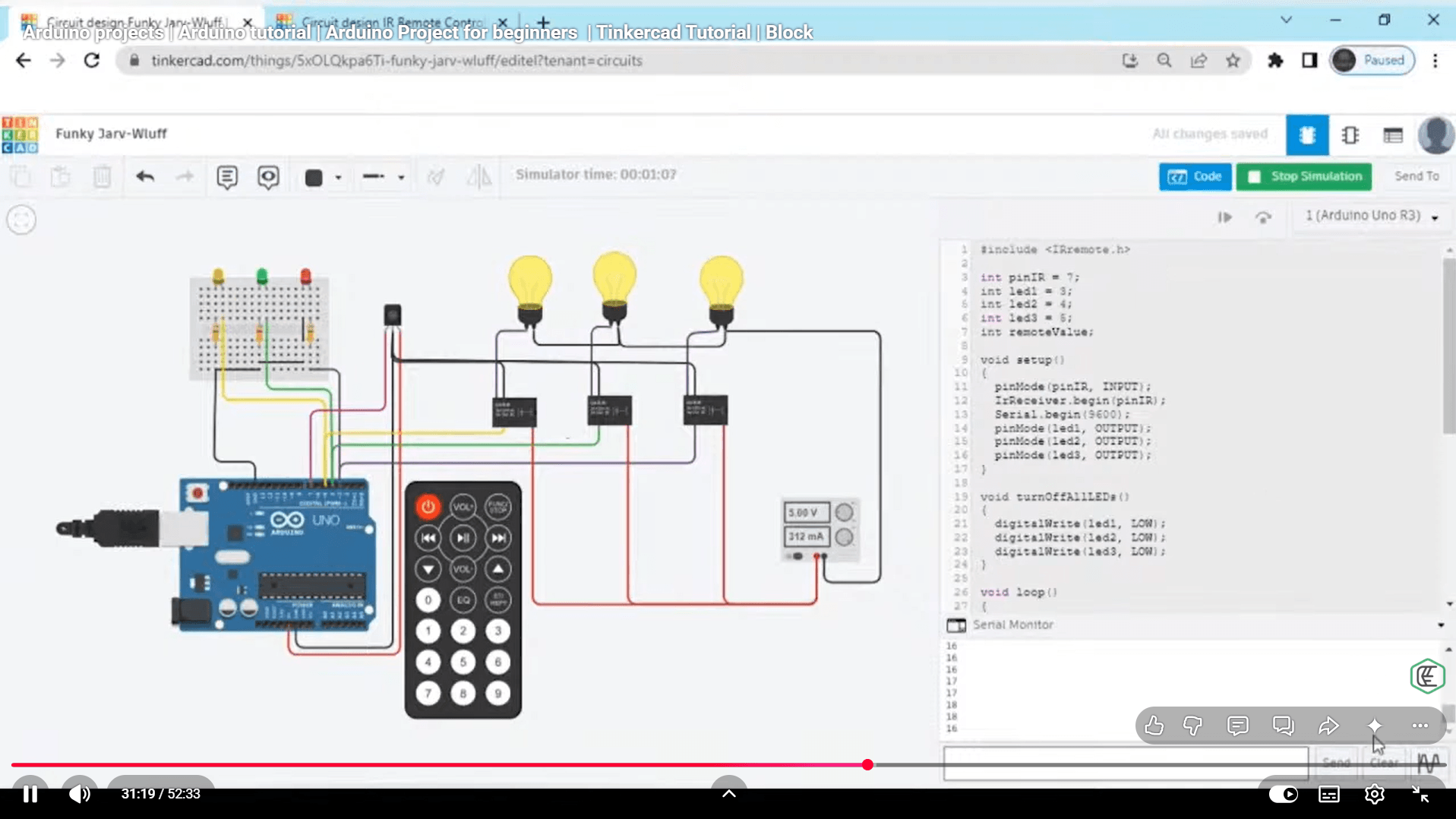
| Final Project: Smart Home | |||
| The final project – Part 1 | 00:07:00 | ||
| The final project – Part 2 | 00:11:00 | ||
| Assignment | |||
| Assignment -Arduino Programming For Kids and Beginners with Tinkercad | 00:00:00 | ||

Course Reviews
No Reviews found for this course.
You will learn Arduino basics, circuit building, sensors, digital inputs and outputs, and smart home projects using Tinkercad.
Yes, the course is designed for beginners with no previous electronics or coding experience.
No, you can start learning using Tinkercad simulations without physical hardware.
Tinkercad is used to simulate Arduino circuits and test electronic projects online safely.
Yes, the course helps you build confidence in creating beginner-level Arduino projects.
Exclusive Deal! 92% Off, Today Only!
Offer Ends Soon
 Take All courses for £49

 Access
 Level
Level
 Number of Units
 Duration
 Course Type
- Original price was: £424.00.£29.99Current price is: £29.99.
- 1 year
- Intermediate
- Number of Units36
- Number of Quizzes0
- 4 hours, 37 minutes Gift this course
 14-Day Money-Back Guarantee
Exclusive Deal! 95% Off, Today Only!
Discounted Total:- 50% discount for orders of 10+ courses
- 60% discount for orders of 50+ courses
- 70% discount for orders of 100+ courses