


Azure Administration Essentials: AZ-103/AZ-104 Full Training for Success
Overview UK employers are moving fast into cloud, and Office for National Statistics data shows 69% of UK firms used …
 86 Students

Course Curriculum
| Introduction | |||
| Introduction to AZ 103 / 104 Program | 00:02:00 | ||
| Course Introduction | 00:03:00 | ||
| Disclaimer | 00:01:00 | ||
| Azure Portal and Cloud Shell | |||
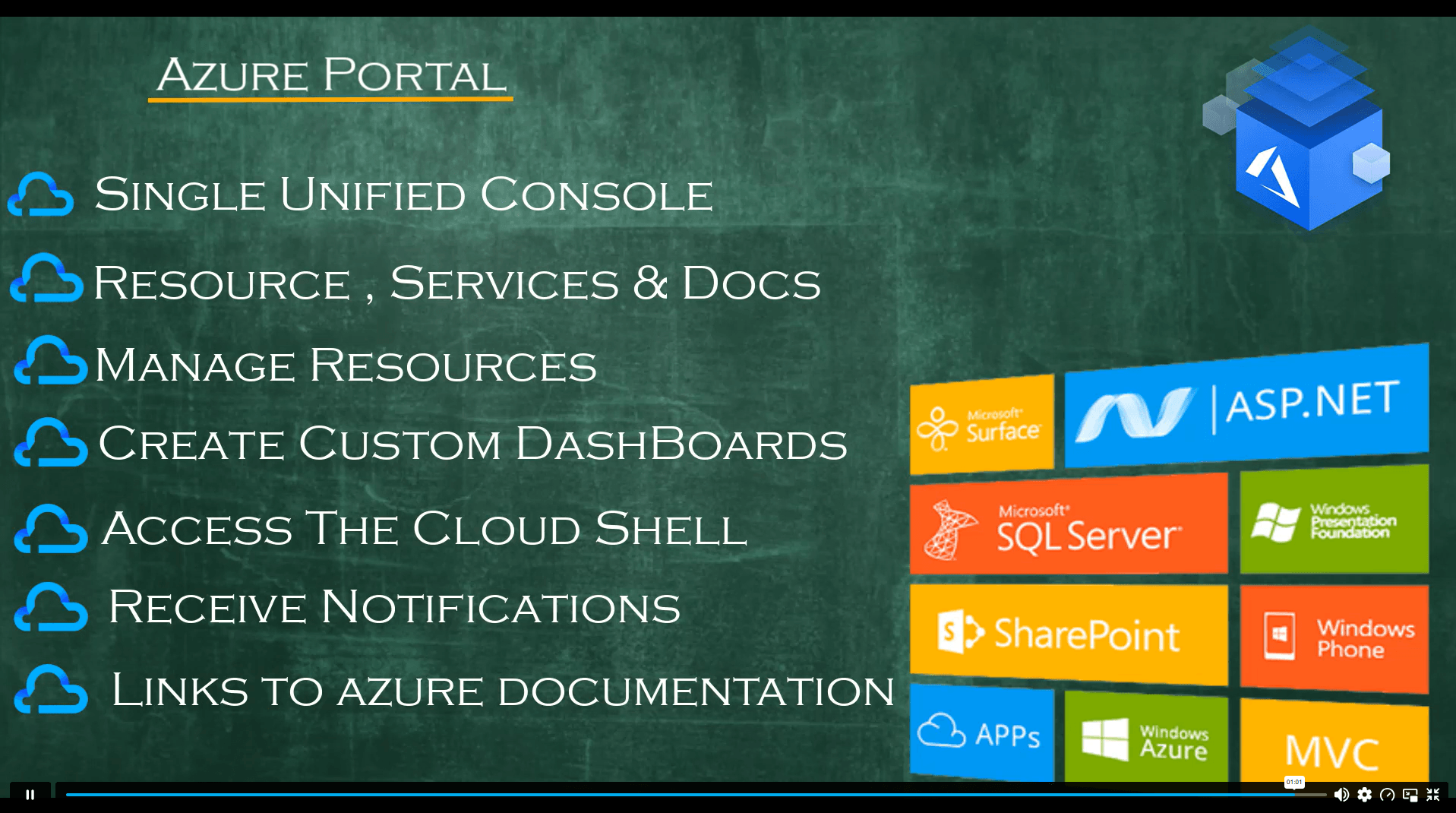
| Azure Portal | 00:01:00 | ||
| Azure Mobile App | 00:02:00 | ||
| Azure Portal Demo | 00:05:00 | ||
| Azure Cloud Shell | 00:02:00 | ||
| Azure CLoud SHell – Demo | 00:05:00 | ||
| Introduction to Powershell | 00:02:00 | ||
| Introduction to Powershell – II | 00:05:00 | ||
| What is a Powershell Module | 00:03:00 | ||
| Azure Modules for Powershell | 00:06:00 | ||
| Manage Resource groups with PS | 00:04:00 | ||
| Azure RM vs AZ | 00:01:00 | ||
| Demo – Working with Azure CLI Locally | 00:02:00 | ||
| Benefits of Resource Manager | 00:02:00 | ||
| Resource Providers | 00:02:00 | ||
| Resource Providers – Lab Activity | 00:02:00 | ||
| Moving Resources | 00:01:00 | ||
| Resource Group : Demo – Lab Activity | 00:07:00 | ||
| Advantages of Using ARM Templates | 00:01:00 | ||
| What is a JSON | 00:02:00 | ||
| Parameters and Variables | 00:02:00 | ||
| Azure Resource Manager Templates | 00:03:00 | ||
| Understanding JSON | 00:08:00 | ||
| Demonstration – Run templates with PS | 00:15:00 | ||
| Intracting with VM using Powershell | 00:05:00 | ||
| Cleaning up Resources – With Powershell | 00:01:00 | ||
| ARM viz Tool | 00:02:00 | ||
| Azure Virtual machines | |||
| Supported Operating Systems | 00:02:00 | ||
| What is not supported? | 00:01:00 | ||
| What is Azure Compute | 00:01:00 | ||
| Virtual Machine I – LAB | 00:15:00 | ||
| Virtual machine II – LAB | 00:01:00 | ||
| Virtual Machine III – LAB | 00:02:00 | ||
| Virtual Machine IV – Lab | 00:04:00 | ||
| Virtual Machine V – LAB | 00:03:00 | ||
| Virtual Machine VI – Lab | 00:03:00 | ||
| Creating VM with Powershell | 00:11:00 | ||
| Managing Linux Instances | 00:09:00 | ||
| VM Availability | |||
| Maintenance and Downtime | 00:03:00 | ||
| Availability Sets | 00:02:00 | ||
| Fault Domain and Update domain | 00:03:00 | ||
| Custom Script Extensions | 00:02:00 | ||
| CSE – Lab | 00:05:00 | ||
| Azure Storage | |||
| Azure Storage | 00:02:00 | ||
| Azure Storage Account | 00:06:00 | ||
| Standard and premium storage accounts | 00:01:00 | ||
| Storage Types | 00:03:00 | ||
| Creating – Storage Account – Lab Activity | 00:06:00 | ||
| Create Storage Account with Powershell – Lab Activity | 00:08:00 | ||
| Create Storage Account with CLI – Lab Activity | 00:03:00 | ||
| Azure Storage Explorer – Introduction | 00:02:00 | ||
| Azure Blob Containers | 00:01:00 | ||
| Storage Performance Tiers | 00:03:00 | ||
| Uploading Blobs | 00:04:00 | ||
| Blob access Policies | 00:02:00 | ||
| Blob Storage Pricing | 00:02:00 | ||
| Blob Storage- Lab Activity | 00:00:00 | ||
| Azure Files | 00:02:00 | ||
| Files Vs Blobs | 00:01:00 | ||
| Create Azure file Share ( Lab ACtivity ) | 00:05:00 | ||
| Creating File Share with Poweshell and Mouting on Linux ( Lab Activity ) | 00:07:00 | ||
| Secure File Transfer | 00:02:00 | ||
| File Share Snaphots | 00:04:00 | ||
| FIle Share Snapshots – Lab Activity | 00:02:00 | ||
| Storage Security | 00:02:00 | ||
| Authorization Options | 00:02:00 | ||
| Shared Access Signatures | 00:03:00 | ||
| Shared Access Signatures – Lab Activity | 00:06:00 | ||
| Storage Service Encryption | 00:03:00 | ||
| Customer Managed Keys | 00:01:00 | ||
| SAS Best Practices | 00:06:00 | ||
| Blob Public Access Level | 00:01:00 | ||
| Azure Networking | |||
| Azure Network Introduction | 00:01:00 | ||
| Purpose of Virtual Networks | 00:02:00 | ||
| Virtual Networks – LAB | 00:15:00 | ||
| Creating Virtual Networks with Powershell – Lab Activity | 00:09:00 | ||
| What are Subnets | 00:02:00 | ||
| Multiple NICs – Lab Activity | 00:06:00 | ||
| IP Addressing | 00:04:00 | ||
| Private IP Addresses | 00:01:00 | ||
| Public IP Addresses | 00:05:00 | ||
| Manage IP Addresses – Lab Activity | 00:15:00 | ||
| Azure Service Endpoints | 00:01:00 | ||
| Why use Service Endpoints | 00:02:00 | ||
| Service Endpoints Demo | 00:06:00 | ||
| Services that Use Service Endpoints | 00:03:00 | ||
| Domain and Custom Domains | 00:02:00 | ||
| Azure DNS | 00:05:00 | ||
| DNS Delegation | 00:02:00 | ||
| Private Zone – Scenario I | 00:02:00 | ||
| Private Zone – Scenario II | 00:02:00 | ||
| Private DNS – Demo | 00:03:00 | ||
| What are NSG’s | 00:01:00 | ||
| Scope of NSG’s | 00:02:00 | ||
| NSG Demo | 00:07:00 | ||
| Interconnectivity | |||
| Interconnectivity Intro | 00:01:00 | ||
| Vnet peering | 00:02:00 | ||
| Benefits of Network Peering | 00:01:00 | ||
| Vnet Peering – Lab Activity | 00:06:00 | ||
| Gateway Transit | 00:01:00 | ||
| Service Chaining | 00:01:00 | ||
| Virtual Network Gateway | 00:08:00 | ||
| Virtual Network Gateway Lab – I ( Point to Site ) | 00:01:00 | ||
| Virtual Network Gateway Lab – II ( Point to Site ) | 00:10:00 | ||
| Express Route – I | 00:03:00 | ||
| Express Route – II | 00:04:00 | ||
| Express Route – III | 00:01:00 | ||
| Azure Connectivity – Comparision | 00:02:00 | ||
| Inter-connectivity – Conclusion | 00:01:00 | ||
| Azure Monitoring | |||
| Azure Monitoring Service – Introduction | 00:02:00 | ||
| Key Capabilities | 00:01:00 | ||
| Monitoring Data Platform | 00:01:00 | ||
| Log Data | 00:01:00 | ||
| Data Types | 00:02:00 | ||
| Azure Advisor | 00:01:00 | ||
| Azure Advisor – Lab Activity | 00:04:00 | ||
| Activity Log – Lab | 00:04:00 | ||
| Event Categories | 00:03:00 | ||
| Azure Alerts | 00:05:00 | ||
| Log Analytics | 00:02:00 | ||
| Log Analytics – Lab Activity | 00:15:00 | ||
| Network Watcher – Introduction | 00:01:00 | ||
| Network Watcher – Connection Monitor – Lab | 00:03:00 | ||
| Network Watcher – Topology – Demo | 00:01:00 | ||
| Network Watcher – Next Hop | 00:02:00 | ||
| Network Watcher – Connection Troubleshoot | 00:03:00 | ||
| Data Protection | |||
| Data Protection Agenda | 00:02:00 | ||
| Storage Account Replication Options | 00:02:00 | ||
| Local Redundant Storage | 00:04:00 | ||
| Zone Redundant Storage | 00:03:00 | ||
| GRS and RA GRS | 00:05:00 | ||
| GZRS and RA GZRS | 00:03:00 | ||
| Comparing Replication Strategies | 00:01:00 | ||
| Azure Backup | 00:05:00 | ||
| Recovery Services Vault – Backup I | 00:02:00 | ||
| Recovery Services Vault – Backup II | 00:04:00 | ||
| Recovery Services Vault – Backup III | 00:09:00 | ||
| Azure Site Recovery | 00:04:00 | ||
| Virtual Machine Data Protection | 00:03:00 | ||
| Images vs snapshots | 00:03:00 | ||
| Azure Site Recovery – Replication | 00:14:00 | ||
| Network Traffic Management | |||
| Network Routing – System Routes | 00:03:00 | ||
| Network Routing – User Defined Routes | 00:05:00 | ||
| What is a Load Balancer – I | 00:01:00 | ||
| What is Load Balancer – II | 00:01:00 | ||
| Public Load Balancer | 00:01:00 | ||
| Internal Load Balancer | 00:02:00 | ||
| Load Balancer SKU | 00:02:00 | ||
| Load Balancer – Lab – I | 00:10:00 | ||
| Load Balancer – Lab -II | 00:03:00 | ||
| Load Balancer – Lab -III | 00:13:00 | ||
| Azure Traffic Manager Profiles | 00:05:00 | ||
| Traffic Manager : Priority Routing | 00:02:00 | ||
| Traffic Manager : Performance Routing | 00:02:00 | ||
| Traffic Manager : Geographic Routing | 00:02:00 | ||
| Traffic Manager : Weighted Routing | 00:02:00 | ||
| Traffic Manager Profiles – Lab Activity | 00:09:00 | ||
| Azure Active Directory | |||
| What will you Learn in this Module | 00:01:00 | ||
| What is Active Directory | 00:02:00 | ||
| Azure Active Directory | 00:02:00 | ||
| Recap – Pictorial Representation | 00:01:00 | ||
| Azure AD Editions | 00:02:00 | ||
| Azure Active Directory Dashboard | 00:02:00 | ||
| Creating Global Admin user in AAD | 00:03:00 | ||
| Audit Azure AD objects – I | 00:03:00 | ||
| Audit Azure AD objects II | 00:02:00 | ||
| Azure AD Connect Features : Introduction | 00:01:00 | ||
| AD Connect Feature – Filtering | 00:01:00 | ||
| AD Connect Feature – Password WriteBack | 00:01:00 | ||
| AD Connect Feature – Password Hash Sync | 00:03:00 | ||
| AD Connect Feature – Prevent Accidental | 00:02:00 | ||
| AD Connect Feature – Device Write Back | 00:01:00 | ||
| AD Connect Feature – Automatic Upgrade | 00:01:00 | ||
| Downloading the AD Connect Tool | 00:03:00 | ||
| Steps to Install AD Connect Tool | 00:04:00 | ||
| Verify AD SYNC- b/w On Prem and Azure AD | 00:01:00 | ||
| On-Premises Directory Synchronization Service Account | 00:04:00 | ||
| What is Multi Factor Authentication? | 00:04:00 | ||
| Implementing MFA for Users ( LAB ) | 00:07:00 | ||
| Branding | 00:03:00 | ||
| Publishing Enterprise Applications -I | 00:02:00 | ||
| Publishing Enterprise Applications -II | 00:02:00 | ||
| Publishing Enterprise Applications – III | 00:01:00 | ||
| Publishing-Custom-Applications | 00:03:00 | ||
| Custom Domains | 00:03:00 | ||
| Conditional Access | 00:04:00 | ||
| Conditional Access – Lab Activity | 00:09:00 | ||
| Risky Signin’s and Audit | 00:04:00 | ||
| Governance and Compliance | |||
| Management Groups | 00:02:00 | ||
| Create Management Groups using Powershell and UI | 00:06:00 | ||
| Azure Subscriptions | 00:06:00 | ||
| How do you get a Azure Subscription | 00:02:00 | ||
| Azure Subscription Usage | 00:02:00 | ||
| Subscription User Types | 00:03:00 | ||
| Resource Limits and Quotas | 00:03:00 | ||
| Resource Tagging | 00:03:00 | ||
| Azure Pricing Calculator | 00:04:00 | ||
| Billing Alerts | 00:03:00 | ||
| Reservations | 00:03:00 | ||
| RBAC Concepts | 00:01:00 | ||
| RBAC Roles | 00:03:00 | ||
| Azure AD Roles and Permissions | 00:04:00 | ||
| Role Definitions | 00:03:00 | ||
| Role Defintions – Powershell | 00:02:00 | ||
| Azure AD Users and Powershell | 00:15:00 | ||
| Azure Policy | 00:03:00 | ||
| Azure Policy Lab Activity – I | 00:06:00 | ||
| Azure Policy WalkThrough and LAB Activity | 00:06:00 | ||
| Data Services | |||
| What is a Content Delivery Network (CDN) | 00:02:00 | ||
| CDN Benefits | 00:02:00 | ||
| How CDN Works | 00:03:00 | ||
| What is a Content Delivery Network (CDN) | 00:02:00 | ||
| Azure File Sync – Introduction | 00:03:00 | ||
| Azure File Sync – Lab Activity – I | 00:06:00 | ||
| Azure File Sync – Lab Activity – II | 00:05:00 | ||
| Azure Import Export Service | 00:02:00 | ||
| Azure Import Export Service – Lab Activity | 00:06:00 | ||
| Az Copy – Introduction | 00:02:00 | ||
| Az Copy – LAB Activity | 00:08:00 | ||

Course Reviews
No Reviews found for this course.
Azure Administration Essentials is an online course covering Microsoft Azure administration, cloud infrastructure, virtual machines, storage, networking, monitoring, backup, identity, governance and data services. It helps learners build cloud administration knowledge for IT support and Azure-related career routes.
Yes, this Azure course can support beginners who want to start learning cloud administration. It begins with Azure Portal, Cloud Shell and resource basics before moving into virtual machines, storage, networking, monitoring, backup and identity management.
This course covers many topics linked to AZ-104, including identities and governance, storage, compute, virtual networking, and monitoring Azure resources. Learners should still check Microsoft’s latest AZ-104 study guide before booking the official exam.
AZ-103 was the older Azure Administrator exam reference. AZ-104 is the current Microsoft Azure Administrator exam route, focused on managing identities, governance, storage, compute, networking, monitoring and Azure resources.
This course can support learning routes linked to Azure administrator, cloud administrator, cloud support engineer, junior cloud engineer, IT support analyst, systems administrator, network administrator, infrastructure engineer and DevOps support roles.
Exclusive Deal! 92% Off, Today Only!
Offer Ends Soon
 Take All courses for £49

 Access
 Level
Level
 Number of Units
 Duration
 Course Type
- £24.99
- 1 year
- Intermediate
- Number of Units221
- Number of Quizzes0
- 12 hours, 55 minutes Gift this course
 14-Day Money-Back Guarantee
Exclusive Deal! 95% Off, Today Only!
Discounted Total:- 50% discount for orders of 10+ courses
- 60% discount for orders of 50+ courses
- 70% discount for orders of 100+ courses