


Basic Jira and Confluence
Overview Many teams struggle to organise projects, track progress, and manage documentation efficiently. Without the right tools, communication gaps, missed …
 221 Students

Course Curriculum
| Basic Jira and Confluence | |||
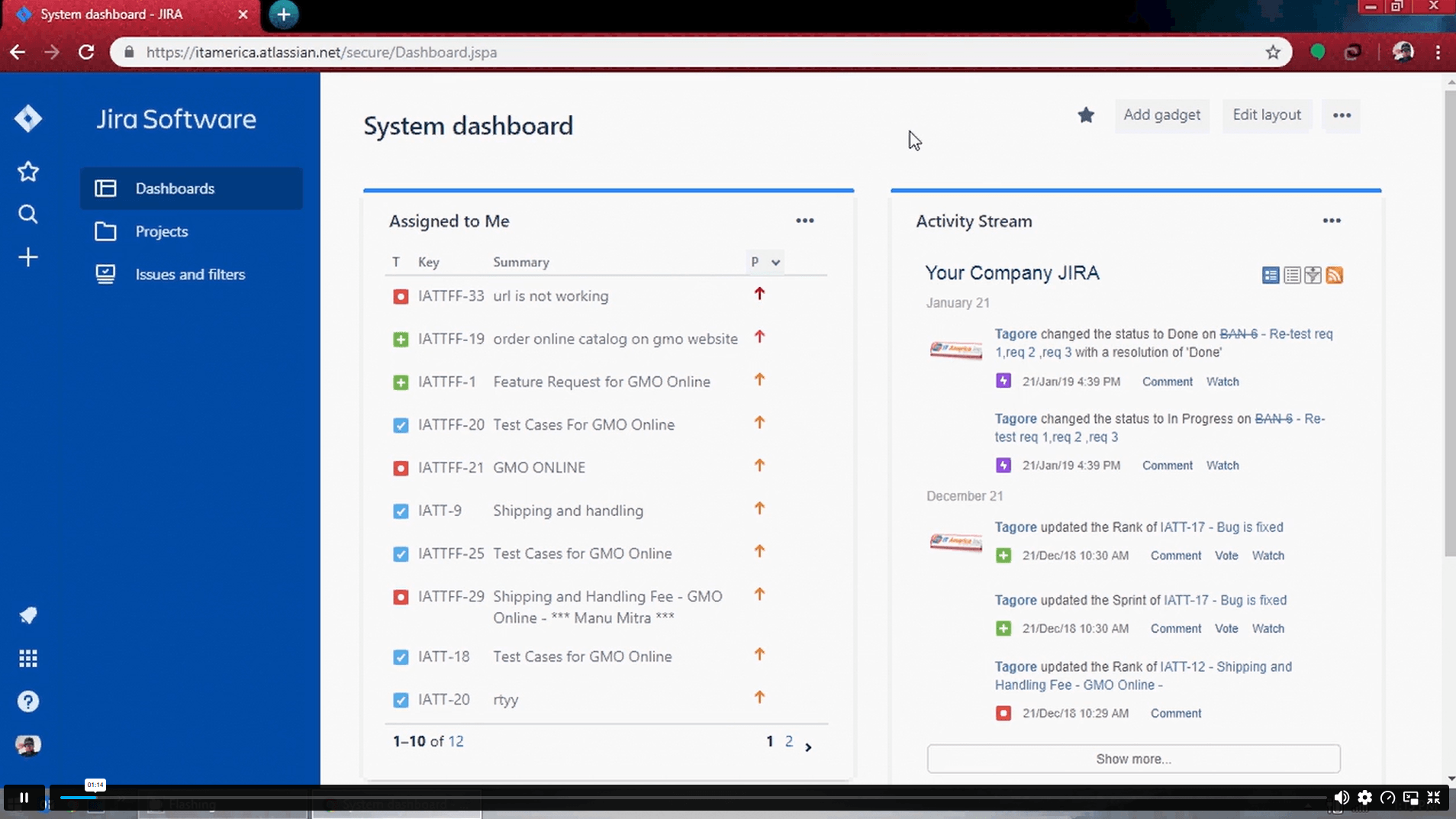
| Module 01: Introduction to Jira | 00:51:00 | ||
| Module 02: Creation of User Stories | 00:44:00 | ||
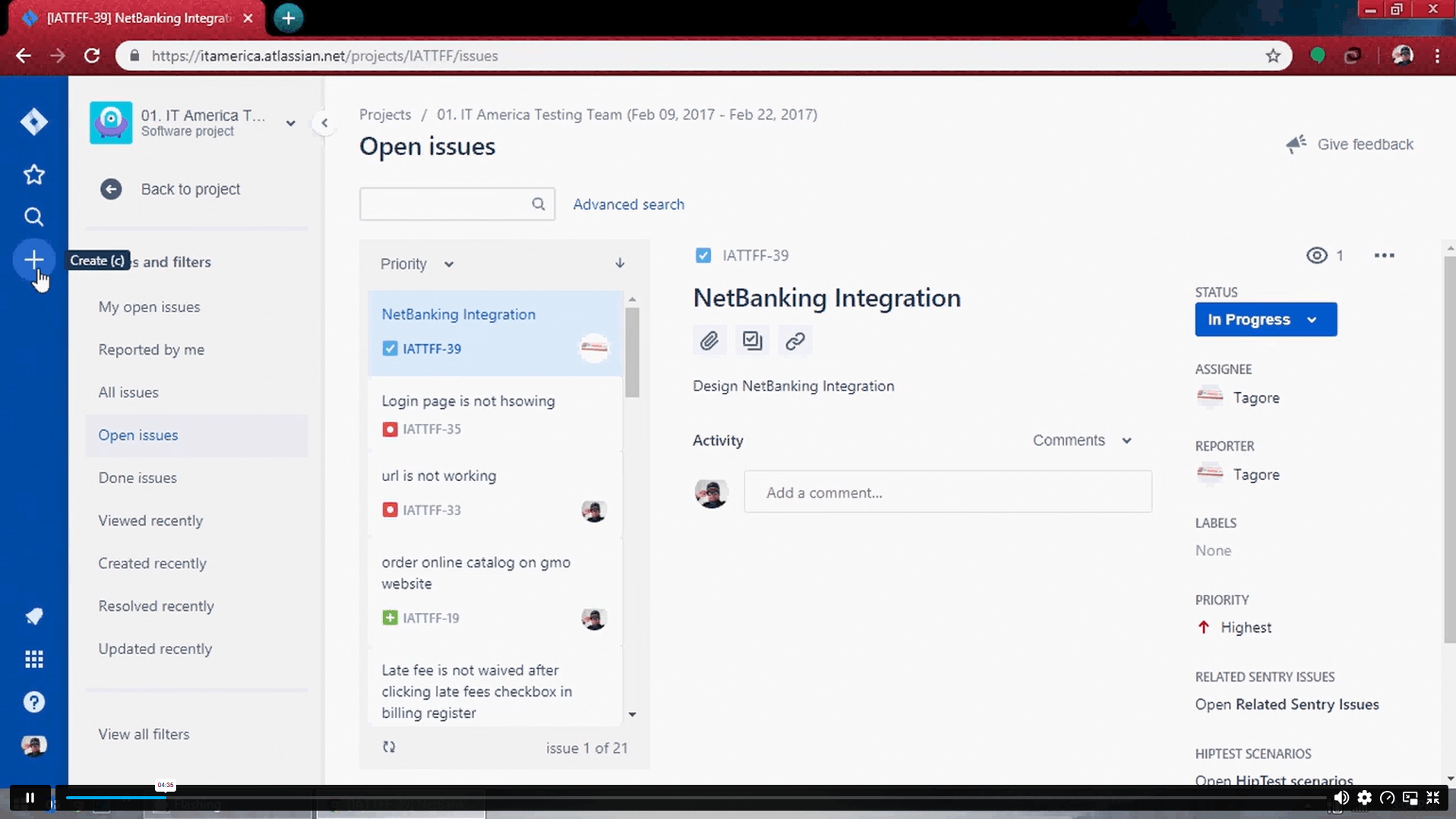
| Module 03: Creation of Test Cases | 00:58:00 | ||
| Module 04: Creation of Bugs and assigning to respective owner | 00:57:00 | ||
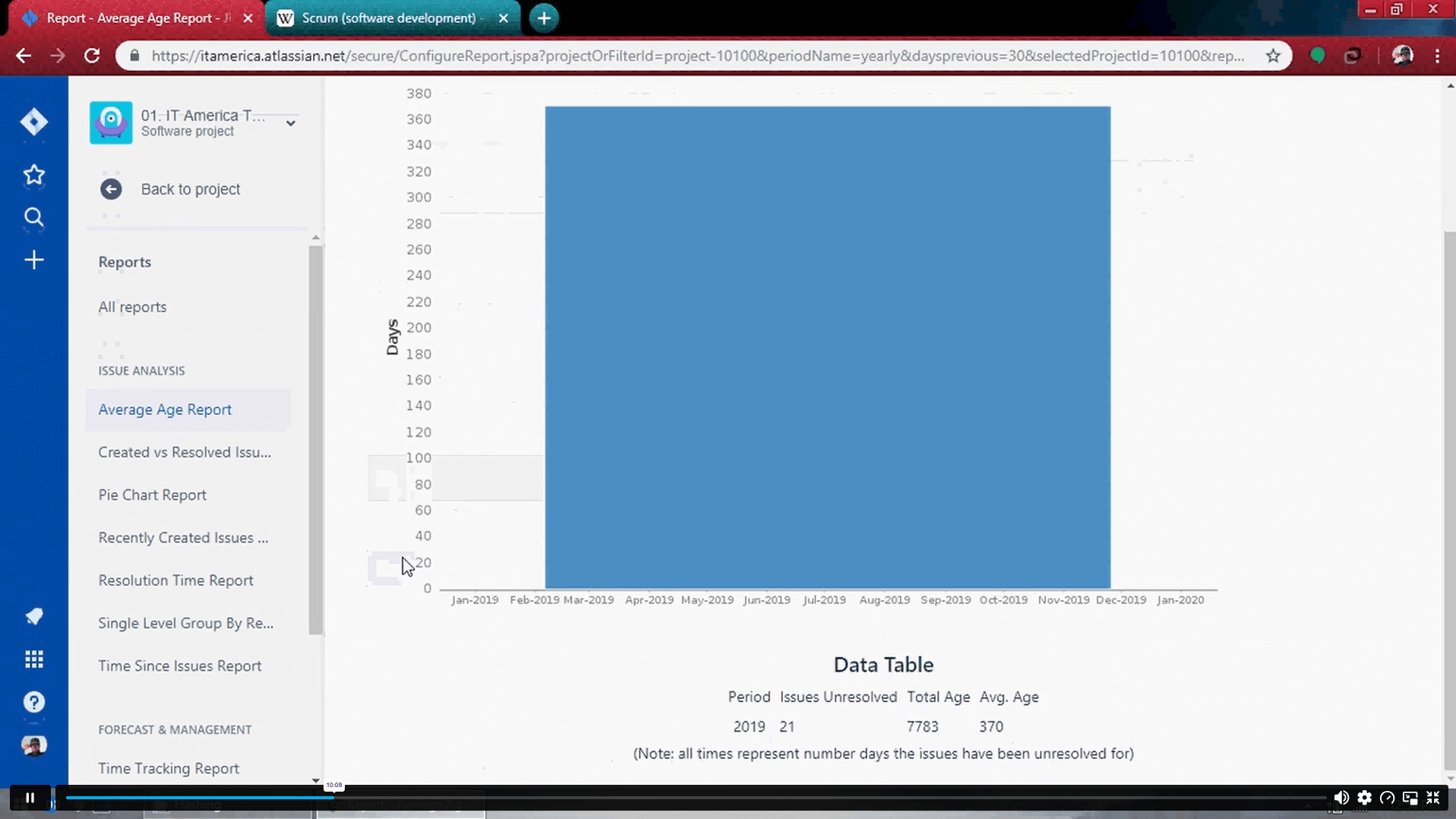
| Module 05: Creation of Reports | 00:48:00 | ||
| Module 06: Introduction on Confluence | 00:44:00 | ||
| Assignment | |||
| Assignment – Basic Jira and Confluence | 00:00:00 | ||

Yes, this course is designed for beginners who want to learn Jira and Confluence from the ground up. It explains the core features in a clear and structured way. No previous experience with these tools is required.
You will learn how to create user stories, manage test cases, track bugs, generate reports, and use Confluence for documentation. The course focuses on the key tasks commonly performed in project environments. These skills can support both technical and non-technical roles.
No, Jira is widely used across different industries to manage tasks, workflows, and projects. Many business, operations, and service teams also use Jira to organise work. The platform is flexible and supports various project types.
Confluence provides a central place for storing project documents, meeting notes, requirements, and team knowledge. It helps teams share information more effectively and maintain organised records. This improves communication and project visibility.
Yes, many employers value professionals who can use project management and collaboration tools effectively. Jira and Confluence skills are commonly requested in project, business analysis, software testing, and Agile-related roles. Learning these tools can strengthen your professional profile.
Exclusive Deal! 92% Off, Today Only!
Offer Ends Soon
 Take All courses for £49

 Access
 Level
Level
 Number of Units
 Duration
 Course Type
- £24.99
- 1 year
- Level 5
- Number of Units7
- Number of Quizzes0
- 5 hours, 2 minutes Gift this course
 14-Day Money-Back Guarantee
Exclusive Deal! 95% Off, Today Only!
Discounted Total:- 50% discount for orders of 10+ courses
- 60% discount for orders of 50+ courses
- 70% discount for orders of 100+ courses