


Basic Typescript
Overview Many beginners find modern web development confusing when they encounter strongly typed programming languages and unfamiliar coding concepts. Moving …
 242 Students

Course Curriculum
| Unit 01: Introduction | |||
| Module 01: What and why TypeScript | 00:02:00 | ||
| Module 02: TypeScript Playground | 00:04:00 | ||
| Module 03: Install TypeScript | 00:02:00 | ||
| Module 04: Install Visual Studio Code | 00:01:00 | ||
| Unit 02: Variables and Data Types | |||
| Module 01: Introduction | 00:03:00 | ||
| Module 02: First Program Using Visual Studio Code | 00:04:00 | ||
| Module 03: Use JS in a HTML | 00:02:00 | ||
| Module 04: Strings | 00:02:00 | ||
| Module 05: Boolean | 00:01:00 | ||
| Module 06: Any Type | 00:01:00 | ||
| Module 07: Homogenous Arrays | 00:03:00 | ||
| Module 08: Heterogenous Arrays | 00:01:00 | ||
| Module 09: Using alert confirm and prompt | 00:03:00 | ||
| Module 10: Comments | 00:02:00 | ||
| Module 11: Enum Type | 00:05:00 | ||
| Unit 03: Operators | |||
| Module 01: Arithmetic | 00:03:00 | ||
| Module 02: Assignment | 00:04:00 | ||
| Module 03: Comparison | 00:04:00 | ||
| Module 04: Logical | 00:04:00 | ||
| Module 05: Ternary | 00:03:00 | ||
| Unit 04: Flow Control Statements | |||
| Module 01: Introduction | 00:01:00 | ||
| Module 02: IF Else Ladder | 00:06:00 | ||
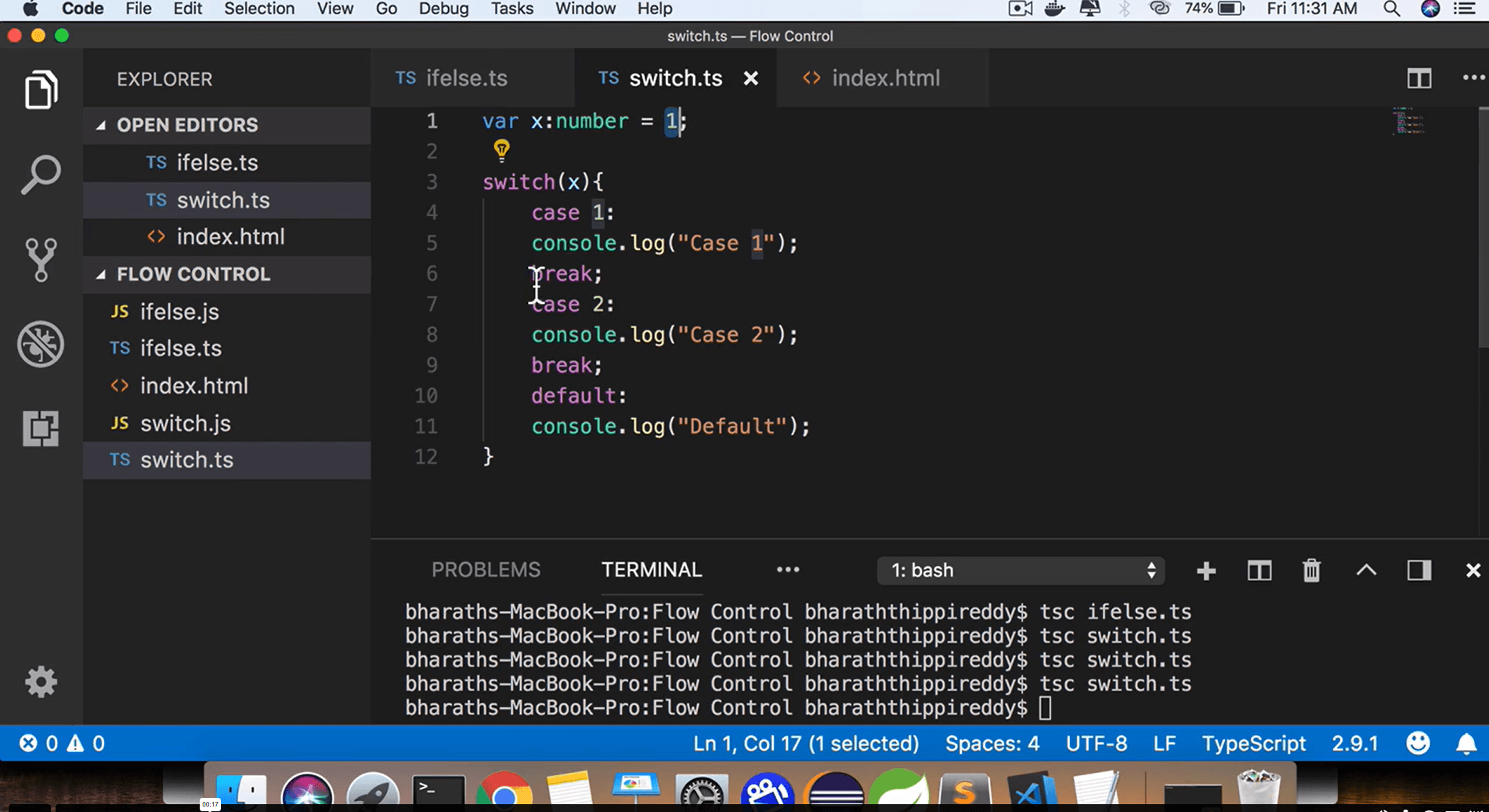
| Module 03: Switch | 00:04:00 | ||
| Module 04: Break and Case Flow | 00:03:00 | ||
| Module 05: While loop | 00:03:00 | ||
| Unit 05: Objects and Arrays | |||
| Module 01: Introduction | 00:02:00 | ||
| Module 02: Object Literal | 00:03:00 | ||
| Module 03: For-In Loop | 00:02:00 | ||
| Module 04: Arrays | 00:04:00 | ||
| Module 05: De-Structuring Arrays | 00:02:00 | ||
| Module 06: De-Structuring Objects | 00:02:00 | ||
| Unit 06: Functions | |||
| Module 01: Introduction | 00:02:00 | ||
| Module 02: First Function | 00:03:00 | ||
| Module 03: Passing a parameter | 00:01:00 | ||
| Module 04: Passing Multiple Parameters | 00:02:00 | ||
| Module 05: Optional Parameters | 00:04:00 | ||
| Module 06: Default Values | 00:01:00 | ||
| Module 07: Function as parameter | 00:02:00 | ||
| Module 08: Returning a function | 00:03:00 | ||
| Module 09: Anonymous Functions | 00:02:00 | ||
| Module 10: Overloading | 00:05:00 | ||
| Module 11: REST PARAMS | 00:05:00 | ||
| Module 12: Using a Type on REST PARAM | 00:01:00 | ||
| Unit 07: Arrow Functions | |||
| Module 01: Introduction | 00:02:00 | ||
| Module 02: First arrow function | 00:03:00 | ||
| Module 03: Passing Parameters | 00:03:00 | ||
| Module 04: Array of Arrow Functions | 00:03:00 | ||
| Unit 08: Variable Prefixes | |||
| Module 01: let | 00:03:00 | ||
| Module 02: const | 00:02:00 | ||
| Module 02: const functions | 00:02:00 | ||
| Module 04: declare | 00:01:00 | ||
| Unit 09: Interfaces | |||
| Module 01: Introduction | 00:02:00 | ||
| Module 02: Define an Object Interface | 00:03:00 | ||
| Module 03: Create and object | 00:03:00 | ||
| Module 04: Defining optional properties | 00:01:00 | ||
| Module 05: Interfaces are only compile time | 00:01:00 | ||
| Module 06: Function Interfaces | 00:04:00 | ||
| Module 07: Return Types in Functional interfaces | 00:02:00 | ||
| Module 08: Adding methods to Object Interfaces | 00:02:00 | ||
| Module 09: Array Interfaces | 00:03:00 | ||
| Module 10: String indexed Array Interfaces | 00:03:00 | ||
| Module 11: Extending interfaces | 00:06:00 | ||
| Unit 10: Classes | |||
| Module 01: Introduction | 00:01:00 | ||
| Module 02: Create a class | 00:03:00 | ||
| Module 03: Add a constructor | 00:04:00 | ||
| Module 04: Add Function properties | 00:02:00 | ||
| Module 05: Power of TypeScript | 00:01:00 | ||
| Module 06: Using for-in and instanceof | 00:04:00 | ||
| Module 07: Implementing an interface | 00:06:00 | ||
| Unit 11: Inheritance | |||
| Module 01: Introduction | 00:03:00 | ||
| Module 02: Extending a class | 00:05:00 | ||
| Module 03: Create Child Objects | 00:07:00 | ||
| Module 04: Inheriting Functionality | 00:04:00 | ||
| Module 05: Overriding | 00:03:00 | ||
| Unit 12: Access modifiers, Encapsulation and Static | |||
| Module 01: Public and readonly | 00:02:00 | ||
| Module 02: Encapsulation | 00:01:00 | ||
| Module 03: Private properties | 00:04:00 | ||
| Module 04: Accessor methods | 00:02:00 | ||
| Module 05: Using Static Properties | 00:04:00 | ||
| Module 06: More about static | 00:01:00 | ||
| Module 07: Static Methods | 00:03:00 | ||
| Unit 13: Type Casting | |||
| Module 01: String to numeric | 00:04:00 | ||
| Module 02: Using the toString method | 00:03:00 | ||
| Module 03: Object Casting | 00:02:00 | ||
| Unit 14: Modules | |||
| Module 01: Introduction | 00:01:00 | ||
| Module 02: Using Function Modules | 00:04:00 | ||
| Module 03: Import Aliasing and Alternate Export Syntax | 00:02:00 | ||
| Module 04: Default Exports | 00:02:00 | ||
| Module 05: Class Modules | 00:01:00 | ||
| Module 06: Aliasing class modules | 00:02:00 | ||
| Assignment | |||
| Assignment -Basic Typescript | 00:00:00 | ||

TypeScript is a programming language developed on top of JavaScript that adds static typing and additional development features. It helps developers write cleaner, more reliable code and identify errors earlier. Learning TypeScript can improve your coding efficiency and support modern web development projects.
Yes, this course is designed for beginners and starts with fundamental concepts before moving to more advanced topics. Lessons are presented in a structured manner to help learners build confidence gradually. No previous TypeScript experience is required to get started.
Basic JavaScript knowledge can be helpful, but it is not essential. The course explains core programming concepts and TypeScript features in an easy-to-follow way. Beginners can still understand the lessons and build a strong foundation for future learning.
You will learn how to work with variables, data types, functions, interfaces, classes, and modules. The course also covers object-oriented programming concepts such as inheritance and encapsulation. These skills are widely used in modern software and web development.
TypeScript is widely used in modern web applications and many development frameworks. Learning it can strengthen your programming knowledge and make it easier to work on larger projects. It is a valuable addition to the skill set of aspiring developers.
Exclusive Deal! 92% Off, Today Only!
Offer Ends Soon
 Take All courses for £49

 Access
 Level
Level
 Number of Units
 Duration
 Course Type
- £24.99
- 1 year
- Intermediate
- Number of Units91
- Number of Quizzes0
- 4 hours, 7 minutes Gift this course
 14-Day Money-Back Guarantee
Exclusive Deal! 95% Off, Today Only!
Discounted Total:- 50% discount for orders of 10+ courses
- 60% discount for orders of 50+ courses
- 70% discount for orders of 100+ courses