


Build an Android Studio Gallery App
Overview Build image-based apps with the Android Studio Gallery App course from Thames College. The UK digital sector accounted for …
 245 Students
Course Curriculum
| Build an Android Studio Gallery App | |||
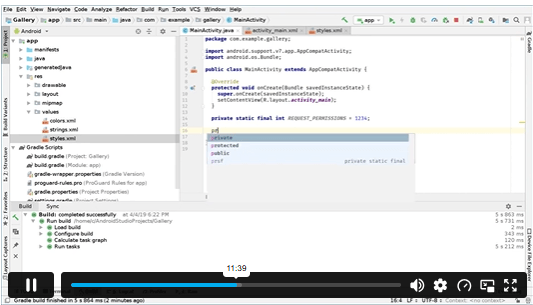
| Module 01: Android Studio Gallery App Setup and General Explanation | 00:23:00 | ||
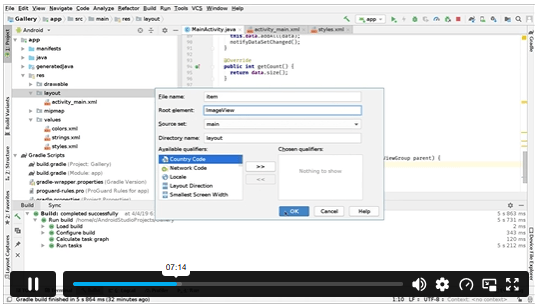
| Module 02: Listing and Displaying Images to the Ui | 00:23:00 | ||
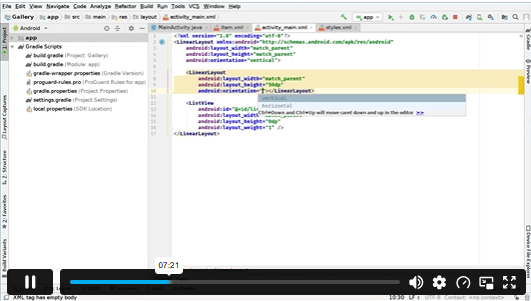
| Module 03: Displaying Image Name and Adding New Ui Elements | 00:24:00 | ||
| Module 04: Adding Feature to Delete and Rename Images | 00:28:00 | ||
| Module 05: Adding Feature to Share Image and Display Image Information | 00:29:00 | ||
| Module 06: Getting Image Resolution and Setting up Feature to Rotate Image | 00:36:00 | ||
| Module 07: Fixing Rotation Feature, Bug Fixes and General Improvements | 00:22:00 | ||
| Assignment | |||
| Assignment -Build an Android Studio Gallery App | 00:00:00 | ||

An Android Studio Gallery App course teaches learners how to build an image-based mobile app. It covers project setup, image listing, image display, UI elements, file actions, image details, rotation features and general app improvements.
Yes, this Android Studio course is suitable for beginners who want to learn mobile app development through a focused project. Basic coding knowledge may help, but the course explains gallery app features in a clear learning order.
You will learn how to set up a gallery app, list images, display image names, add UI elements, delete and rename images, share image details, check image resolution, rotate images and fix common app issues.
Yes, you can learn Android Studio online through flexible digital lessons. This allows you to study app development from home while building knowledge of Android projects, user interface design and image-based app features.
Some coding knowledge can help, especially when working with Android Studio projects. However, beginners can still start by learning app structure, UI elements, image handling and common feature-building steps through guided project-based lessons.
Exclusive Deal! 92% Off, Today Only!
Offer Ends Soon
 Take All courses for £49

 Access
 Level
Level
 Number of Units
 Duration
 Course Type
- £24.99
- 1 year
- Intermediate
- Number of Units8
- Number of Quizzes0
- 3 hours, 5 minutes Gift this course
 14-Day Money-Back Guarantee
Exclusive Deal! 95% Off, Today Only!
Discounted Total:- 50% discount for orders of 10+ courses
- 60% discount for orders of 50+ courses
- 70% discount for orders of 100+ courses