


Build Directory Website Using WordPress
Overview Build listing-based websites with the Build Directory Website Using WordPress course from Thames College. The UK Business Data Survey …
 242 Students

Course Curriculum
| Unit 01: Introduction | |||
| Introduction | 00:01:00 | ||
| Unit 02: Website Setup | |||
| Purchasing a Domain | 00:02:00 | ||
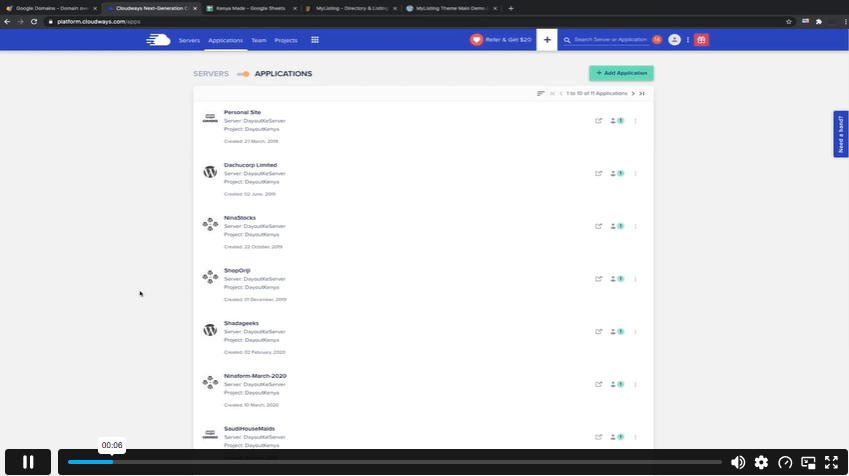
| Creating an application in external server (Cloudways) | 00:02:00 | ||
| Point a domain to an external server | 00:02:00 | ||
| Purchasing theme and downloading | 00:01:00 | ||
| Installing offline WordPress using Bitnami | 00:03:00 | ||
| Installing https certificate for better website security | 00:03:00 | ||
| Login to WordPress and routine updates | 00:02:00 | ||
| Installing Mylisting theme and plugins | 00:02:00 | ||
| Unit 03: Website Development | |||
| Preliminary planning | 00:03:00 | ||
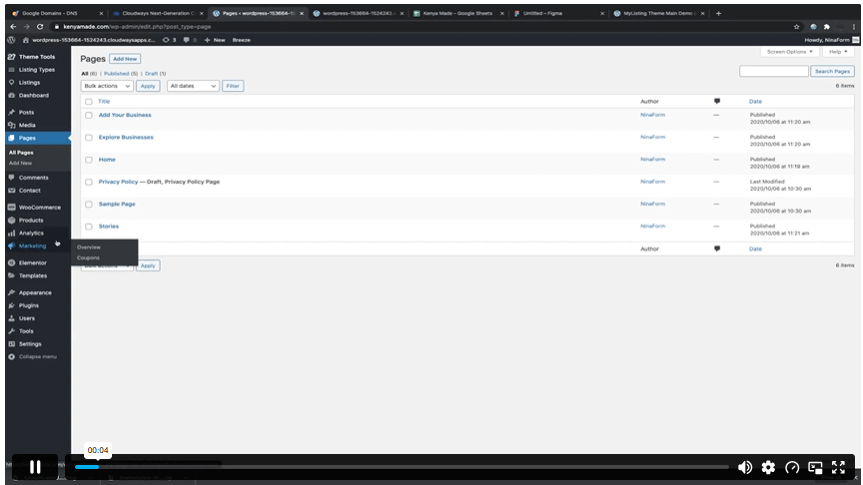
| Create Pages | 00:02:00 | ||
| Create main Menu | 00:02:00 | ||
| Creating user menu | 00:02:00 | ||
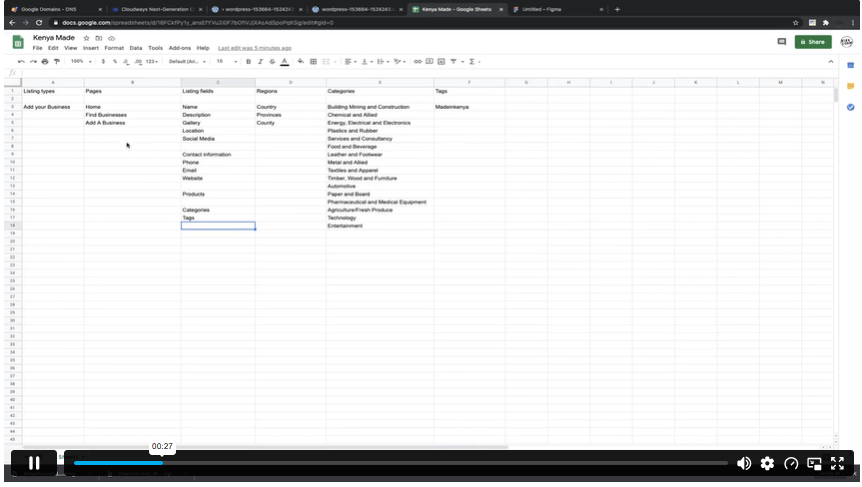
| Listing types and listing fields | 00:02:00 | ||
| How to use listing types for different businesses | 00:02:00 | ||
| Global listing type | 00:01:00 | ||
| Adding listing fields to a listing type | 00:03:00 | ||
| Creating a business listing | 00:04:00 | ||
| Creating frontend listing profile | 00:01:00 | ||
| Changing the listing layout | 00:02:00 | ||
| Listing settings | 00:01:00 | ||
| Listing tags | 00:01:00 | ||
| Listing regions | 00:01:00 | ||
| Listing categories | 00:01:00 | ||
| How to create mockup homepage using figma | 00:02:00 | ||
| Set default homepage | 00:01:00 | ||
| Using elementor to create the homepage | 00:05:00 | ||
| Create homepage sections | 00:05:00 | ||
| Creating FrontPage search bar | 00:02:00 | ||
| Editing FrontPage search form | 00:02:00 | ||
| Change website name | 00:02:00 | ||
| Customize header in theme options | 00:02:00 | ||
| Create explore pages | 00:03:00 | ||
| Change permalinks to get readable URLs | 00:01:00 | ||
| Setup blog page | 00:01:00 | ||
| Change website colour using theme options | 00:01:00 | ||
| Change listing header colour | 00:02:00 | ||
| Change favicon | 00:02:00 | ||
| Setup map section using mapbox | 00:03:00 | ||
| Setup woocommerce endpoint pages | 00:04:00 | ||
| Create my accounts page and fix user menu | 00:04:00 | ||
| Basic woocommerce setup | 00:01:00 | ||
| Create mylisting product for promoting listing | 00:05:00 | ||
| Create listing page for adding businesses | 00:03:00 | ||
| End | 00:02:00 | ||
| Assignment | |||
| Assignment -Build Directory Website Using WordPress | 00:00:00 | ||

A WordPress directory website lists businesses, services, places or resources in an organised way. It usually includes listing pages, search filters, categories, maps and contact details so visitors can find relevant information quickly.
Yes, this course is suitable for beginners who want to learn directory website creation with WordPress. It introduces setup, pages, menus, listings, search bars and map sections without requiring advanced coding knowledge.
You will learn domain setup, external server use, WordPress pages, menus, listing types, search forms, homepage design, map sections and listing pages. The course also introduces MyListing, Elementor and WooCommerce tools.
Yes, WordPress tools can help learners build directory websites without coding. Themes and page builders such as MyListing and Elementor can support listing pages, search sections, menus and visual website layouts.
A normal website may present general pages, services or content, while a directory website organises many listings into searchable categories. Directory websites often include filters, maps, listing profiles and structured information.
Exclusive Deal! 92% Off, Today Only!
Offer Ends Soon
 Take All courses for £49

 Access
 Level
Level
 Number of Units
 Duration
 Course Type
- £24.99
- 1 year
- Intermediate
- Number of Units46
- Number of Quizzes0
- 1 hour, 39 minutes Gift this course
 14-Day Money-Back Guarantee
Exclusive Deal! 95% Off, Today Only!
Discounted Total:- 50% discount for orders of 10+ courses
- 60% discount for orders of 50+ courses
- 70% discount for orders of 100+ courses