


Code Your Own Photo Editor App in Android Studio
Overview The Code Your Own Photo Editor App in Android Studio course is designed to help learners understand how to …
 0 Students

Course Curriculum
| Code Your Own Photo Editor App in Android Studio | |||
| Module 01: Setup Project and UI Elements | 00:30:00 | ||
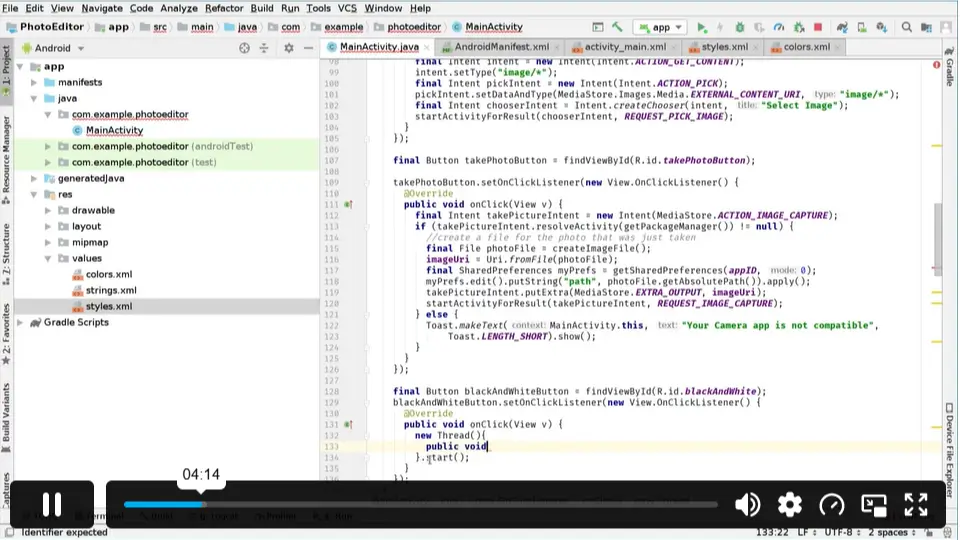
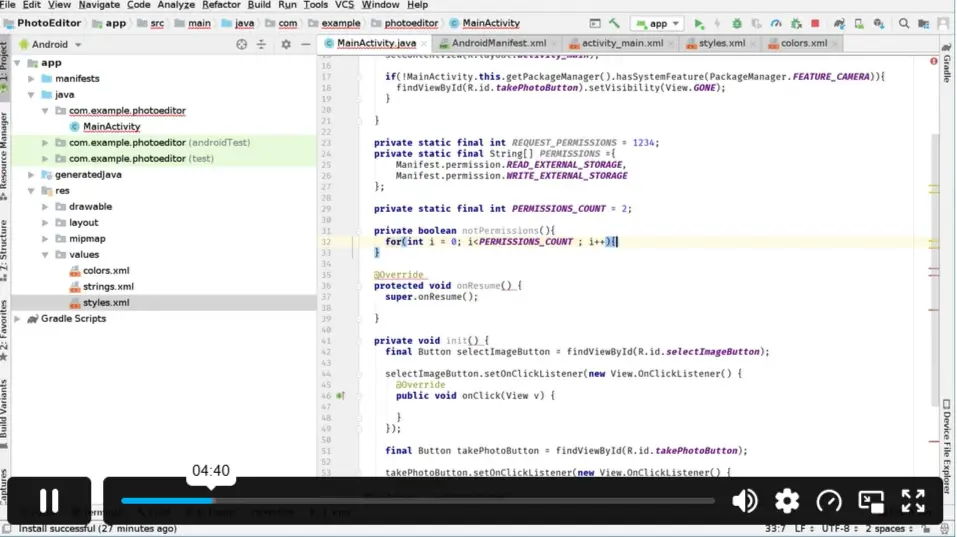
| Module 02: Requesting Permissions, Setting Up Click Listeners and Intents | 00:31:00 | ||
| Module 03: Creating Image Files, Receiving Intents, Showing and Hiding Views | 00:30:00 | ||
| Module 04: Receiving Image from Gallery or Camera, reading Image into a Bitmap | 00:30:00 | ||
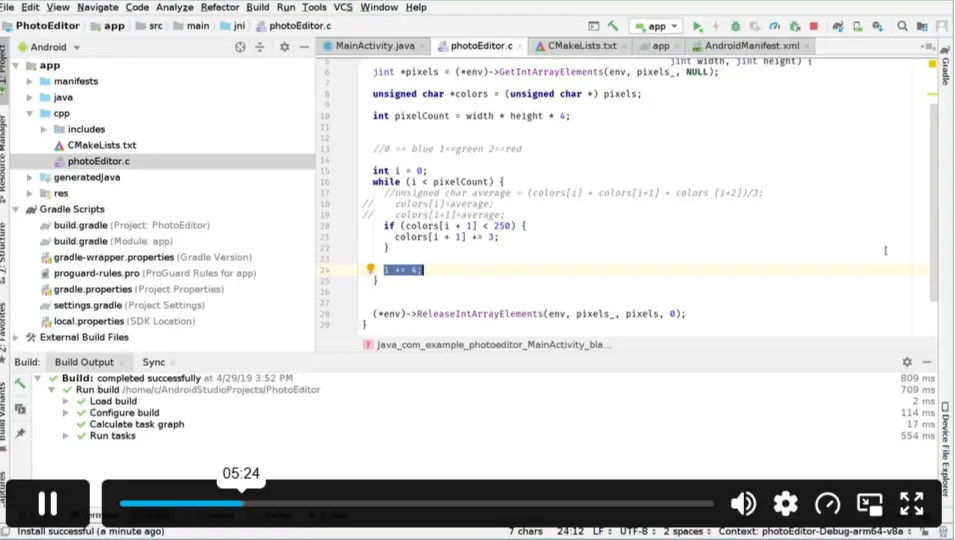
| Module 05: Modifying Colours and Calling Native Methods | 00:32:00 | ||
| Module 06: General Fixes, Save Image Feature and Go Back Feature | 00:26:00 | ||
| Assignment | |||
| Assignment -Code Your Own Photo Editor App in Android Studio | 00:00:00 | ||

This course teaches learners how to create a photo editor application using Android Studio. It covers project setup, image handling, permissions, UI elements, and app features. Learners gain practical knowledge of Android app development.
Yes, this course is suitable for beginners interested in Android development. It introduces important concepts step by step, helping learners understand how mobile applications are created and customised using Android Studio.
Creating a photo editor app involves setting up an Android project, designing the interface, managing images, adding editing features, and implementing saving options. This course guides learners through these development stages.
Learners will develop skills in Android Studio setup, image processing, UI creation, permissions management, and app functionality. The course helps build practical experience in developing an Android-based photo editing application.
Yes, the course provides practical knowledge of Android application development. It helps learners understand how different features work together when building a functional mobile app.
A beginner-friendly photo editor app development course should cover basic Android Studio tools, image handling, and application features. This course focuses on these essential areas to help learners create their own app.
The course is designed for learners interested in Android development and app creation. Basic familiarity with coding concepts may be helpful, but the course focuses on building practical understanding.
After completing the course, learners will understand the key steps involved in creating a photo editor application. They can apply these skills to continue developing and improving their own Android projects.
This course covers important features such as receiving images from a gallery or camera, modifying colours, saving images, and managing app navigation. These are essential functions for photo editing applications.
Yes, learners receive a CPD-accredited Certificate of Achievement after completion. The certificate provides recognition of your learning and can help demonstrate your Android development skills.
Exclusive Deal! 92% Off, Today Only!
Offer Ends Soon
 Take All courses for £49

 Access
 Level
Level
 Number of Units
 Duration
- £24.99
- 1 year
- Intermediate
- Number of Units7
- Number of Quizzes0
- 2 hours, 59 minutes Gift this course
 14-Day Money-Back Guarantee
Exclusive Deal! 95% Off, Today Only!
Discounted Total:- 50% discount for orders of 10+ courses
- 60% discount for orders of 50+ courses
- 70% discount for orders of 100+ courses