


Microsoft Access for Beginners
Overview Learn how to use Microsoft Access (Microsoft 365) to turn messy spreadsheets into neat, professional databases. This course is …
 183 Students

Course Curriculum
| Module 01 | |||
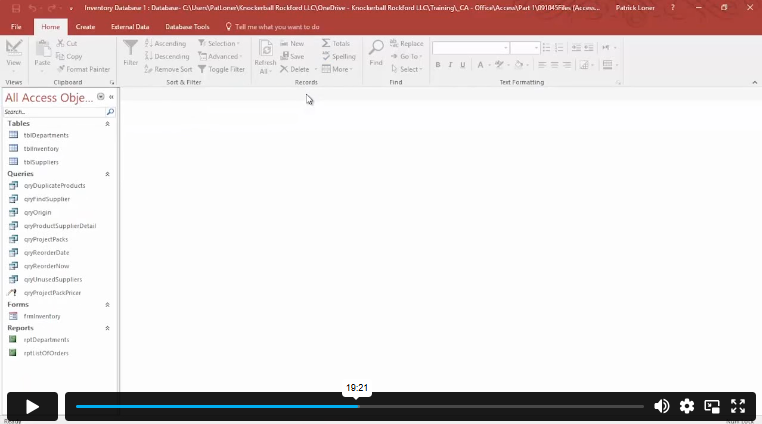
| Orientation to Microsoft Access | 00:39:00 | ||
| Create a Simple Access Database | 00:10:00 | ||
| Get Help and Configure Options in Microsoft Access | 00:06:00 | ||
| Module 02 | |||
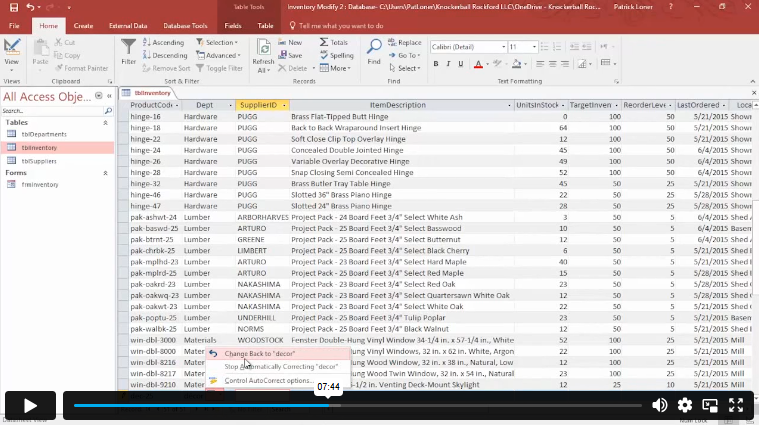
| Modify Table Data | 00:17:00 | ||
| Sort and Filter Records | 00:05:00 | ||
| Module 03 | |||
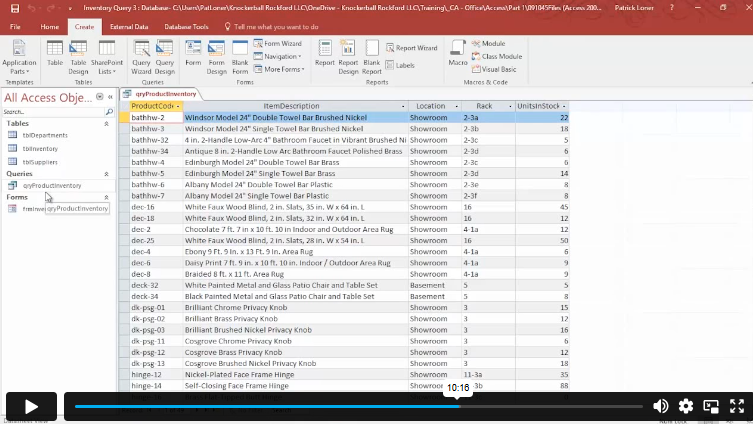
| Create Basic Queries | 00:15:00 | ||
| Sort and Filter Data in a Query | 00:14:00 | ||
| Perform Calculations in a Query | 00:08:00 | ||
| Module 04 | |||
| Create Basic Access Forms | 00:07:00 | ||
| Work with Data on Access Forms | 00:23:00 | ||
| Module 05 | |||
| Create a Report | 00:12:00 | ||
| Add Controls to a Report | 00:12:00 | ||
| Enhance the Appearance of a Report | 00:05:00 | ||
| Prepare a Report for Print | 00:03:00 | ||
| Organize Report Information | 00:15:00 | ||
| Format Reports | 00:12:00 | ||
| Workbooks | |||
| Workbooks: Microsoft Access for Beginners | 00:00:00 | ||
| Mock Exam | |||
| Mock Exam- Microsoft Access for Beginners | 00:20:00 | ||
| Final Exam | |||
| Final Exam- Microsoft Access for Beginners | 00:20:00 | ||
| Assignment | |||
| Assignment – Microsoft Access for Beginners | 1 week, 2 days | ||

Course Reviews
No Reviews found for this course.
No prior experience is required. This course is designed for complete beginners. Everything is explained step by step, from the very basics to building your own database.
This course is based on Microsoft Access 365, the most up-to-date version included in Microsoft 365.
No. While basic Excel knowledge can help, it is not required. The course focuses fully on Microsoft Access and explains everything clearly.
You can study at your own pace. Most learners complete the course within a few weeks of part-time study, but you will have one year of access to finish comfortably.
Yes. Upon successful completion, you will receive a Quality Licence Scheme endorsed certificate. A CPD Accredited certificate is also available.
Exclusive Deal! 95% Off, Today Only!
Offer Ends Soon
 Take All courses for £49

 Access
 Level
Level
 Number of Units
 Duration
 Course Type
- Original price was: £424.00.£29.99Current price is: £29.99.
- 1 year
- Level 7
- Number of Units18
- Number of Quizzes2
- 1 week, 2 days Gift this course
 14-Day Money-Back Guarantee
Exclusive Deal! 95% Off, Today Only!
Discounted Total:- 50% discount for orders of 10+ courses
- 60% discount for orders of 50+ courses
- 70% discount for orders of 100+ courses